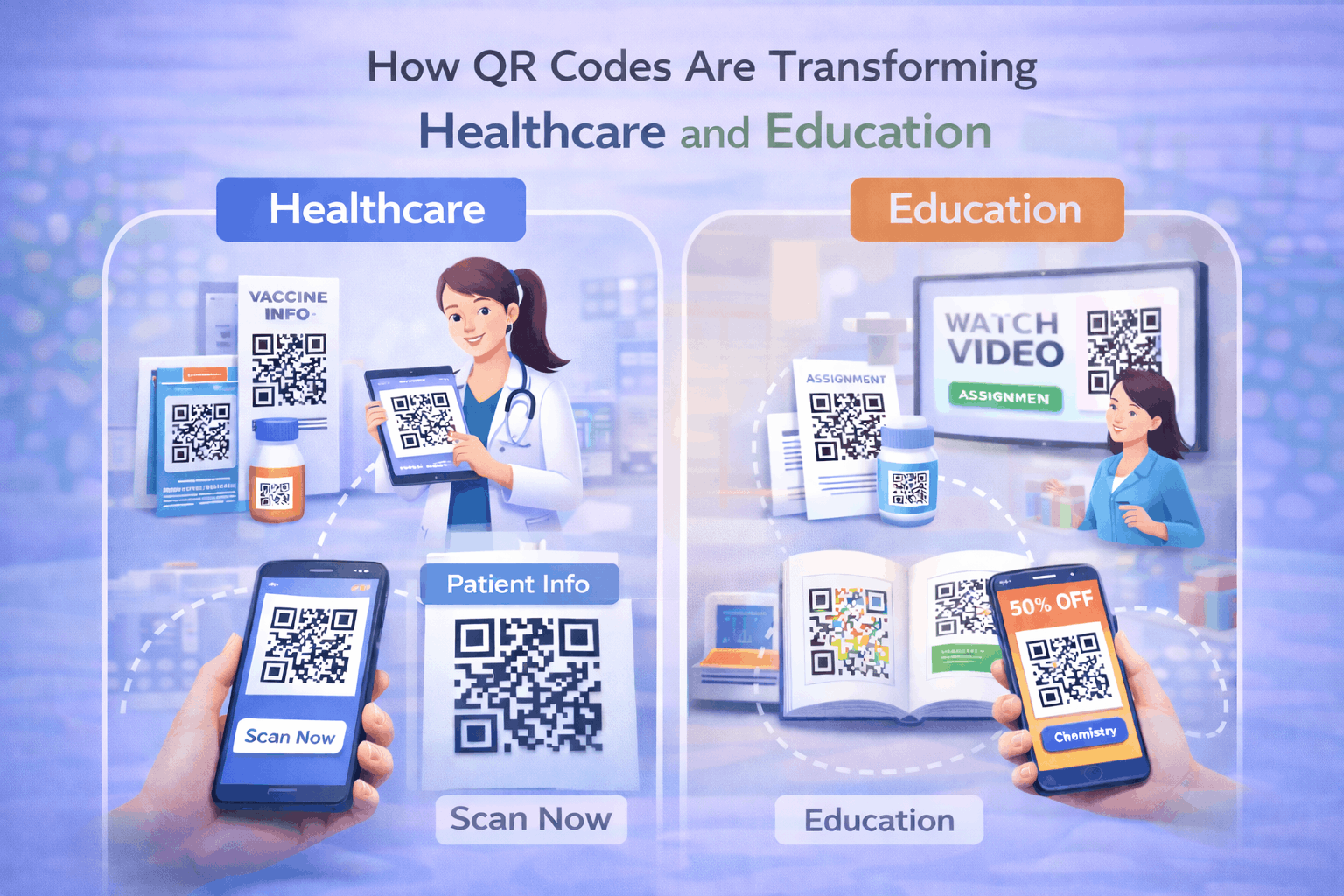
QR codes are helping healthcare providers and educational institutions bridge physical environments with digital access. From patient information and medicine authentication to interactive learning materials and campus navigation, QR codes support both engagement and operational efficiency. This guide explains how QR codes are used across healthcare and education, their shared benefits, and how to implement them effectively using the right QR code types.
Why QR Codes Matter in Healthcare and Education
Healthcare and education environments rely heavily on accurate information, accessibility, and operational efficiency. QR codes provide a simple way to connect physical spaces such as hospitals, clinics, classrooms, and campuses with digital content. By scanning a QR code, patients or students can instantly access forms, documents, instructions, schedules, or digital resources without manual searching. For administrators, QR codes streamline workflows, reduce paper dependency, and improve communication. This balance of engagement and efficiency makes QR codes valuable in both sectors.
How QR Codes Are Used in Healthcare
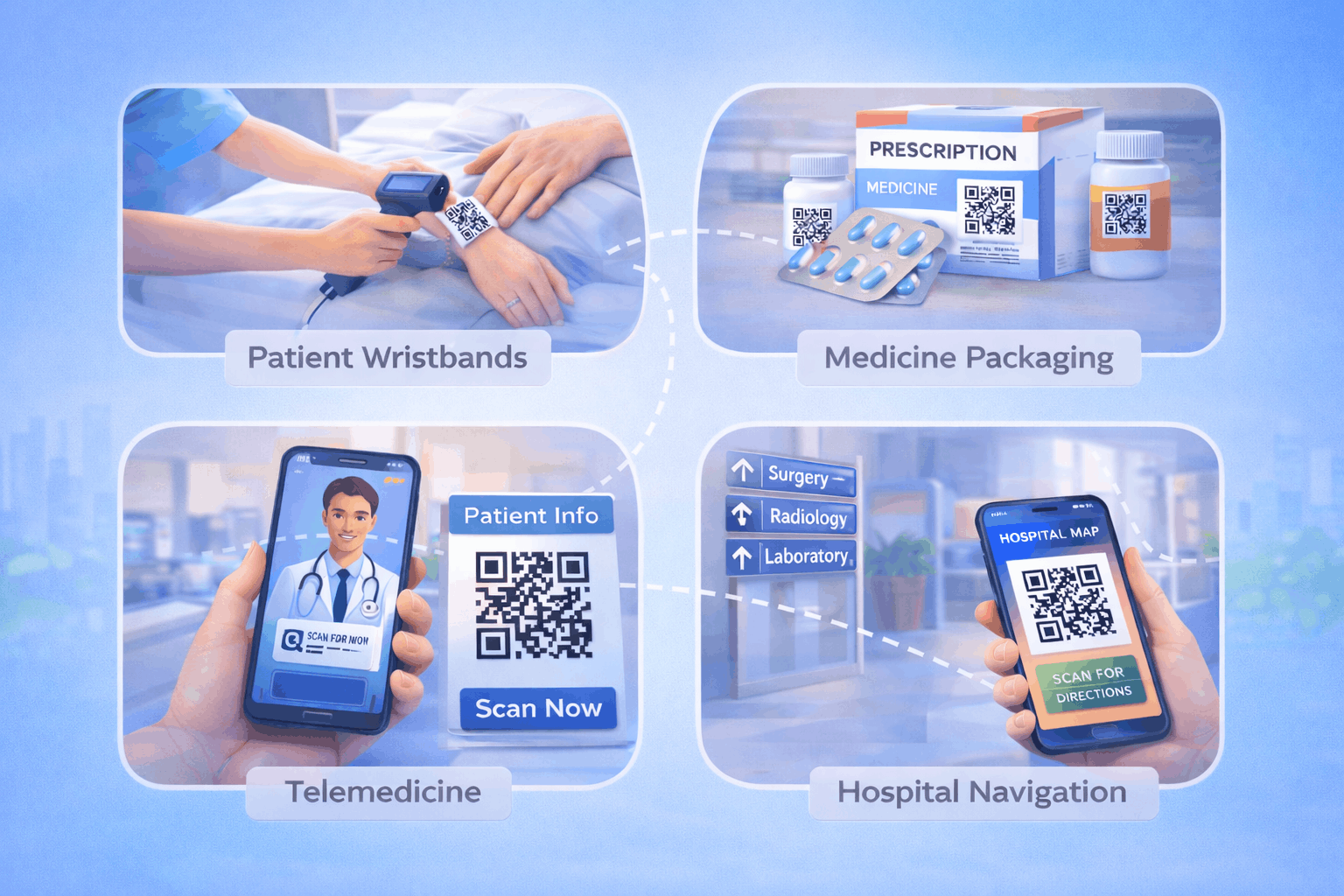
a) Patient information access
Hospitals and clinics can use QR codes to provide patients with access to discharge instructions, treatment plans, or appointment details. A link qr code placed on printed documents or hospital boards can guide patients to secure digital portals or informational pages. This improves clarity while reducing repeated inquiries at help desks.
b) Medicine packaging and authentication
QR codes on medicine packaging help verify authenticity and provide dosage instructions. Scanning a QR code can direct patients to official product information or safety guidelines. A file qr code can also allow downloadable leaflets or usage manuals in digital format, ensuring patients always access the most updated information.
c) Contactless check-ins and appointments
Healthcare facilities can streamline patient flow by using QR codes for check-in and appointment confirmations. A QR code linked to a form allows patients to confirm visits or update details digitally, reducing paperwork and wait times. A form qr code can simplify patient registration and data collection at entry points.
d) Health awareness campaigns
Public health campaigns often rely on posters, brochures, and community outreach. QR codes can connect audiences to vaccination schedules, awareness videos, or educational resources. A landing page qr code can direct users to campaign-specific pages where information can be updated without replacing printed materials.
e) Digital health records and telemedicine
QR codes can facilitate secure access to telemedicine portals or digital health summaries. Patients may scan codes to access appointment links or medical summaries online. Using a dynamic qr code generator allows healthcare providers to update content securely without reprinting materials.
How QR Codes Are Used in Education
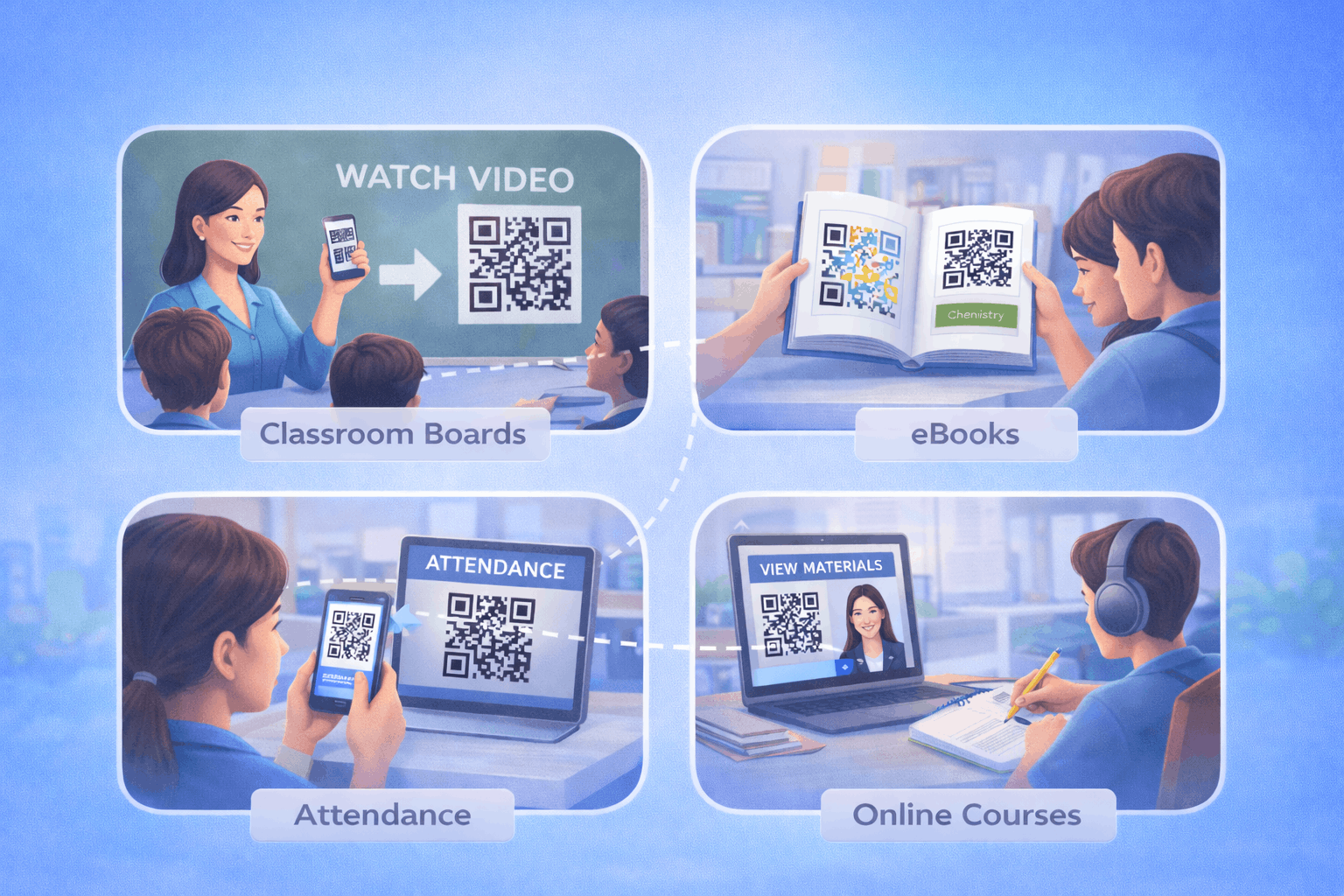
a) Interactive learning materials
Educators can embed QR codes into textbooks, worksheets, and presentations to link students to videos, simulations, or supplementary materials. A link qr code can direct students to curated digital content, enhancing engagement beyond printed pages.
b) Digital assignments and quizzes
Teachers can use QR codes to distribute assignments or quizzes hosted online. Students can scan a code to access forms or learning management systems, simplifying submission workflows and reducing printed materials.
c) E-libraries and research access
Libraries and research centers can use QR codes to provide direct access to digital catalogs or databases. A file qr code may allow students to download academic papers, research guides, or study materials instantly.
d) Campus navigation and event check-ins
Large campuses benefit from QR codes that link to maps and navigation tools. A wi-fi qr code can also help students connect to campus networks quickly without manually entering passwords. Event check-ins for seminars or workshops can be managed efficiently using QR codes linked to registration pages.
e) Student engagement and gamification
QR codes can support interactive quizzes, treasure hunts, or campus engagement activities. Scanning QR codes placed around campus can unlock content or learning modules, making education more participatory and engaging.
Shared Benefits Across Healthcare and Education
Both healthcare providers and educational institutions benefit from improved accessibility, reduced paperwork, and real-time content updates. QR codes reduce operational friction by digitizing routine processes such as registrations and information sharing. They also enhance user experience by enabling quick access to relevant resources. By using centralized systems like QR Code Types, institutions can manage different use cases efficiently from one platform.
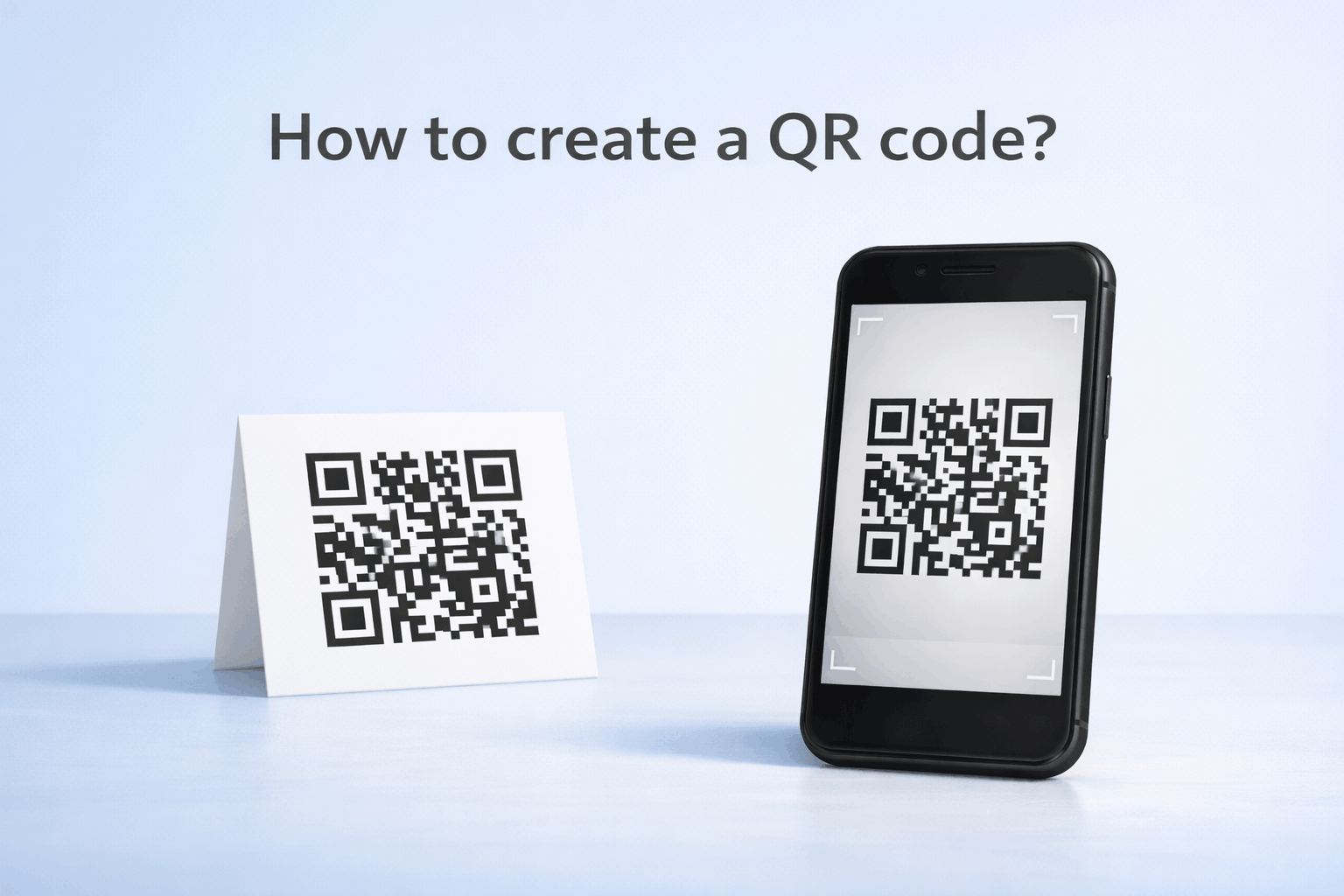
How to Create QR Codes for Healthcare and Education (Step by Step)
Creating QR codes for healthcare and education follows a simple three-step process.
- 1
Choose your QR code type: Select the relevant option from the available QR Code Types based on your specific need, such as link, file, form, Wi-Fi, or landing page QR codes.
- 2
Enter details or upload and Customize: Add your secure portal link, downloadable file, form URL, or network credentials. Customize the QR code while maintaining strong contrast and readability.
- 3
Download and Share: Generate the QR code, download it in your preferred format, and test it across devices. Place it on documents, notice boards, classroom materials, or facility signage.
Tools like the QR Code Generator on Enqode QR follow this same flow, allowing institutions to manage multiple QR codes effectively.
Static vs Dynamic QR Codes for Healthcare and Education
Static QR codes contain fixed information and are suitable for content that does not change frequently. Dynamic QR codes allow administrators to update links without reprinting materials, which is especially useful for changing schedules, medical updates, or course content. For a deeper comparison, refer to Static vs Dynamic QR Codes: When and Why to Use Each. Dynamic QR codes also support tracking and analytics, helping institutions monitor engagement responsibly.
Best Practices for Using QR Codes in Regulated Environments
Healthcare and education often operate under strict privacy and compliance requirements. QR codes should link only to secure and authorized digital resources. Sensitive data should not be embedded directly in static QR codes. Clear labelling should explain what users will access before scanning. QR codes should be tested regularly to ensure they redirect correctly and remain functional. Mobile optimization is essential since most users scan using smartphones.
Frequently Asked Questions
- Are QR codes secure for healthcare use?
QR codes themselves are secure when linked to trusted and encrypted platforms. Institutions must ensure proper access controls and compliance with data protection regulations.
- Can QR codes improve student engagement?
Yes. QR codes can link to interactive content, quizzes, and multimedia resources, making learning more engaging and accessible.
- Do QR codes reduce administrative workload?
Yes. QR codes simplify registrations, information sharing, and document distribution, reducing manual processes.
Conclusion
QR codes are transforming healthcare and education by improving accessibility, engagement, and operational efficiency. From patient information and telemedicine to interactive learning and campus navigation, QR codes provide flexible solutions that bridge physical and digital environments. By selecting the right QR code types and following best practices, institutions can create scalable systems that enhance both user experience and administrative workflows.