Generate fully customised QR codes with color, shape, and logo, and track every scan in real time. Quick, hassle-free, and built for teams that scan in the real world.
No credit card to start27 QR code typesUnlimited Static QR Codes
enqodeqr.com/link-qr-code-generator
Custom Designs
Real-time analytics
AWS secured
Create Your QR Code in 3 Easy Steps
Pick a type, customise it to your brand, and download in seconds.
Create Your QR Code in 3 Easy Steps
Pick a type, customise it to your brand, and download in seconds.
2
Enter Details
Link QR Code Generator
Where users land after scanning — e.g. https://example.com, example.com or www.site.com.
Customisation(Optional)
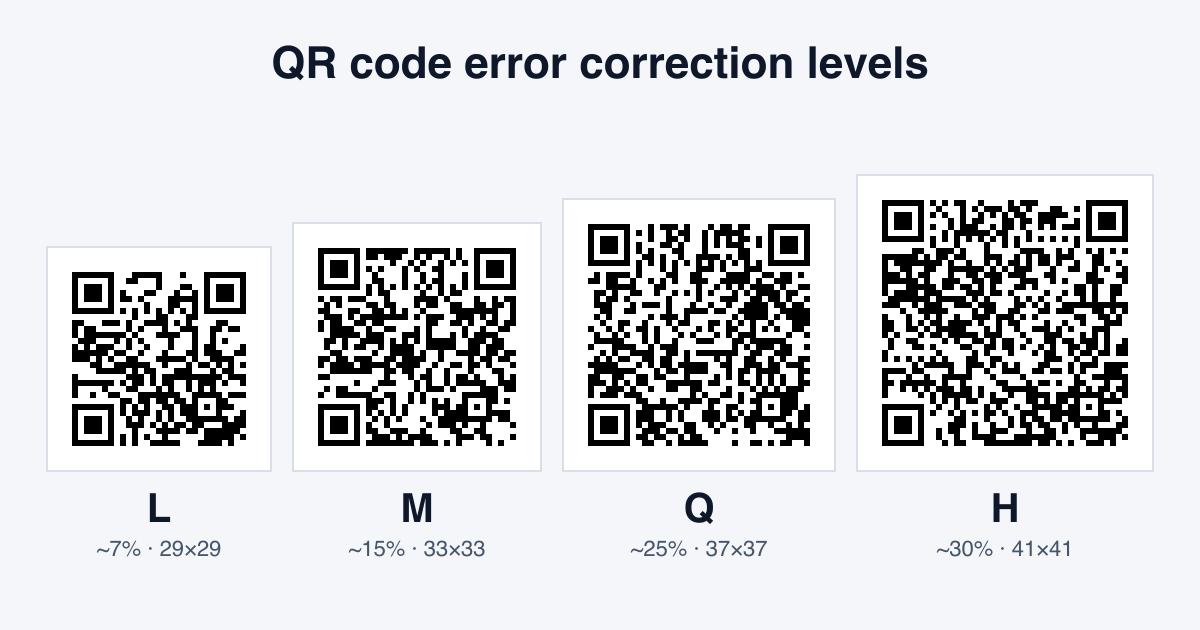
Classic and Fluid scan most reliably. Dots looks great but needs strong contrast and a decent print size — we raise error correction automatically to keep it readable.
Features That Make Enqode QR the Best QR Code Generator
Packed with powerful capabilities, Enqode QR helps you generate branded, editable, and trackable QR codes that fit seamlessly into your marketing and business strategy.
Unlimited Free Static QR Codes
Create as many free static QR codes as you need — they work forever, no cap.
Dynamic QR Codes with Real-Time Editing
Update your QR code content anytime without reprinting. Print once, edit forever.
27 QR Code Types for Every Need
Support for links, files, vCards, Wi-Fi, apps, payments, and many more.
Advanced Customization & Branding
Add colors, logos, frames, and gradients to match your brand identity.
Scan Tracking & Analytics
Monitor scans by time, device, and location with detailed real-time insights.
Custom QR Code Landing Pages
Create branded business landing pages directly from your QR codes.
Bulk Creation & Dashboard Management
Generate and manage thousands of QR codes from one central dashboard.
Expiry Dates & Scan Limits
Set an end date or a scan limit so time-sensitive QR codes switch off when your campaign ends.
Powerful Analytics Dashboard
Track every scan as it happens and turn raw data into decisions. Filter by date, location, device, OS, and browser, then export everything to plug into your existing reporting.
Real-time scan stream
See scans land in seconds, with city, device, OS, and time of day on every event.
Geographic data
Drill down from country to city, with heat-map overlays.
Device insights
iOS, Android, browser and OS version split for every QR.
Performance metrics
Compare campaigns side by side and export to CSV or your BI tool.
Choose the right QR code type for your needs. Compare features and capabilities side by side.
RECOMMENDED
Dynamic QR Code
Editable content
Dynamic QR codes allow you to edit the destination and track performance in real-time. Perfect for marketing campaigns and business use.
Editable anytime without reprinting
Professional marketing, business growth & long-term campaigns
Paid plans only
Full analytics: scans by time, device, operating system, browser, location
Password protection, expiry dates, access limits
Colors, frames, logos + custom domains
Multi-URL, device/location-based redirects
Central dashboard with editing & monitoring
API & marketing integrations
Bulk creation, team access, remarketing-ready
Static QR Code
Fixed content
Static QR codes contain fixed information that cannot be changed once generated. Perfect for simple use cases where the content won't change.
Fixed, cannot be changed after creation
One-time personal sharing, student projects, print flyers
Free forever, unlimited codes
Not available
No advanced security options
Colors, frames & logos
One QR = one destination
Not linked to a dashboard
Not supported
Basic, one-time use
Privacy-First Security, powered by AWS
At Enqode QR, every code you create is protected with Privacy-First Security, advanced encryption, and AWS-powered infrastructure. From personal users and startups to global enterprises, you'll always get the same unmatched reliability, privacy, and peace of mind.
How to Create a QR Code with Enqode QR
Creating a QR code with Enqode QR is quick and simple. In just three steps, you can generate, customize, and share QR codes online for personal or business use.
01
Choose Your QR Code Type
Select the QR code type that matches your use case. Enqode QR supports 27 QR code types for personal and business needs.
Link
File
vCard
Menu
Social
Multi-URL
Wi-Fi
App Store
Payment
Video
Landing
Image
Create Link QR Code
02
Enter Your Details & Customize
Add your content and customize your QR code’s appearance. Create static or dynamic codes and adjust the design to fit your brand.
Static
Dynamic
https://your-website.com
CUSTOMIZE DESIGN
PATTERN
EYE
COLOUR
Add Brand Logo
Generate QR Code
03
Download and Share
Download your QR code in high-quality formats and use it across digital or print channels with unlimited scans.
A QR code, short for Quick Response code, is a two-dimensional barcode used to store information such as website URLs, files, contact details, app links, and other digital content. QR codes can be scanned using a smartphone camera or a QR code scanner to access information instantly.
QR codes work by encoding data into a grid of black and white squares that represent the stored information. When a QR code is scanned, the device reads this pattern and decodes the data, allowing users to open links or view content quickly without typing a URL manually. Because of their speed and ease of use, QR codes are widely used across print and digital media to connect offline and online experiences.
FAQs – Everything You Need to Know
Find quick answers to the most common questions about Enqode QR's features, free plan, dynamic codes, and security standards.
A QR code generator is a digital tool that converts information into a scannable QR code. This information can include website links, files, contact details, app links, or other digital content that users can access instantly by scanning the code with a smartphone or QR scanner.
When you create a QR code using a QR code generator, the data is encoded into a two-dimensional barcode that can be read quickly and accurately. Tools like Enqode QR make this process simple by providing an easy-to-use interface that handles the encoding in the background.
Using a QR code generator helps simplify how information is shared and accessed. QR codes eliminate the need for manual typing, reduce friction for users, and work seamlessly across print and digital formats. Businesses and individuals use QR codes to improve engagement, streamline access to content, and connect offline experiences with online actions.
QR stands for "Quick Response." QR codes are designed to be scanned quickly using a smartphone or QR code scanner to access digital content.
QR code generators typically support two types of QR codes: static and dynamic. Static QR codes contain fixed information that cannot be changed after creation. Dynamic QR codes, on the other hand, allow you to update the destination content, track scans, and manage performance over time.
Yes. Enqode QR is designed to be simple and intuitive, allowing beginners to create and manage QR codes without any technical knowledge.
A QR code encoder is the technical process that converts data into a QR code. A QR code generator like Enqode QR provides a user-friendly interface that performs this encoding automatically.
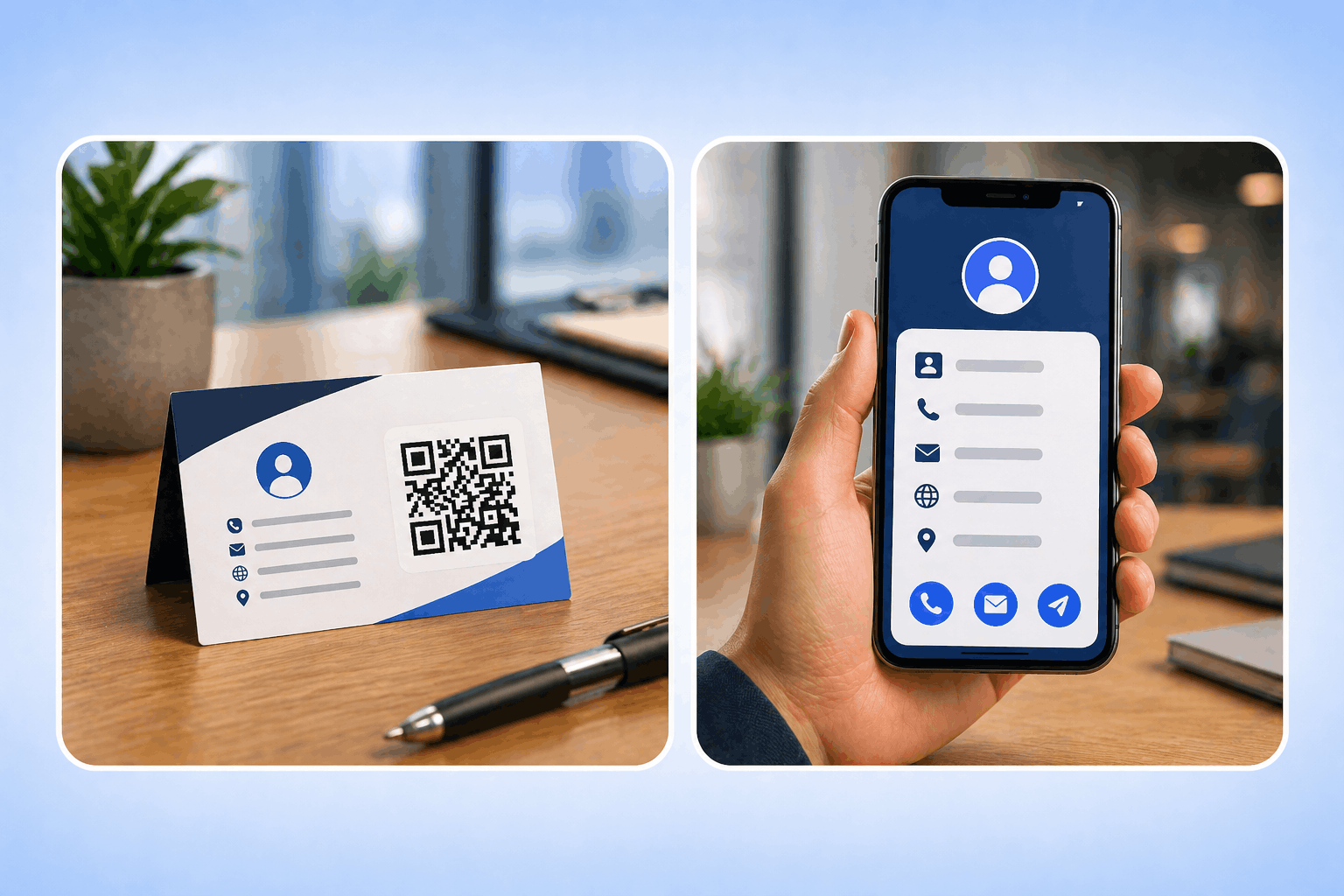
QR codes are widely used because they make it easy to connect physical and digital experiences. They are commonly used on packaging, posters, menus, business cards, and advertisements to provide quick access to online content, improve user convenience, and reduce friction.
A static QR code encodes its destination directly into the dot pattern. Once printed, the destination cannot be changed.
Yes — the QR codes themselves work forever. You can generate as many static QR codes as you need.
Pick a static QR when the destination will never change — print flyers, student projects, one-time personal sharing.
Absolutely. Add brand colors, eye patterns, a logo, and gradients before downloading.
A dynamic QR routes through Enqode QR, so you can change the destination, track every scan, and run experiments without reprinting anything.
No. Freemium includes 3 dynamic QR codes for 3 months. Paid plans include more, from 20 on Starter up to 1,000 on Enterprise.
Yes. Update the destination URL at any time and existing prints will redirect to the new content.
Yes. Every dynamic QR code includes real-time scan tracking, so you can monitor total scans, locations, devices, and performance from your dashboard.
Yes. Enqode QR offers tracking and analytics for dynamic QR codes, allowing you to monitor scan activity and evaluate performance from a centralized dashboard.
Total scans, unique scans, scan locations down to city level, device/OS/browser breakdowns, and timestamps for every scan.
Yes. Scans land in your dashboard within seconds and the live stream view updates as it happens.
Yes. With dynamic QR codes, Enqode QR lets you view total scan counts and track how your QR codes are being used over time.
Freemium includes 1,000 scans. Every paid plan includes unlimited scans.
Yes. Dynamic codes support password protection, expiry dates, and per-scan access limits.
Yes, QR codes themselves are safe. The risk comes from malicious links. Enqode QR ensures safety by offering privacy first security, HTTPS-secured URLs, and real-time monitoring to prevent misuse.
Yes. QR codes generated with Enqode QR are created using secure infrastructure and best practices to protect your data and ensure reliable scanning. Whether you’re sharing links, files, or dynamic content, your QR codes are safe to use across digital and print environments.
Yes. Enqode QR follows strict GDPR and global data privacy regulations. User data is never sold or misused.
Yes. You can get started with Enqode QR and create QR codes easily. Advanced features such as advanced analytics and password protection are available through paid plans.
Static QR codes are free. Paid plans start at Starter and go up to Enterprise. Freemium lasts 3 months.
Existing static QR codes keep working forever. Dynamic codes pause until you pick a paid plan, but no data is deleted.
Yes. Static QR codes are always free. Dynamic QR codes need a paid plan once Freemium's 3 months end.
Yes, Enqode QR offers flexible billing. You can switch plans, add team members, or request enterprise customizations.
Static QR codes do not expire. Dynamic QR codes remain active as long as a user has a active subscription plan.
Yes. Cancel any time in Billing. On an annual plan we refund the months you haven't started, to your original payment method; the month you're in counts as used, and your plan stays until it ends. Monthly plans aren't refunded and run to the end of the month you've paid for. Then your account moves to Freemium and your dynamic QR codes stop working. A cancellation can't be undone, but you can subscribe again after your plan ends.
Yes! You can add brand colors, gradients, logos, frames, and call-to-actions while keeping scannability intact.
Yes. With dynamic QR codes, you can update the destination content even after the QR code has been shared.
Yes. Premium plans allow you to create white-label QR codes with your own domain and branding.
QR Code Blog & Resources
Stay updated with the latest QR code trends, tips, and best practices.