QR codes help restaurants and cafés streamline operations and improve the dining experience. From digital menus and contactless payments to reviews, loyalty programs, and Wi-Fi access, QR codes connect customers to essential services instantly. This guide explains how restaurants can use QR codes effectively, how to create a menu QR code, which QR code types to choose, and best practices for long-term success.
Why QR Codes Matter for Restaurants and Cafés
Restaurants and cafés operate in fast-paced environments where speed, convenience, and accuracy matter. QR codes reduce wait times, minimize staff dependency, and improve overall customer satisfaction. By scanning a QR code, customers can access menus, place orders, make payments, leave feedback, or connect to services without physical contact. Similar benefits are seen across sectors through QR code use cases across industries, making QR codes a proven operational tool rather than a short-term trend.
Digital Menus and Contactless Ordering
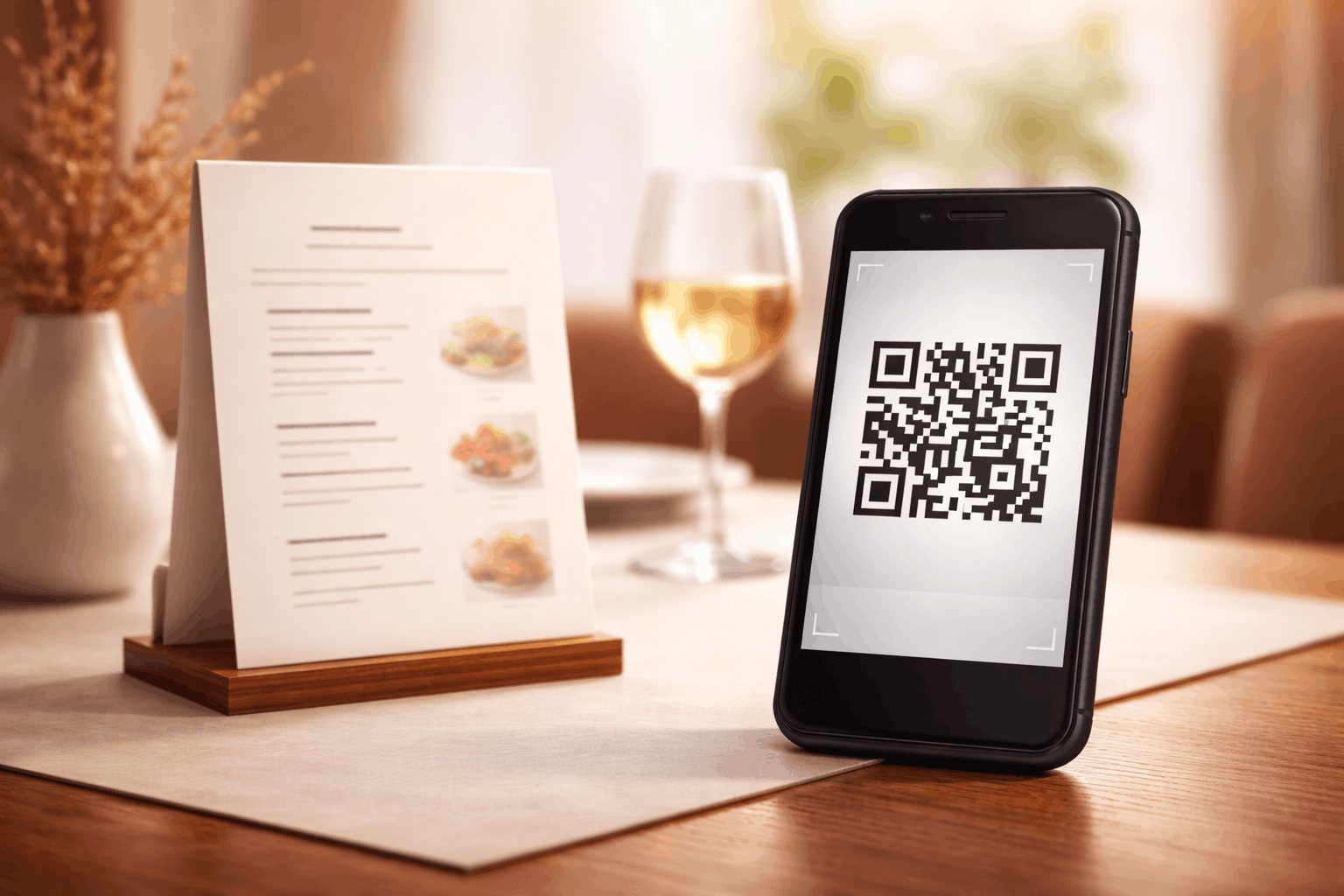
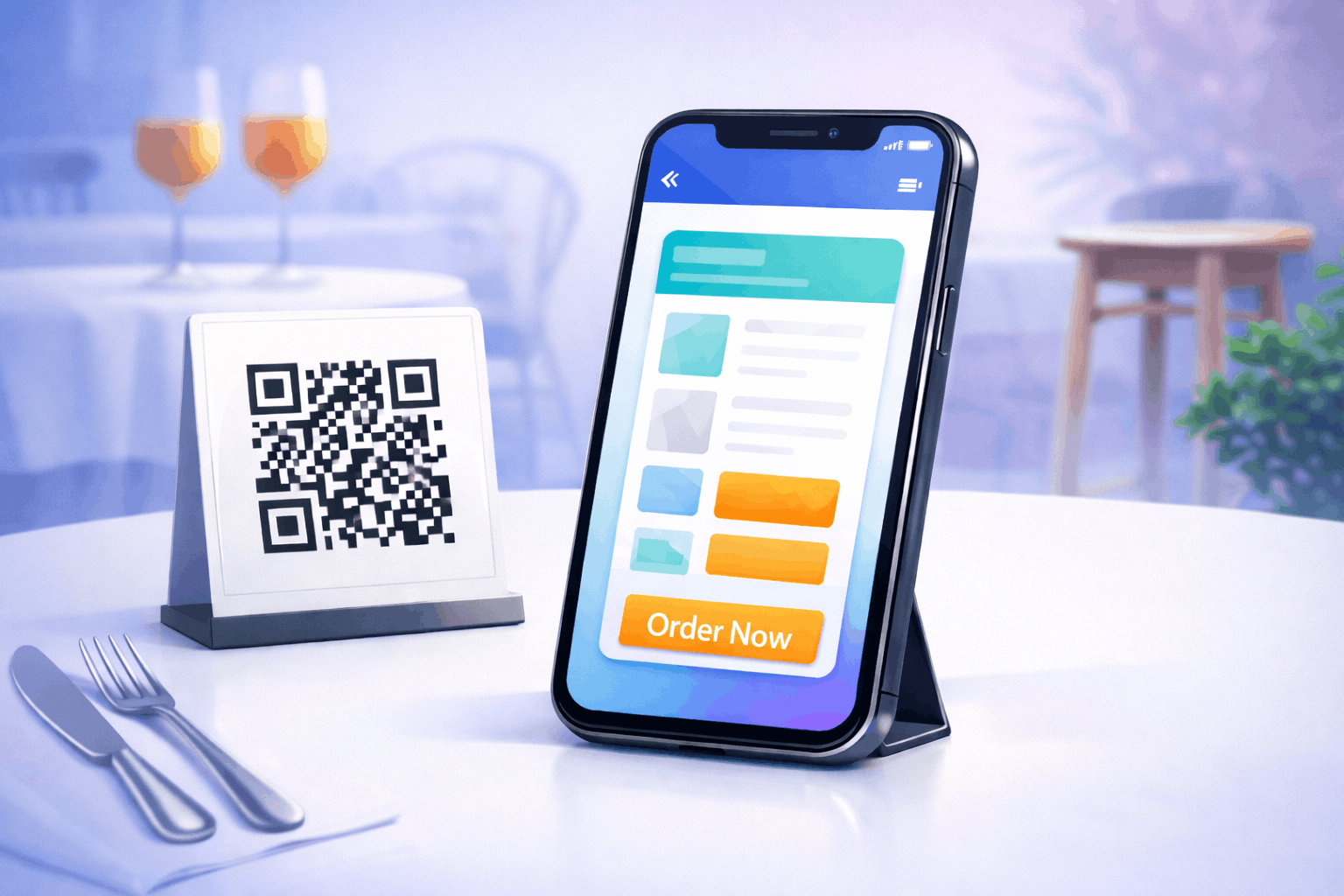
Digital menus are the most common and impactful use of QR codes in restaurants. Placing QR codes on tables, counters, or menu stands allows customers to view menus instantly on their phones. Digital menus can be updated anytime without reprinting, which is especially useful for price changes, seasonal items, or sold-out dishes. Restaurants often rely on menu QR code solutions powered by dynamic QR codes, enabling real-time updates while keeping printed materials unchanged.
How to Create a Menu QR Code Step by Step
Creating a menu QR code follows a simple three-step process and is similar to creating a file-based QR code.
- 1
Choose your QR code type: Select the menu option from the available QR Code Types to ensure the QR code opens your digital menu when scanned.
- 2
Upload and Customize: Upload your menu file, such as a PDF or image, and customize the QR code design by adjusting color's or adding a logo while maintaining good scan readability.
- 3
Download and Share: Generate the QR code, download it in your preferred format, and test it on multiple devices before placing it on tables or printed materials.
Tools like the Menu QR Code Generator on Enqode QR follow this same flow, making it easy to upload menus and share them through a scannable QR code.
Table Payments and Contactless Billing
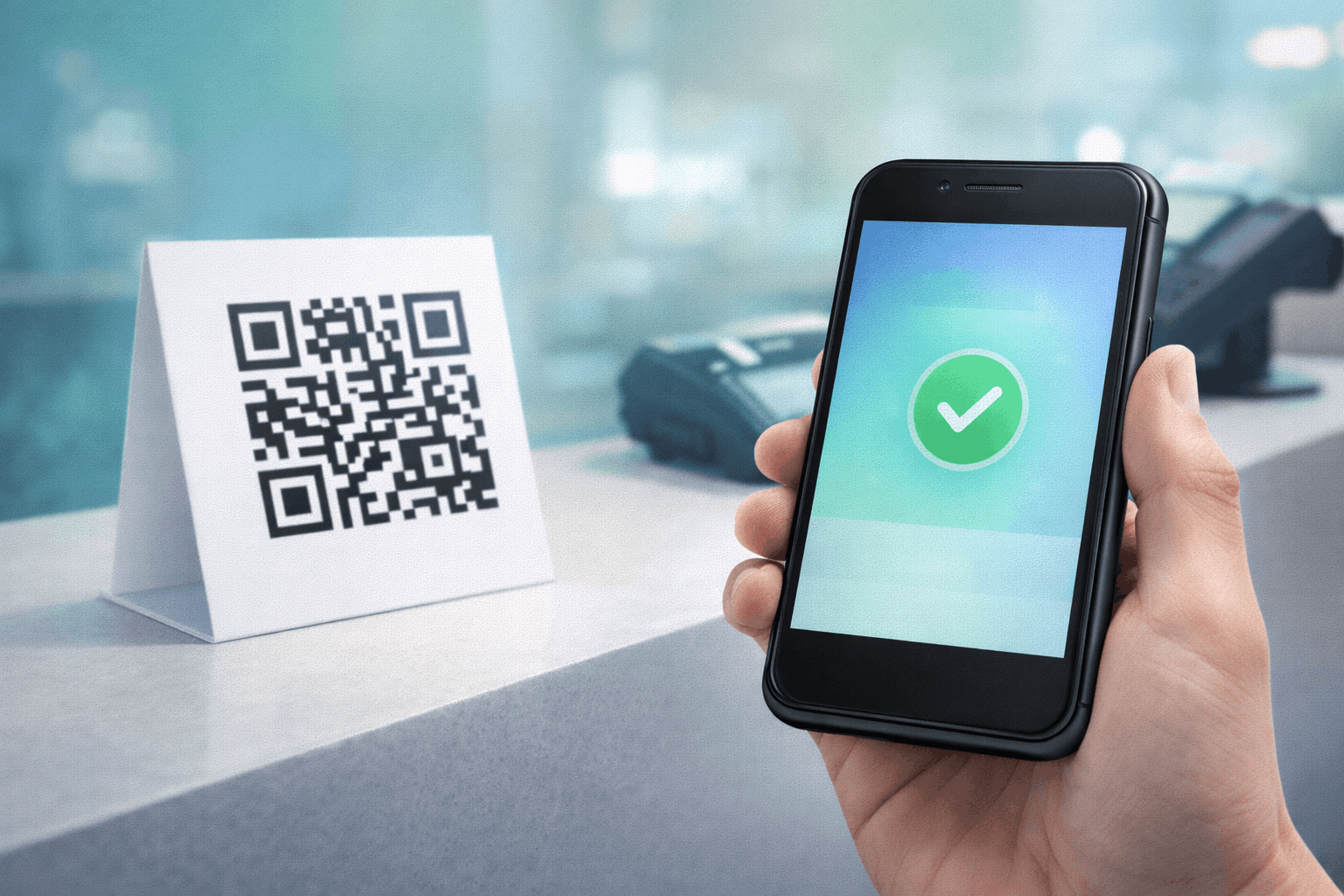
QR codes are widely used for contactless payments in restaurants and cafés. Customers can scan a QR code to open a payment page and complete transactions securely. This reduces checkout delays and improves table turnover while minimizing the handling of cash or cards. Solutions built around payment QR codes are especially useful for cafés, food trucks, and quick-service restaurants.
Online Reviews and Customer Feedback
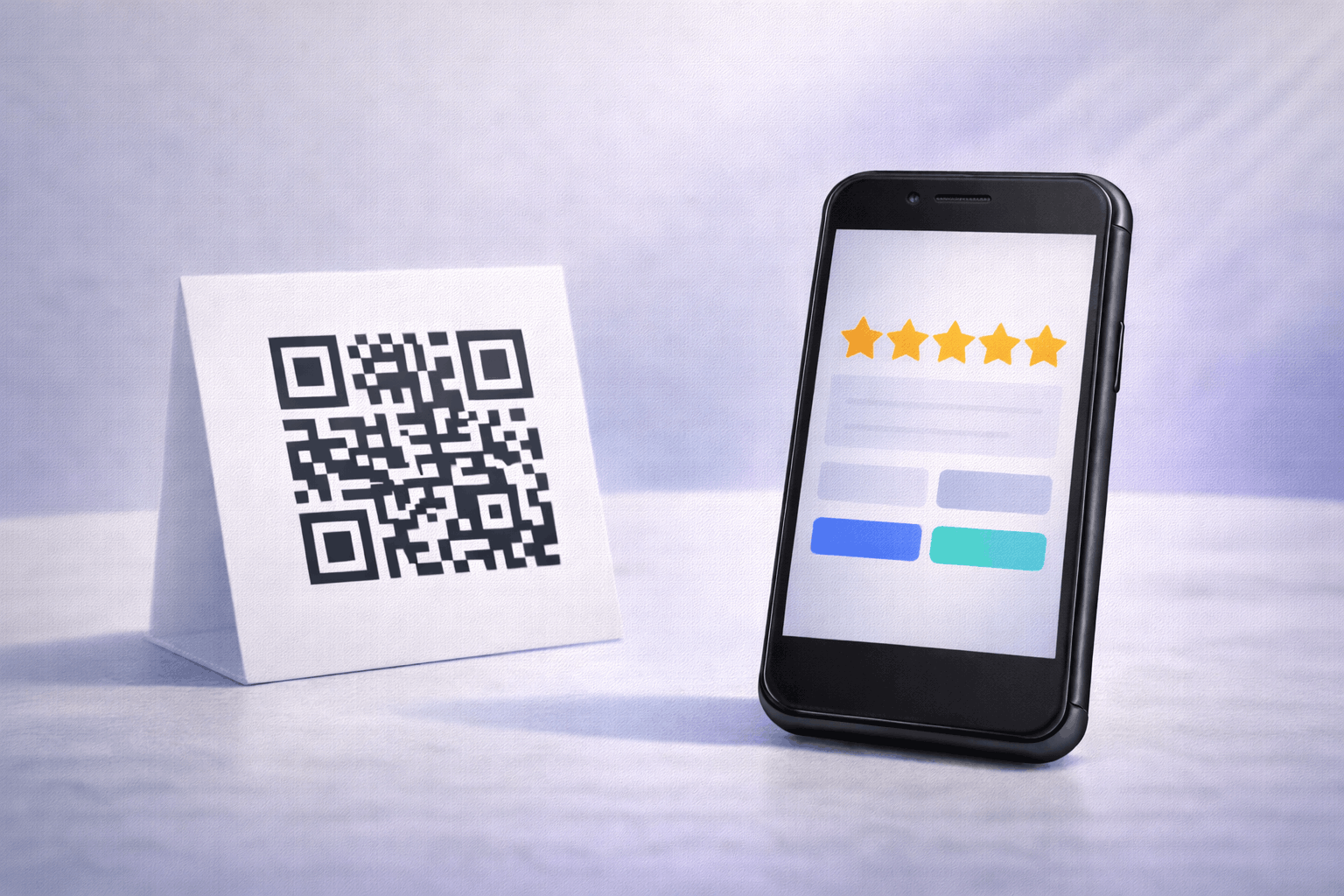
Online reviews play a critical role in restaurant discovery and trust. QR codes make it easier for customers to leave reviews immediately after dining. Placing QR codes on receipts, tables, or packaging can link directly to review pages or feedback forms, increasing participation and improving online visibility. Many restaurants use review QR codes to simplify feedback collection and capture customer sentiment at the right moment.
Loyalty Programs and Offers
Restaurants and cafés often use QR codes to run loyalty programs and promotional campaigns. Scanning a QR code can unlock discounts, reward points, or exclusive offers. This simplifies enrolment and removes the need for physical loyalty cards. When combined with dynamic QR codes, restaurants can update offers, track engagement, and optimize campaigns without reprinting materials.
Static vs Dynamic QR Codes for Restaurants and Cafés
Choosing between static and dynamic QR codes is an important decision for restaurant use cases. Static QR codes work well for fixed information that does not change frequently, but once printed they cannot be edited. In contrast, dynamic QR codes allow restaurants to update menus, offers, payment links, or review destinations even after the QR code is printed. A detailed explanation is available in Static vs Dynamic QR Codes: When and Why to Use Each. For most restaurant and café scenarios, dynamic QR codes offer greater flexibility and long-term value.
How to Choose the Right QR Code for Your Restaurant
The right QR code depends on how your restaurant operates and how often content changes. Menu QR codes are essential for displaying digital menus, while payment and review QR codes improve checkout and feedback collection. Restaurants should also consider offering easy internet access to customers who are waiting for their food. Using a Wi-Fi QR code allows guests to connect instantly without asking for passwords, improving comfort and engagement. For businesses managing multiple QR code types and locations, a QR code generator for business helps centralize creation, updates, and performance management.
Best Practices for Using QR Codes in Restaurants and Cafés
Always test QR codes across multiple devices before placing them on tables or counters to ensure they scan quickly and open the correct content. Use clear instructions near QR codes so customers understand what action to take. Maintain sufficient contrast, appropriate sizing, and proper placement. For printed materials, follow guidelines outlined in How to Print QR Codes Without Losing Quality to avoid scanning issues in real-world dining environments.
Frequently Asked Questions
- Are QR codes mandatory for restaurants?
No, QR codes are optional but highly effective for improving efficiency and customer experience.
- Can customers use QR codes without installing apps?
Yes, most smartphones support QR scanning directly through the camera app.
- Which QR code type is best for restaurant menus?
Dynamic QR codes are best because menus change frequently and require updates.
- Should restaurants provide Wi-Fi QR codes?
Yes, Wi-Fi QR codes improve customer convenience, especially while waiting for food.
Conclusion
QR codes offer restaurants and cafés a practical way to modernize operations and enhance the dining experience. From digital menus and payments to reviews, loyalty programs, and Wi-Fi access, QR codes improve speed, flexibility, and engagement. By choosing the right QR code types and following best practices, restaurants can create efficient, customer-friendly experiences that scale over time.