QR codes are helping schools and universities create more interactive, efficient, and connected learning environments. From classroom materials and digital assignments to attendance tracking and campus navigation, QR codes bridge printed resources with digital access. This guide explains how QR codes are used across education, real-world implementation examples, academic and administrative benefits, and how to deploy QR codes effectively in both K-12 and higher education settings.
Why QR Codes Are Important in Modern Education
Educational institutions are increasingly blending physical and digital learning environments. QR codes provide a simple and effective way to connect printed materials, classroom spaces, and campus facilities with online resources. By scanning a QR code, students can access learning modules, submit assignments, download materials, or navigate campus locations instantly. For administrators, QR codes streamline processes such as attendance tracking, event registration, and communication. This balance between engagement and efficiency makes QR codes valuable for both K-12 schools and universities.
Core Applications of QR Codes in Education
a) Smart classrooms and interactive lessons
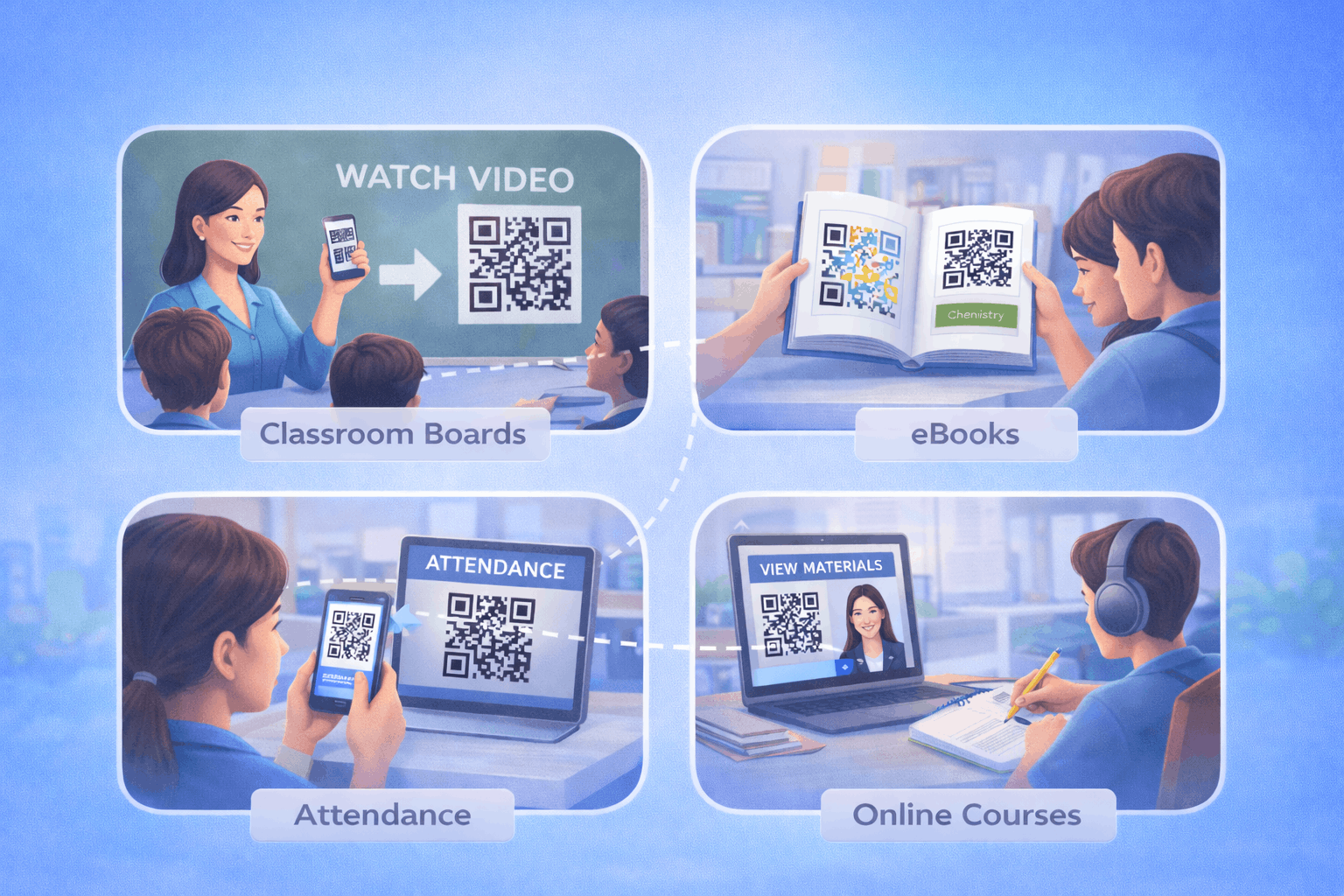
Teachers can embed QR codes into textbooks, worksheets, and classroom boards to link students to videos, simulations, and interactive content. A link qr code can direct students to curated educational resources, enhancing lesson delivery without increasing printed materials.
b) Homework, assignments, and quizzes
QR codes simplify distribution of homework and assessments. Educators can use a form qr code to connect students directly to quizzes or assignment submission portals. This reduces paperwork and ensures smoother digital submission processes.
c) Attendance tracking and administrative workflows
Schools and universities can use QR codes to record attendance digitally. Students scan a code linked to a secure portal, reducing manual entry errors. QR codes can also streamline administrative forms and permission slips.
d) Digital libraries and learning resources
Libraries can use QR codes to provide access to online catalogs, research databases, and downloadable materials. A file qr code allows students to download study guides, syllabi, or academic papers instantly.
e) Virtual learning and online courses
Online learning platforms can integrate QR codes into printed course materials or announcements to connect students directly to virtual classrooms or learning management systems. Using a landing page qr code enables institutions to update course links without reprinting materials.
f) Group projects and collaboration
QR codes support collaborative work by linking students to shared documents or project resources. Students can scan and instantly access shared folders or reference materials, improving teamwork efficiency.
g) Campus navigation and announcements
Large campuses benefit from QR codes placed on signboards to provide digital maps and navigation assistance. A wi-fi qr code allows students and visitors to connect to campus networks quickly. Event check-ins for seminars or workshops can be managed efficiently using QR codes linked to registration systems.
h) Parent and teacher communication
QR codes placed on report cards, newsletters, or notice boards can guide parents to portals, event details, or communication platforms. A vcard qr code can also help school staff share contact details quickly and accurately.
Real-World Implementation Examples in Education
A primary school may place QR codes inside textbooks that link to audio explanations, helping students revise lessons at home. A university may issue QR codes during orientation that guide students to campus maps and digital handbooks. Libraries often use QR codes on shelves to link to eBook versions of printed titles. During parent-teacher meetings, QR codes can direct parents to appointment booking systems or academic portals. These examples show how QR codes integrate seamlessly into educational workflows without disrupting traditional teaching methods.
Academic and Administrative Benefits of QR Codes
QR codes improve learning engagement by connecting static materials to dynamic content. They reduce printing costs by shifting documents online and simplify attendance and form management. QR codes also support inclusivity by allowing students to access multimedia content that accommodates different learning styles. For administrators, QR codes centralize information access and reduce repetitive communication tasks.
How to Create QR Codes for Educational Use (Step by Step)
Creating QR codes for educational use follows a simple three-step process.
- 1
Choose your QR code type: Select the relevant option from the available QR Code Types based on your need, such as link, file, form, Wi-Fi, or landing page QR codes.
- 2
Enter details or upload and Customize: Add your learning resource link, downloadable material, form URL, or network credentials. Customize the QR code while maintaining high contrast and readability.
- 3
Download and Share: Generate the QR code, download it in your preferred format, and test it across devices. Place it in textbooks, notice boards, ID cards, or digital presentations.
Tools like the QR Code Generator on Enqode QR follow this same flow, enabling institutions to manage multiple QR codes effectively.
Static vs Dynamic QR Codes in Educational Institutions
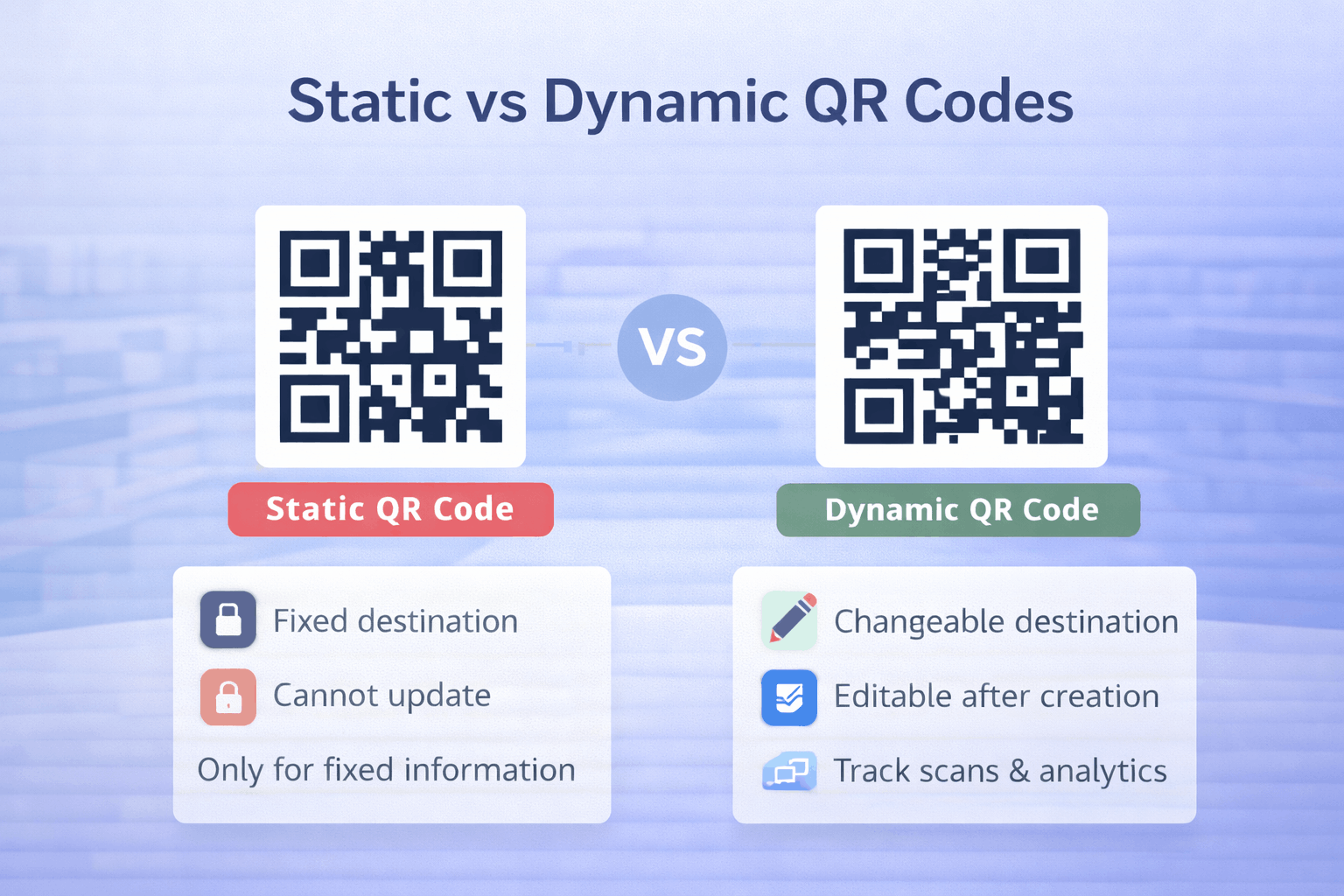
Static QR codes are suitable for permanent resources such as long-term policy pages or fixed documents. Dynamic QR codes allow institutions to update linked content without replacing printed materials, making them ideal for schedules, assignment links, or event information. For a detailed comparison, refer to Static vs Dynamic QR Codes: When and Why to Use Each. Institutions that frequently update content may benefit from using a dynamic qr code generator for better flexibility and management.
Best Practices for Using QR Codes in Schools and Universities
QR codes should include clear instructions explaining what students or parents will access. Designs should maintain strong contrast and adequate size for reliable scanning. Linked pages must be mobile-friendly, as most scans occur on smartphones. Institutions should test QR codes before deployment and conduct periodic checks to ensure links remain active. Avoid overusing QR codes in a single space and ensure each code has a clear educational or administrative purpose.
Frequently Asked Questions
- Are QR codes suitable for younger students?
Yes. With proper guidance, QR codes can enhance learning experiences even in primary school settings.
- Can QR codes improve attendance tracking?
Yes. QR codes linked to secure systems simplify digital attendance recording and reduce errors.
- Do QR codes require special apps?
No. Most smartphones can scan QR codes directly using built-in camera functionality.
Conclusion
QR codes are transforming education by improving engagement, accessibility, and administrative efficiency. From interactive lessons and digital assignments to campus navigation and parent communication, QR codes help bridge physical classrooms with digital resources. By selecting appropriate QR code types and following best practices, schools and universities can create scalable systems that enhance both academic experiences and institutional workflows.