QR codes help event organizers and conference teams streamline registration, share schedules, enable networking, and distribute event materials instantly. This guide explains how QR codes are used across events and conferences, the benefits they offer, common use cases, and how to create QR codes for different event needs. It also covers best practices and long-term considerations to ensure QR codes work reliably before, during, and after an event.
Why QR Codes Matter for Events and Conferences
Events and conferences involve multiple touchpoints where attendees need quick access to information. From registration and entry to session schedules and networking, delays or confusion can negatively affect the attendee experience. QR codes help connect physical event spaces with digital information by allowing attendees to access content instantly using their smartphones. Instead of relying on printed materials or manual instructions, QR codes provide a direct path to event pages, documents, maps, and contact details. This makes them especially valuable for conferences, trade shows, exhibitions, and large-scale events where efficiency and clarity are essential.
Key Benefits of Using QR Codes in Events and Conferences
QR codes simplify information sharing while reducing operational overhead. Event details can be updated centrally without reprinting badges, banners, or brochures. QR codes also help reduce queues by enabling faster check-in and self-service access to schedules and resources. For organizers, QR codes provide a scalable way to manage attendee engagement before, during, and after the event. For attendees, QR codes remove friction by eliminating the need to search, type URLs, or download multiple documents manually.
Common Use Cases of QR Codes in Events and Conferences
a) Event registration, passes, and check-in
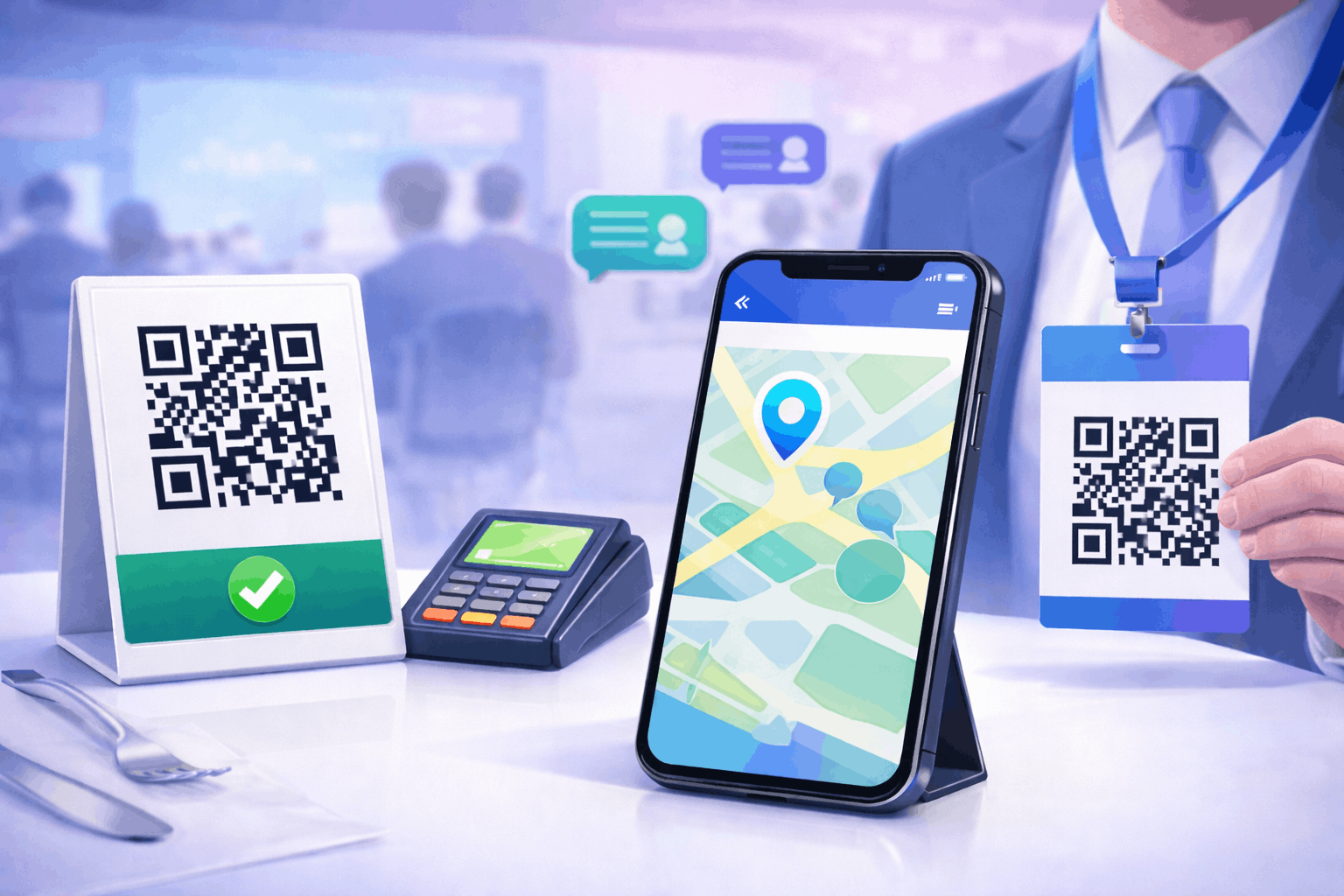
Event registration QR codes are commonly used on tickets, emails, and badges to speed up entry and verification. By scanning an event QR code, attendees can check in quickly while organizers track attendance more efficiently. Event QR codes can also link to event details, entry passes, or confirmation pages, reducing manual verification at entry points.
b) Session details, agendas, and schedules
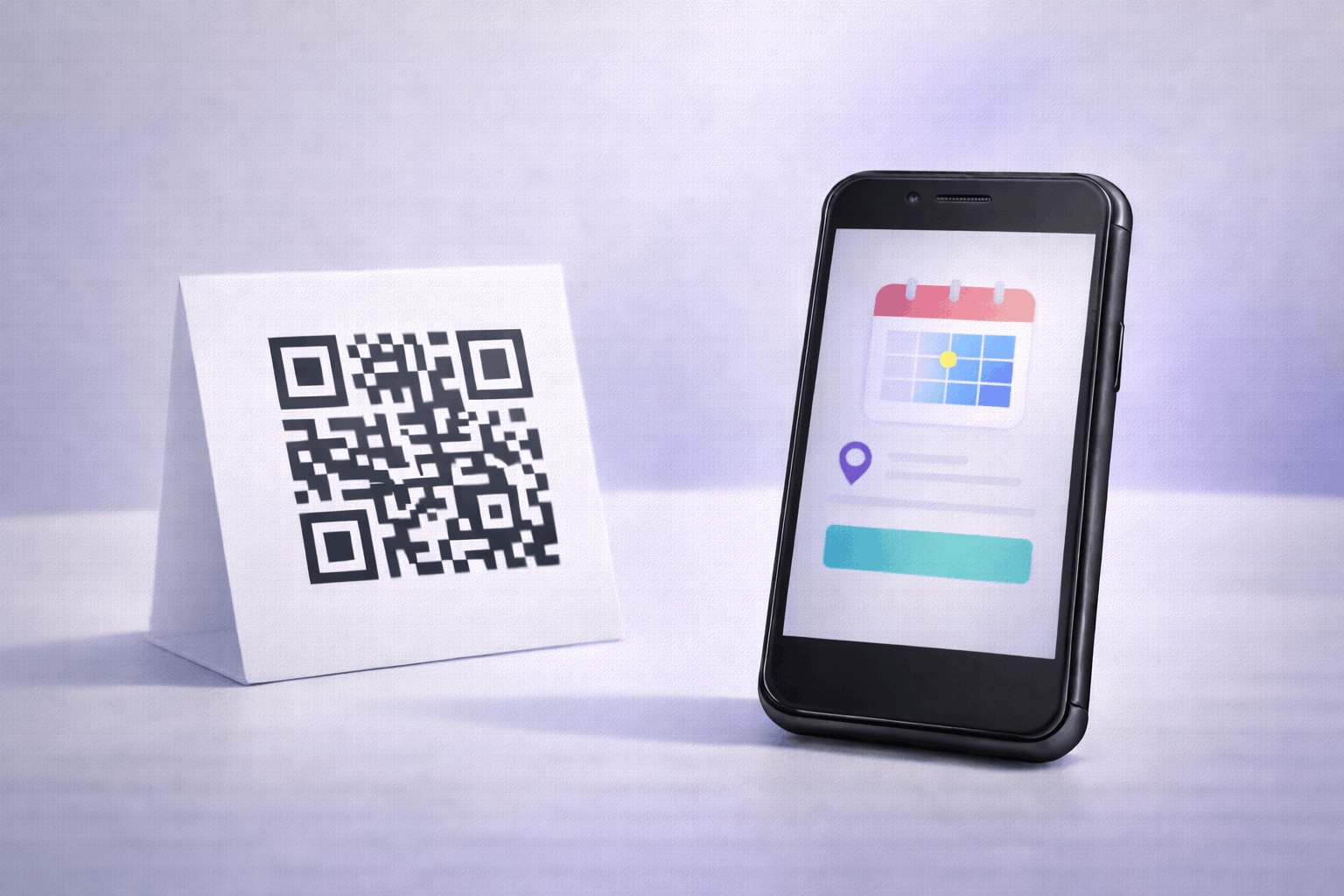
QR codes placed on banners, stands, or badges can link to session schedules and agendas. Attendees can scan a QR code to view updated schedules, speaker timings, or room assignments without relying on printed programs. Linking schedules through a QR code also allows organizers to make last-minute updates without confusion.
c) Speaker profiles and networking
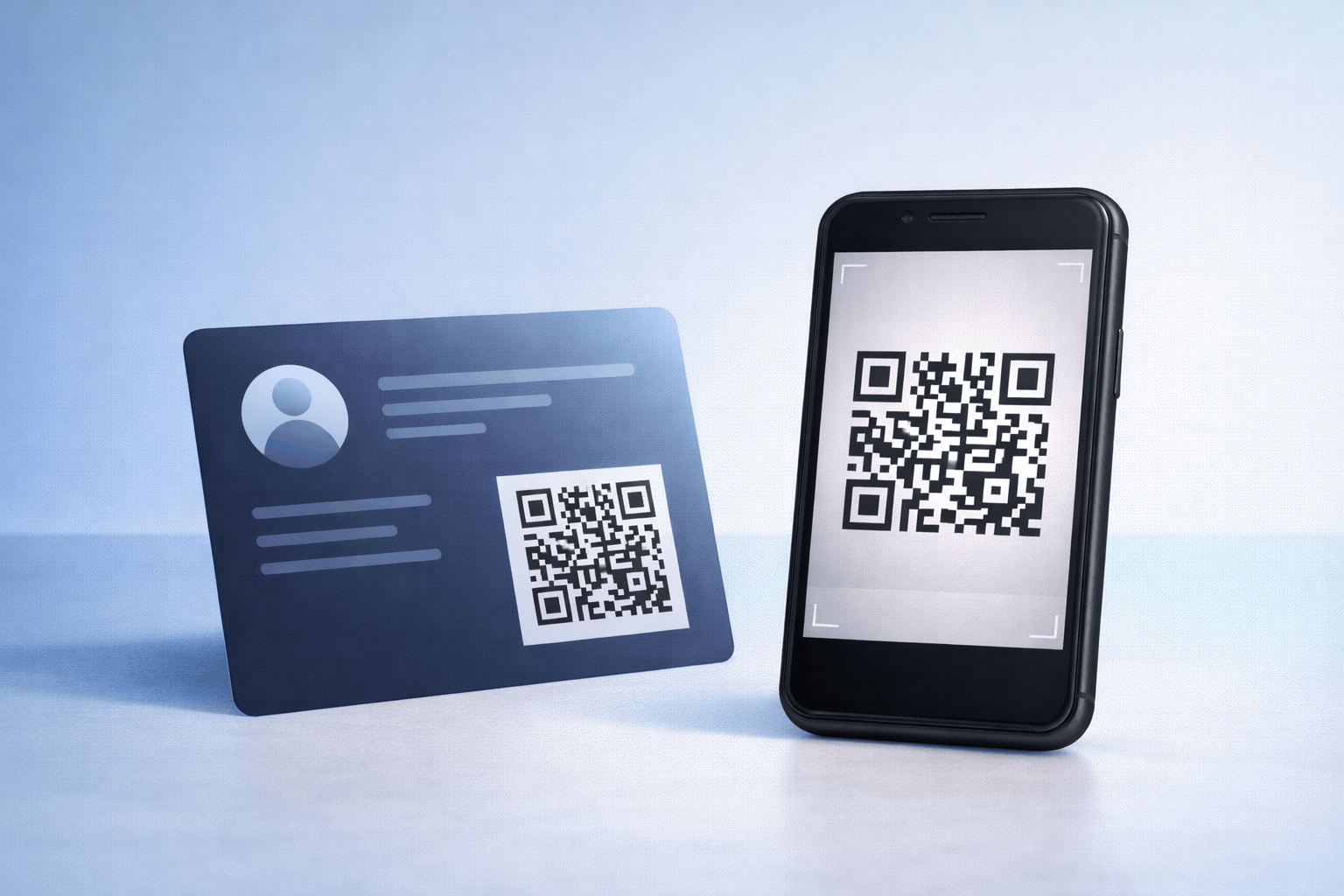
Networking is a core part of conferences and professional events. Speakers and attendees can use vCard QR code solutions to share contact details instantly. Scanning the QR code allows contacts to be saved directly on the device, reducing reliance on physical business cards and improving follow-up accuracy after the event.
d) Venue navigation and Wi-Fi access
Large venues often require clear navigation and connectivity. Location-based QR codes help attendees open maps and directions instantly, while Wi-Fi QR code options allow guests to connect to event networks without asking for passwords. This improves attendee convenience and reduces staff interruptions.
e) Brochures, presentations, and downloadable files
Events often distribute brochures, presentations, and informational documents. Instead of printed handouts, organizers can use a file QR code to let attendees download brochures, agendas, or presentation slides directly to their devices. This reduces printing costs and ensures attendees always receive the latest version of event materials.
f) Feedback, surveys, and lead capture
QR codes are effective tools for collecting feedback and leads during events. By linking QR codes to forms or landing pages, organizers can gather attendee feedback, session ratings, or inquiries in real time. This helps improve future events and supports lead generation for sponsors and exhibitors.
g) Social media engagement and post-event follow-ups
Social media QR codes encourage attendees to engage online during and after the event. Scanning a social media QR code can direct users to event hashtags, social profiles, or post-event updates, helping extend engagement beyond the physical event space.
How to Create QR Codes for Events and Conferences (Step by Step)
Creating QR codes for events and conferences follows a simple three-step process and can be applied across different use cases.
- Choose your QR code type: Select the relevant option from the available QR Code Types based on your event needs. This may include event, link, file, vCard, Wi-Fi, form, landing page, or social media QR codes.
- Enter details or upload and Customize: Add the required information such as an event page URL, downloadable file, contact details, or form link. Customize the QR code design by adjusting color's or adding a logo while maintaining good scan readability for crowded event environments.
- Download and Share: Generate the QR code, download it in your preferred format, and test it on multiple devices. Place it on badges, banners, stands, emails, or printed materials where attendees can scan it easily.
Tools like the QR Code Generator on Enqode QR follow this same flow, making it easy to manage multiple QR codes for a single event.
Static vs Dynamic QR Codes for Events and Conferences
Static QR codes store fixed information and are suitable for content that does not change. Dynamic QR codes allow organizers to update content without replacing printed QR codes, which is especially useful for schedules, session links, or downloadable materials. Dynamic QR codes also support tracking and analytics, helping organizers understand scan activity and engagement levels. For a deeper understanding of when to use each, refer to Static vs Dynamic QR Codes: When and Why to Use Each.
Best Practices for Using QR Codes at Events
QR codes should be placed where attendees naturally look, such as entry points, registration desks, session halls, and badges. Designs should maintain strong contrast and avoid excessive styling that affects scan reliability. All QR codes should be tested before the event to ensure correct linking and fast loading. Linked content should be mobile-friendly, as most attendees scan using smartphones. Avoid overcrowding spaces with multiple QR codes and ensure each QR code has a clear purpose.
Frequently Asked Questions
- Are QR codes suitable for all types of events?
Yes. QR codes work well for conferences, trade shows, exhibitions, corporate events, and networking meetups.
- Can QR codes be used on printed badges and banners?
Yes. QR codes are commonly printed on badges, banners, and signage when sized and contrasted correctly.
- Do attendees need a special app to scan QR codes?
No. Most smartphones can scan QR codes directly using the camera app.
Conclusion
QR codes provide event organizers with a flexible way to manage registration, share information, enable networking, and engage attendees. From event check-in and schedules to file downloads and feedback collection, QR codes support smoother event operations and better attendee experiences. By choosing the right QR code types and following best practices, organizers can create scalable event workflows that remain effective across different event formats and sizes.