10 Best Barcode Scanner Apps for Android and iOS in 2026
Discover the 10 best barcode scanner apps for Android and iOS devices. Find fast, reliable, and feature-rich apps for QR codes, UPCs, and more to simplify your scanning needs.
Create link QR codes with Enqode QR that let users open URLs instantly with a simple scan.
Make it easy to share links across print and digital channels without typing or copying.
A Link QR Code, also known as a URL QR Code, is a QR code that directs users to a specific web link when scanned. Instead of typing long or complex URLs, users can simply scan the QR code to instantly open a website, landing page, video, portfolio, online store, or any other web content. This makes Link QR Codes a fast and convenient way to share digital information and drive traffic from offline to online channels.
When you create a Link QR Code using Enqode QR, your web link is converted into a scannable QR code that works across print and digital platforms. You can create static Link QR Codes for permanent links or use dynamic Link QR Codes that allow you to update the destination URL anytime without changing the QR code itself. This flexibility makes Link QR Codes ideal for marketing campaigns, product promotions, events, and everyday link sharing.

Simplify how you share content by turning long, complex URLs into quick-scan QR codes that open instantly on any device. Perfect for websites, landing pages, portfolios, or product links - all accessible with a single scan.
Get real-time insights into your audience's behavior. Enqode QR provides in-depth analytics on every scan including device type, location, and engagement metrics so you can track performance and measure ROI effortlessly.
Update your destination URL anytime without changing or reprinting your QR code. With Enqode QR's dynamic link QR codes, you stay flexible - Ideal for ongoing promotions, seasonal campaigns, or content updates.
Customize your QR codes with your brand logo, colors, and frames to make them instantly recognizable. Branded QR codes enhance trust and consistency across all your marketing materials, both online and offline.
Enqode QR runs on AWS-powered infrastructure, ensuring 99.9% uptime, enterprise-grade data security, and privacy-first protection. Your links and analytics remain safe and accessible at all times.
Bridge the gap between physical and digital marketing. Add link QR codes to flyers, packaging, posters, or brochures to drive instant traffic to your website or landing page - increasing engagement and conversions effortlessly.
From restaurants to retail, events to education – discover how businesses across industries are using QR codes to enhance customer experiences and streamline operations.
Track campaign performance and drive traffic to landing pages with measurable QR code analytics.
Share company websites, product pages, and business resources instantly with professional QR codes.
Provide instant access to help centers, FAQs, and customer support resources.
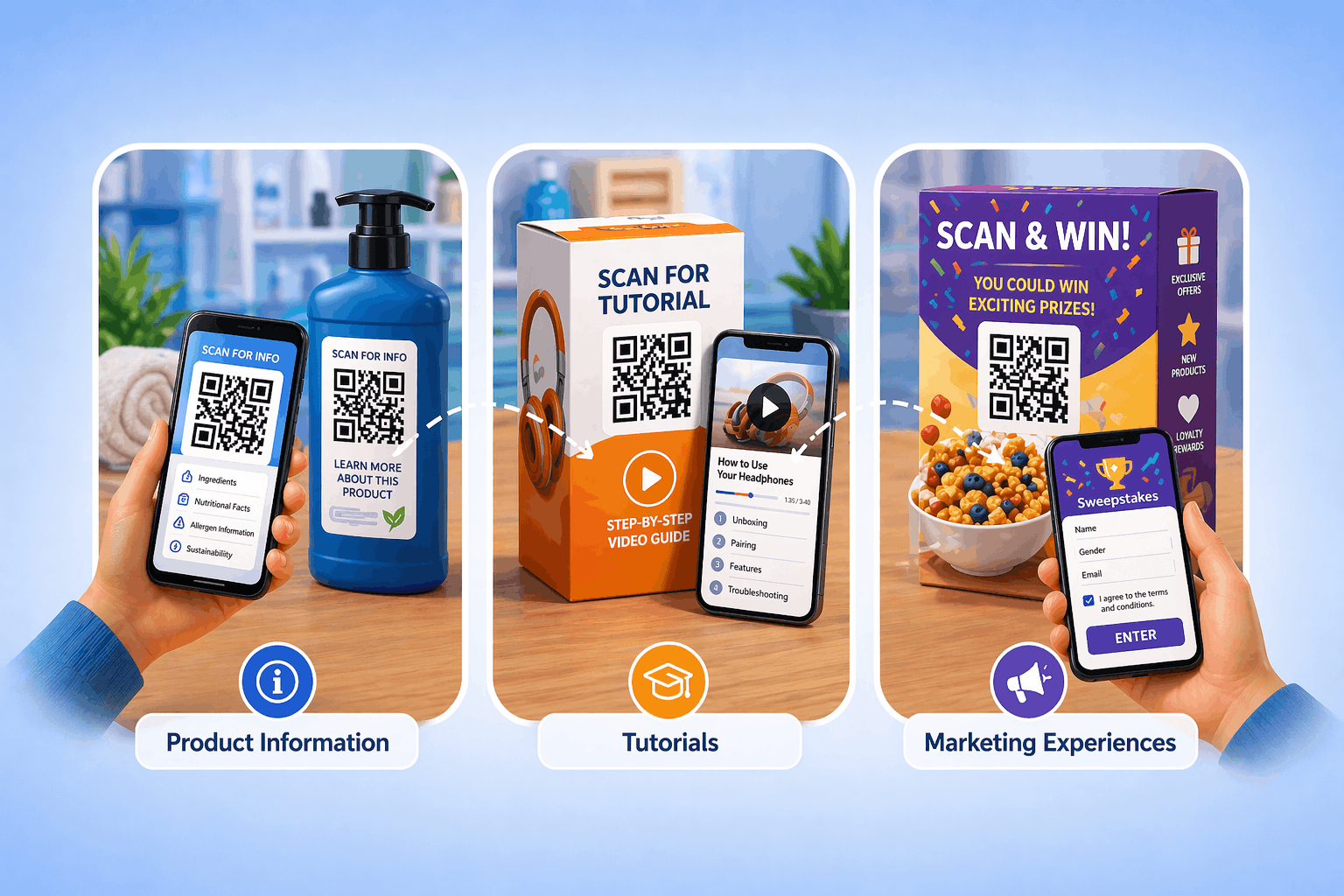
Link to detailed product specs, manuals, and documentation from packaging or displays.
Share portfolios, resumes, and professional profiles on business cards and networking materials.
Connect offline audiences to your social media profiles and content with a single scan.
Showcase creative work, projects, and portfolios with branded QR codes.
Share articles, blogs, videos, and digital content across print and digital media.
Select QR Code Type
From the Enqode QR dashboard, select the Link QR Code option. Designed specifically to encode website URLs, landing pages, or online resources into professional-grade QR codes. This type ensures maximum compatibility across browsers and devices.
Add Content and Branding
Paste your website or URL into the input field and personalize your QR code to reflect your brand identity. Customize the design with your logo, brand colors, frames, and call-to-action labels to make it stand out. Whether you're using it for marketing, events, or product packaging, Enqode QR gives you full creative control.
Generate and Monitor
Once your QR code is generated, download it instantly in high-resolution PNG, SVG, or PDF formats. Ready for both print and digital use. Share your link QR code on packaging, social media, or business materials. For dynamic codes, access real-time analytics to track scans by location, device, and time, helping you measure and optimize engagement.
Track your QR code performance with real-time analytics. Monitor scans, locations, devices, and user behavior to optimize your campaigns and maximize ROI.
Explore 27 powerful QR code types, from links and files to vCards, apps, Wi-Fi, payments, and more. All in one easy-to-use QR code generator designed for creators, marketers, startups, and growing businesses.
Instantly direct users to your website or landing page.
Choose the right QR code type for your needs. Compare features and capabilities side by side.
Not all QR codes are created equal. Static QR Codes are quick, free, permanent and ideal for simple use. Dynamic QR Codes, on the other hand, unlock advanced features like editing, analytics, and security, making them the smarter choice for businesses and marketers.
Editable content
Dynamic QR codes allow you to edit the destination and track performance in real-time. Perfect for marketing campaigns and business use.
Fixed content
Static QR codes contain fixed information that cannot be changed once generated. Perfect for simple use cases where the content won't change.
Static is Simple. Dynamic is Powerful.
If you want editable QR codes, analytics, security & bulk creation, the choice is clear.
At Enqode QR, every code you create is protected with Privacy-First Security, advanced encryption, and AWS-powered infrastructure. From personal users and startups to global enterprises, you'll always get the same unmatched reliability, privacy, and peace of mind.


Creating a QR code with Enqode QR is quick and hassle-free. In just three steps, you can generate, customize, and share QR codes online for personal or business use.
Select the QR code type that matches your use case. Enqode QR supports multiple QR code types for personal and business needs.
Discover how businesses across healthcare, hospitality, retail, and more are leveraging QR codes to power smarter marketing, stronger communication, and frictionless customer experiences.
Enhance product packaging, enable instant purchases, and provide detailed product information with QR codes.
Digital menus, contactless ordering, and customer feedback collection for modern dining experiences.
Property listings, virtual tours, and instant access to property details for agents and buyers.
Streamline check-ins, share schedules, and collect attendee feedback with QR codes.
Track campaign performance, run A/B tests, and measure ROI with dynamic QR codes.
Patient information access, educational resources, and course materials sharing.
Check-in processes, travel guides, and guest services for hotels and tourism.
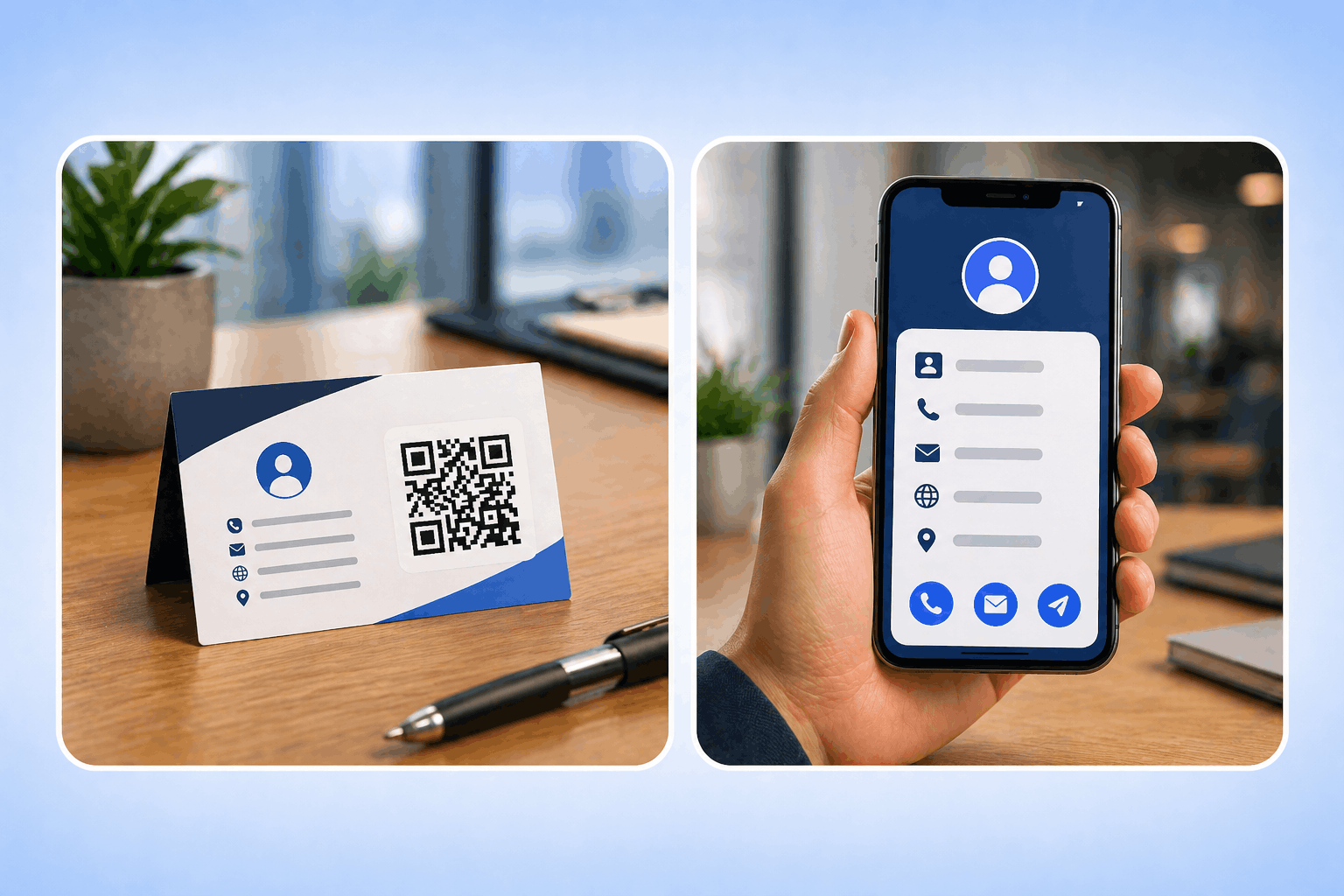
Digital business cards, contact sharing, and networking event management.
Find quick answers to the most common questions about Enqode QR's features, free plan, dynamic codes, and security standards.
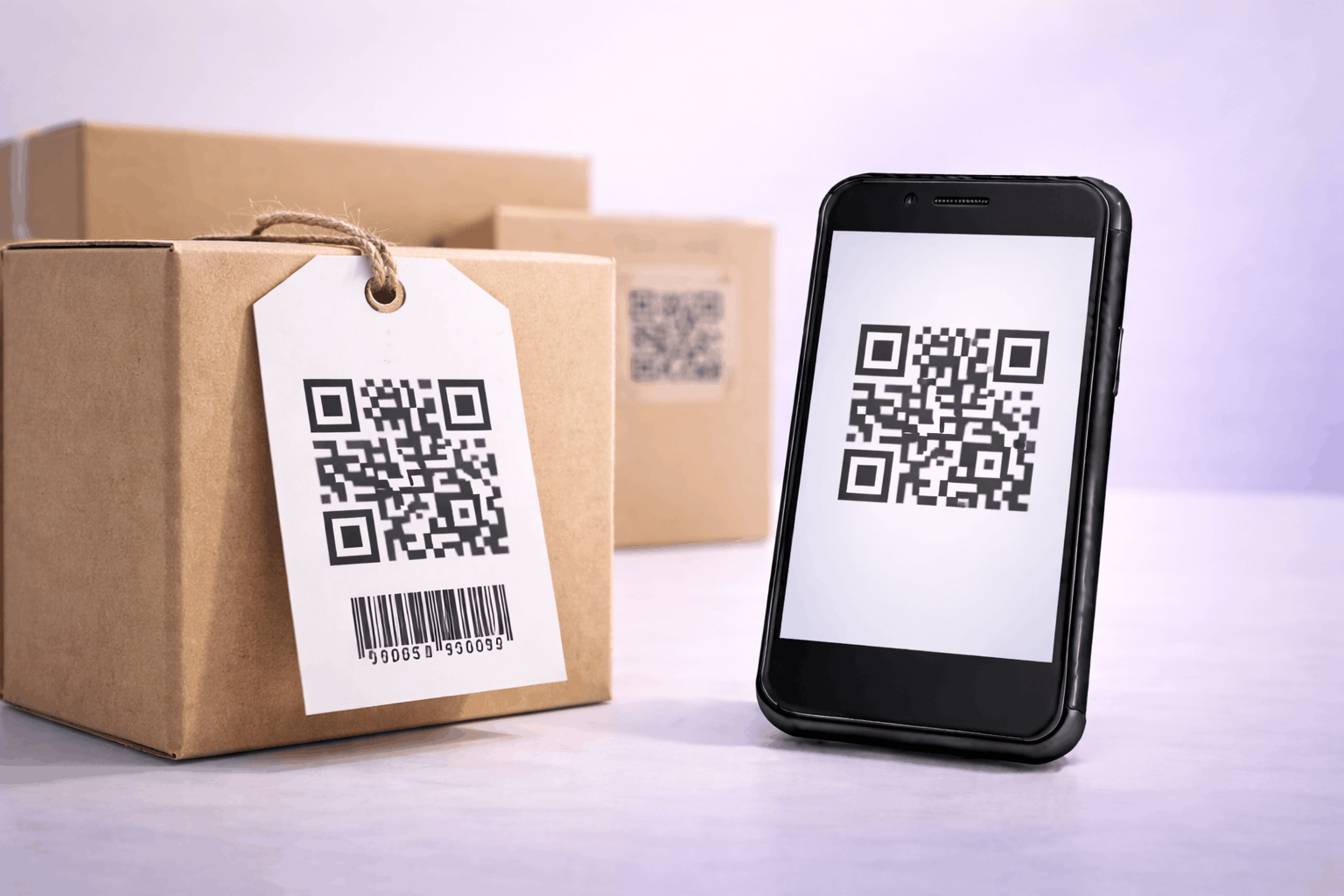
A QR code, short for Quick Response code, is a two-dimensional barcode used to store information such as website URLs, files, contact details, app links, and other digital content. QR codes can be scanned using a smartphone camera or a QR code scanner to access information instantly.
QR codes work by encoding data into a grid of black and white squares that represent the stored information. When a QR code is scanned, the device reads this pattern and decodes the data, allowing users to open links or view content quickly without typing a URL manually. Because of their speed and ease of use, QR codes are widely used across print and digital media to connect offline and online experiences.
Stay updated with the latest QR code trends, tips, and best practices.

Discover the 10 best barcode scanner apps for Android and iOS devices. Find fast, reliable, and feature-rich apps for QR codes, UPCs, and more to simplify your scanning needs.

Discover more about How to Scan a QR Code on Laptop: The Ultimate Guide (Windows, Mac & More)...

Discover more about How to Use QR Codes in Advertising Campaigns: Strategies, Examples & Benefits...
Trusted by thousands of businesses and creators worldwide. Generate unlimited static QR codes for free, or unlock powerful dynamic QR codes with tracking, analytics, and full customization. No credit card required – your first QR code is just seconds away.