Quick Summary
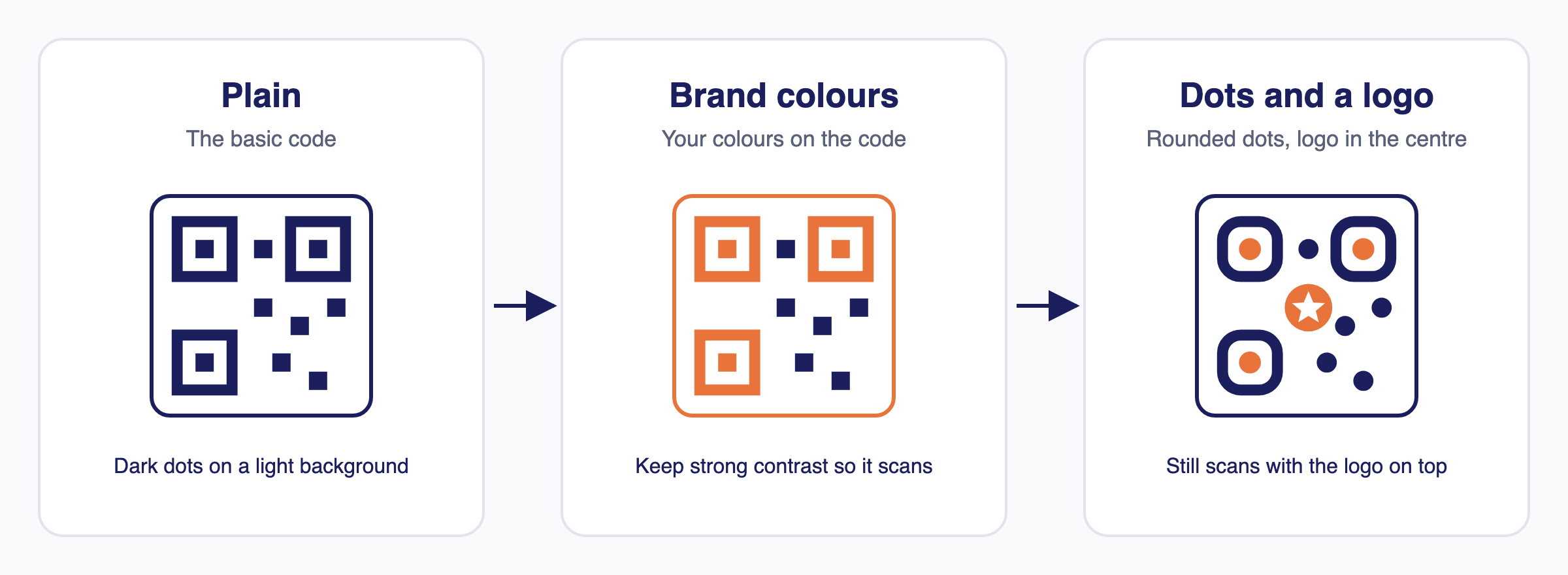
Yes, you can style a QR code with brand colours, gradients, logos, frames and a call to action and keep it scannable. A dynamic code's destination can be changed after it is shared. This FAQ also covers removing Enqode QR branding.
Quick answers about QR code design and branding.
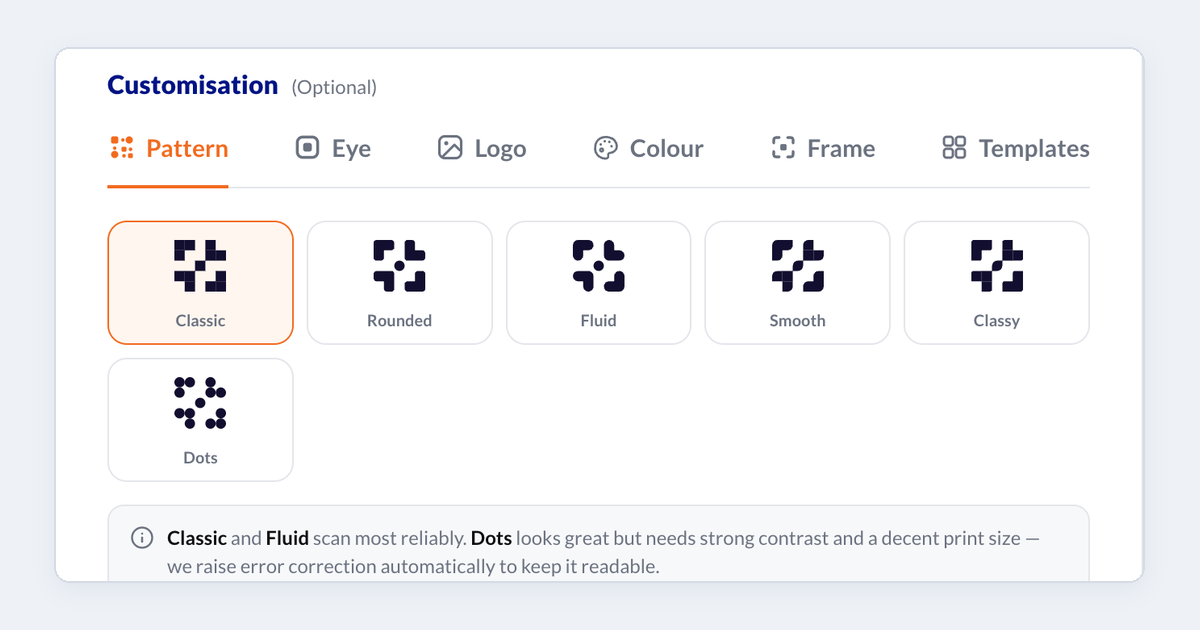
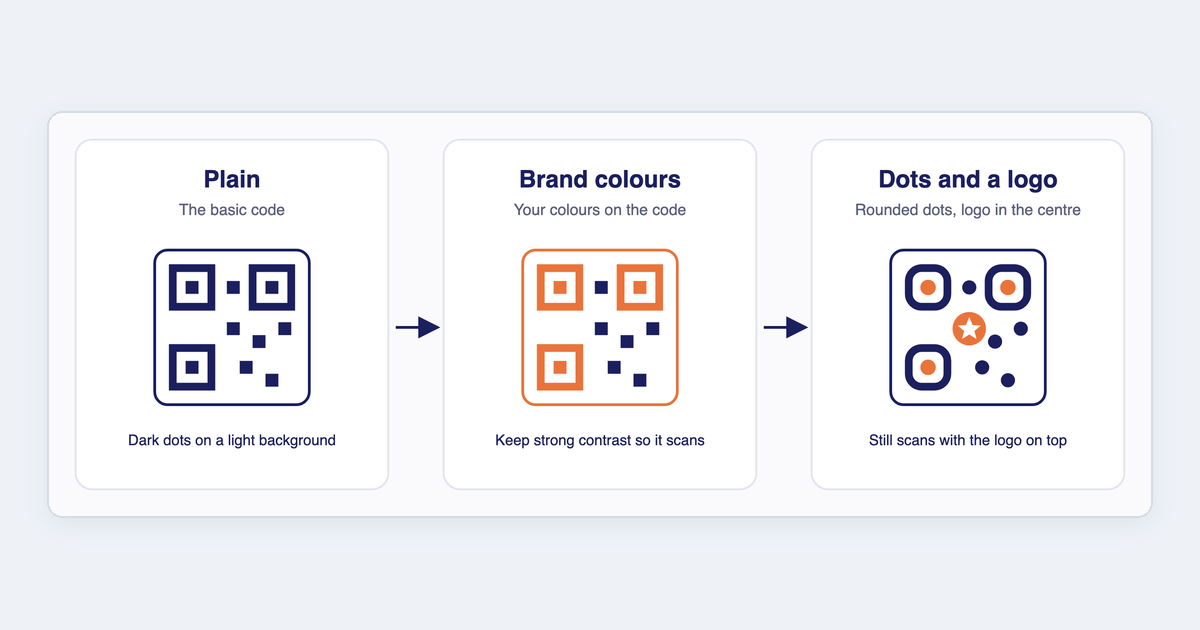
Can I customize my QR code design?
Yes! You can add brand colors, gradients, logos, frames, and call-to-actions while keeping scannability intact.
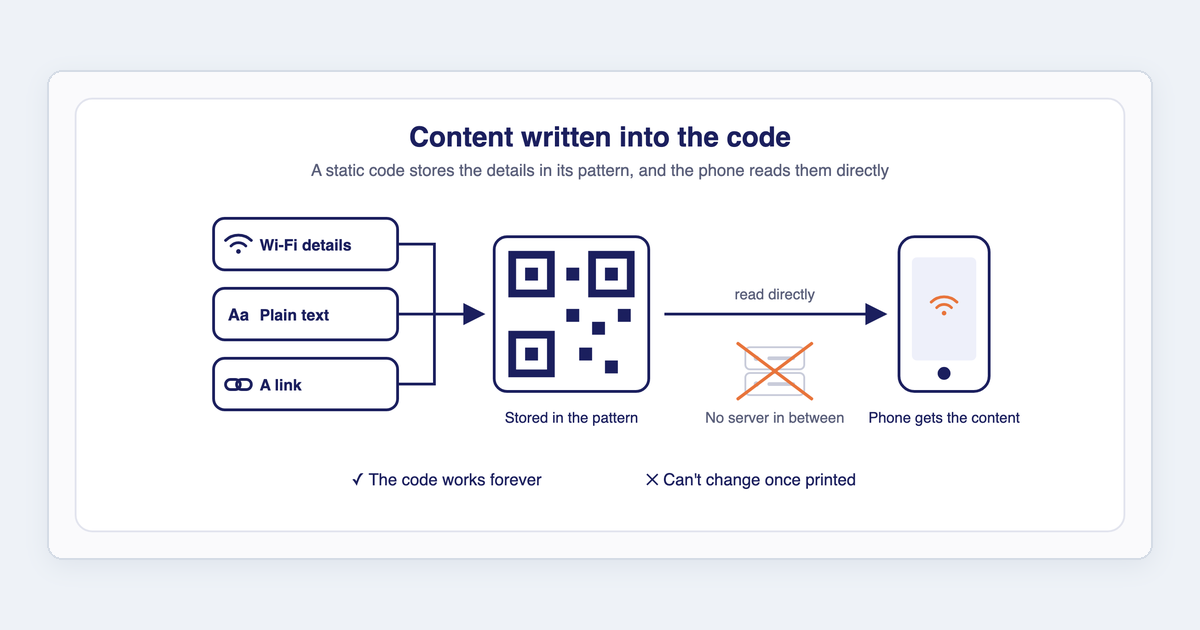
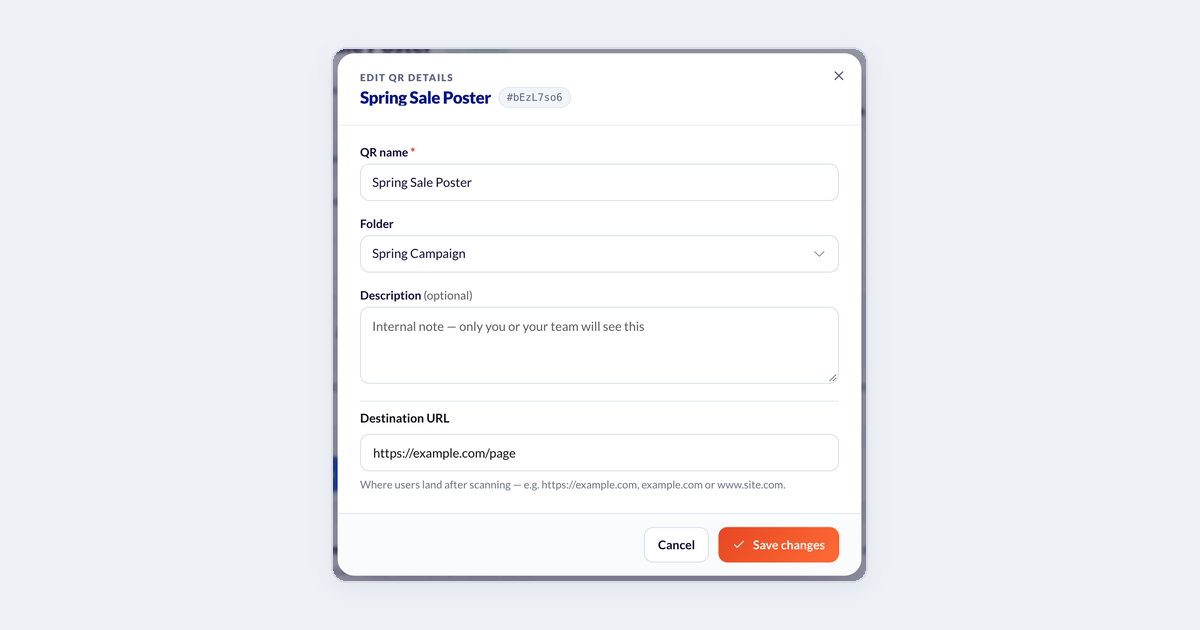
Can I edit my QR code after creating it?
Yes. With dynamic QR codes, you can update the destination content even after the QR code has been shared.
Can I remove Enqode QR branding from my QR codes?
Yes. Premium plans allow you to create white-label QR codes with your own domain and branding.
#FAQ#QR Code Design#Branding
Back to Help