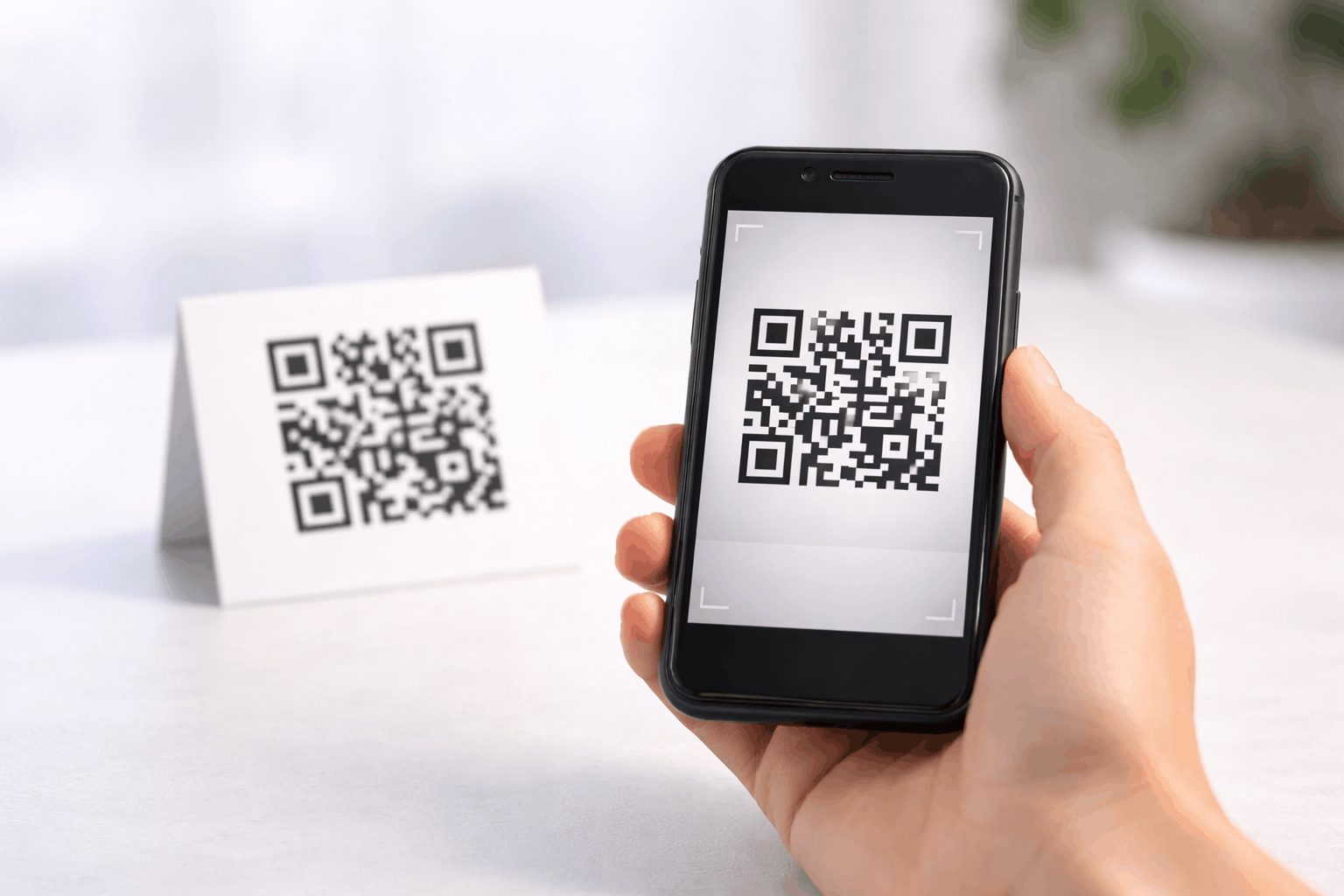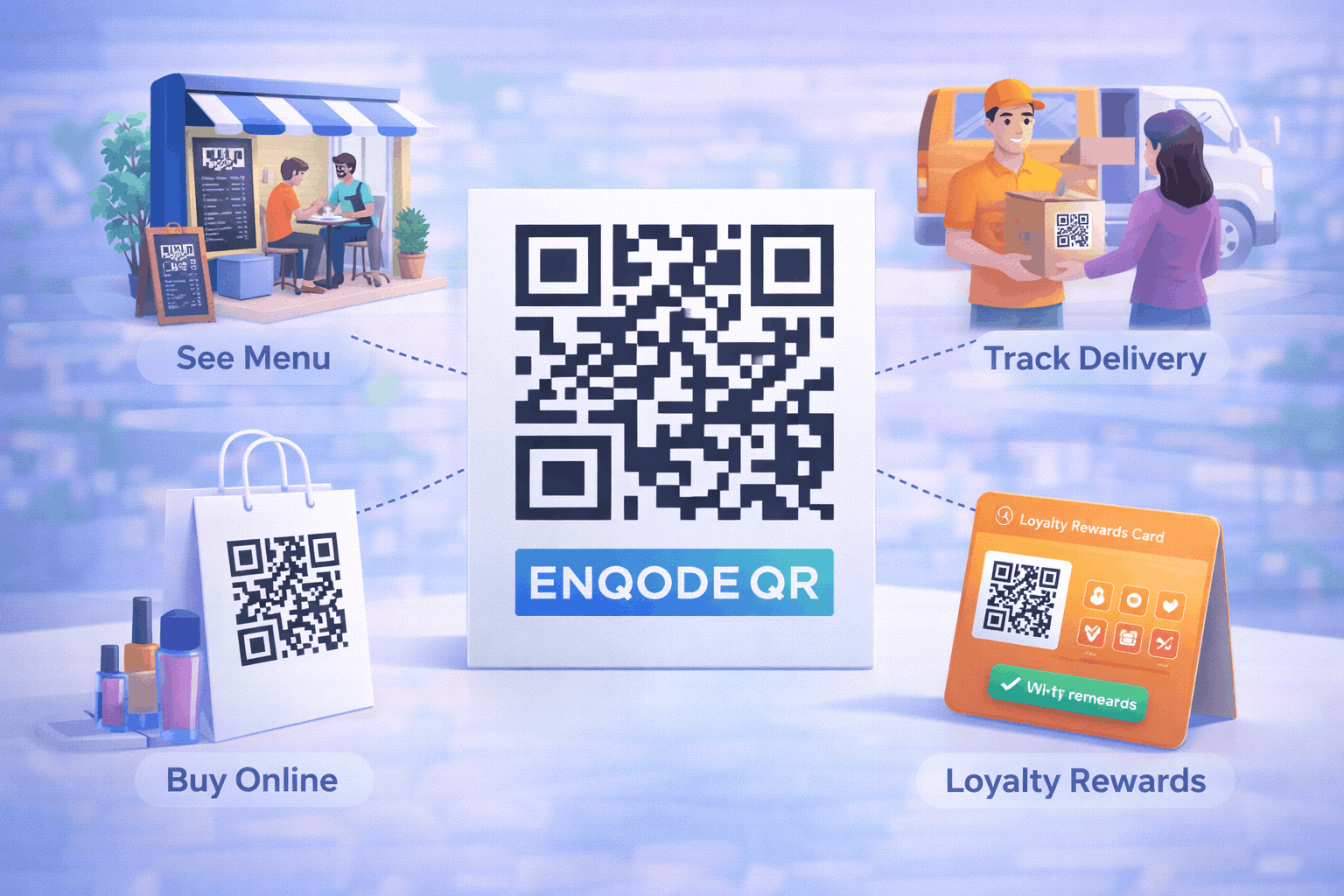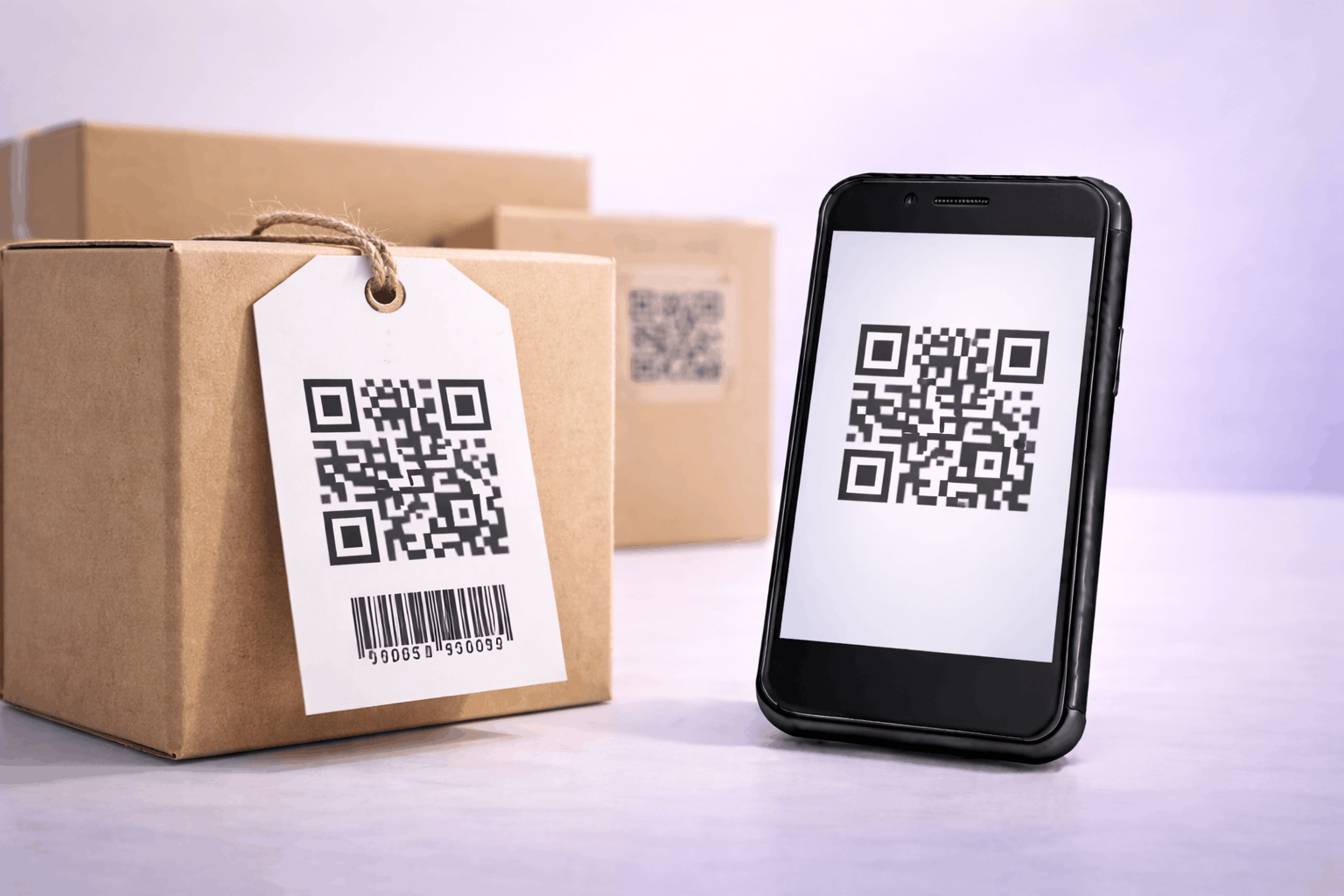
A 2D barcode QR code allows you to store product identifiers and reference information in a scannable format. It is commonly used on products and packaging to share structured details clearly. This guide explains how to create a 2D barcode QR code and use it effectively.
What Is a 2D Barcode QR Code
A 2D barcode QR code is a type of QR code used to store structured product or reference information in a compact, scannable format. Unlike traditional linear barcodes, it can hold more data while remaining easy to scan.
2D barcode QR codes are often used to represent identifiers such as product IDs, serial numbers, or batch details. Depending on how they are created, these QR codes can be static or dynamic, allowing flexibility for different product workflows.
What You Need Before Creating a 2D Barcode QR Code
Before creating a 2D barcode QR code, you should prepare the product information you want to encode. This may include a GTIN, product ID, serial number, batch number, or a link to a product page.
You should also consider whether this information might change over time. Static 2D barcode QR codes are suitable for fixed identifiers, while dynamic 2D barcode QR codes allow updates without changing the printed QR code.
How to Create a 2D Barcode QR Code (Step-by-Step)
Creating a 2D barcode QR code follows a simple three-step process.
- 1
Choose your QR code type: Select the 2D barcode option from the available QR Code Types so the QR code is configured to store structured product information.
- 2
Add product details & Customize: Enter product identifiers such as GTIN, product ID, serial number, or a product page link. Customize the QR code design while ensuring it remains clear and easy to scan.
- 3
Download & Share: Generate the QR code, download it in your preferred format, and test it before using it on products, packaging, or labels.
Tools like the 2D Barcode QR Code Generator on Enqode QR follow this same flow, making it easy to create and manage 2D barcode QR codes.
Why Use a 2D Barcode QR Code
2D barcode QR codes help store and share product information efficiently. A single scan allows access to identifiers or linked details without manual entry.
They are especially useful for product labelling, inventory tracking, and reference management. Dynamic 2D barcode QR codes also allow information updates without reprinting labels.
Common Use Cases of 2D Barcode QR Codes
2D barcode QR codes are widely used on product packaging, labels, and tags in manufacturing and retail environments. They help identify products, track batches, and support inventory processes.
They are also used in logistics, warehouses, and supply chains where accurate product identification is essential.
Best Practices for Creating 2D Barcode QR Codes
Ensure product information is accurate and formatted consistently. Double-check identifiers such as GTINs or serial numbers before generating the QR code.
Test the QR code on multiple scanners and devices. Use sufficient contrast and size, especially when placing QR codes on small labels or curved packaging.
Common Mistakes to Avoid
A common mistake is encoding incorrect or incomplete product data. Another issue is using low-quality printing that affects scan reliability.
Avoid overcrowding labels or placing QR codes where they may be damaged or difficult to scan. Always test before large-scale printing.
FAQs About 2D Barcode QR Codes
It stores structured product or reference information such as IDs, serial numbers, or product links.
Final Thoughts & Next Steps
2D barcode QR codes provide a modern and flexible way to store and share product information in a compact format. They are especially useful for labelling, tracking, and identification workflows.
To start creating product-ready QR codes, you can use the 2D Barcode QR Code Generator on Enqode QR and create a 2D barcode QR code in just a few minutes.