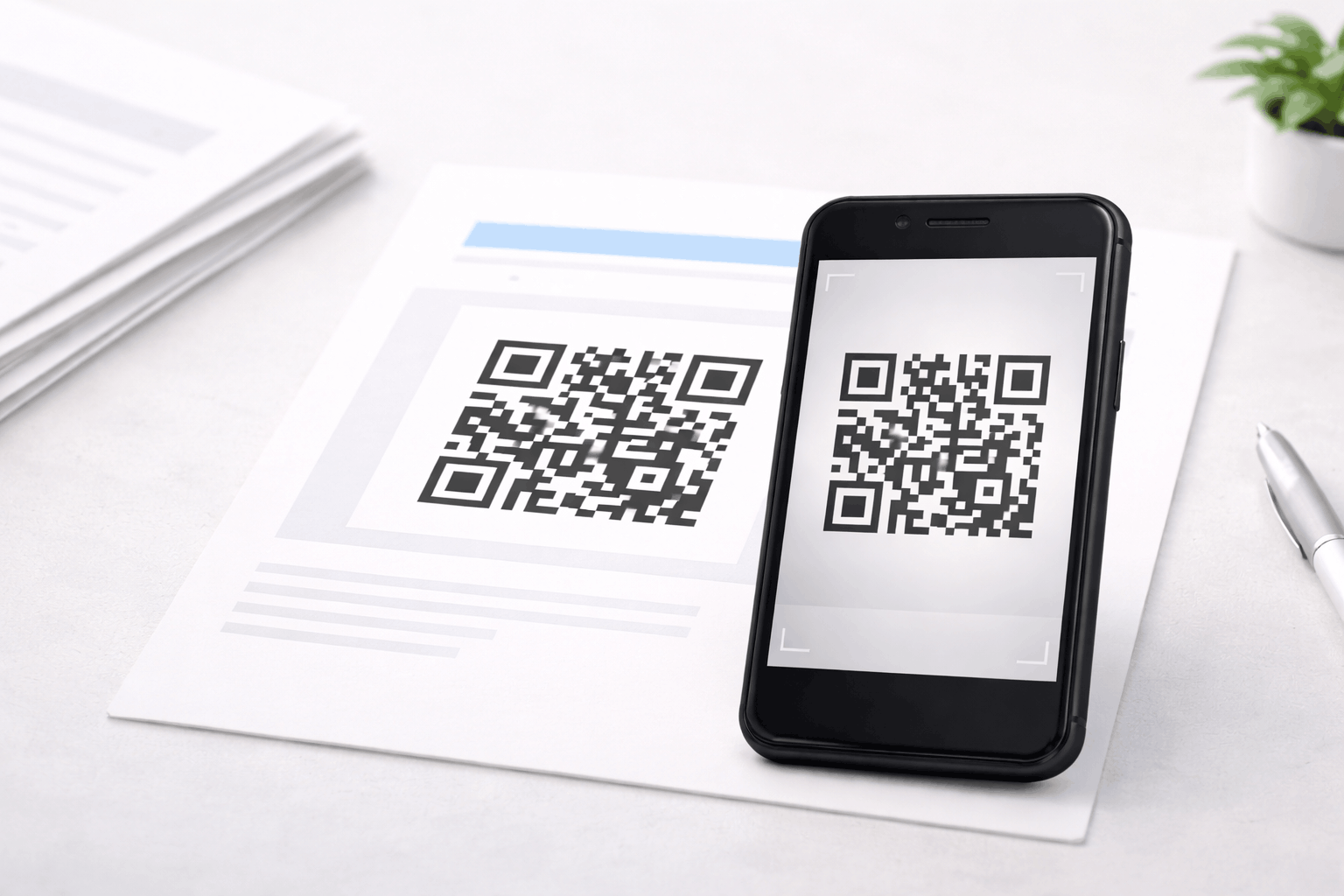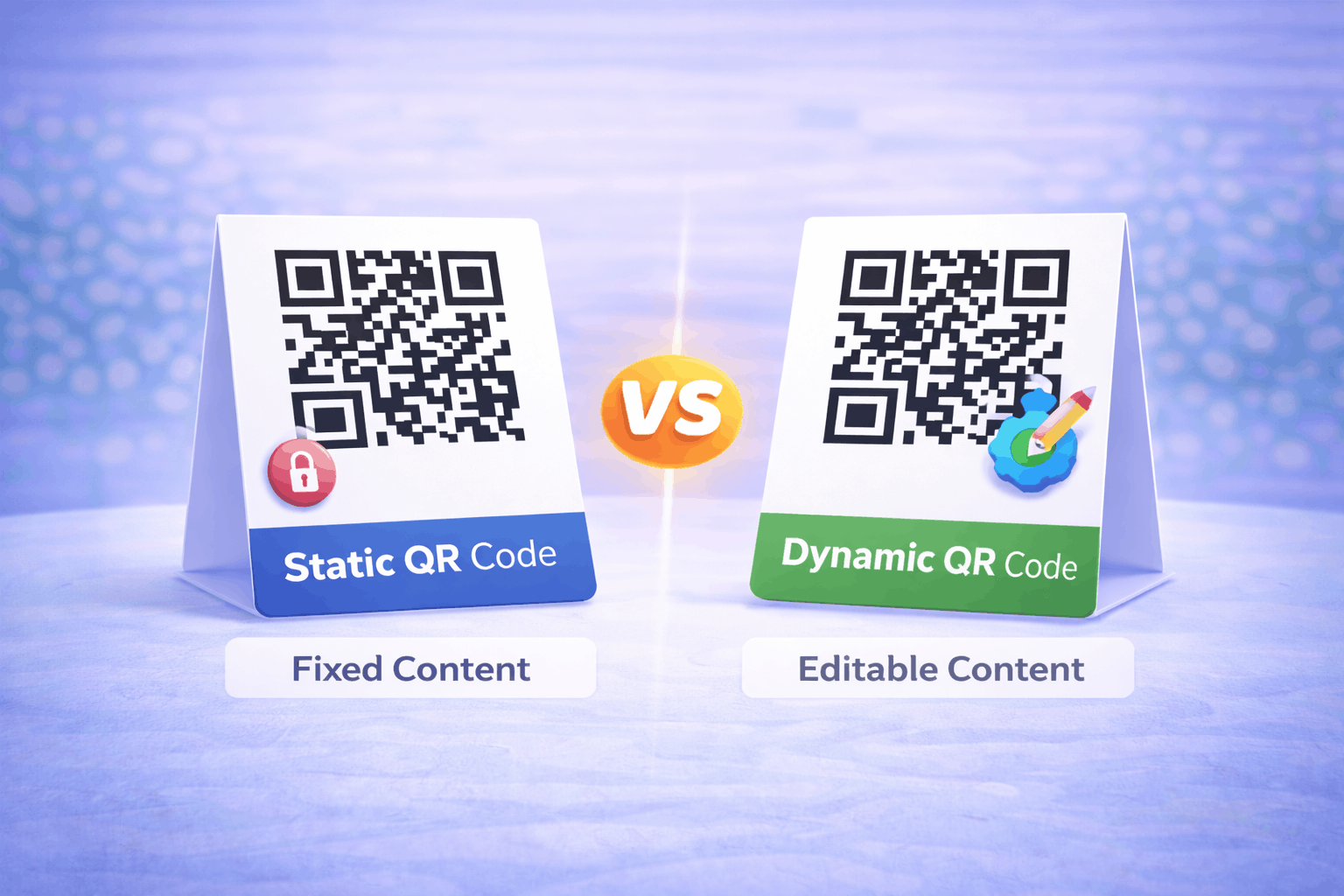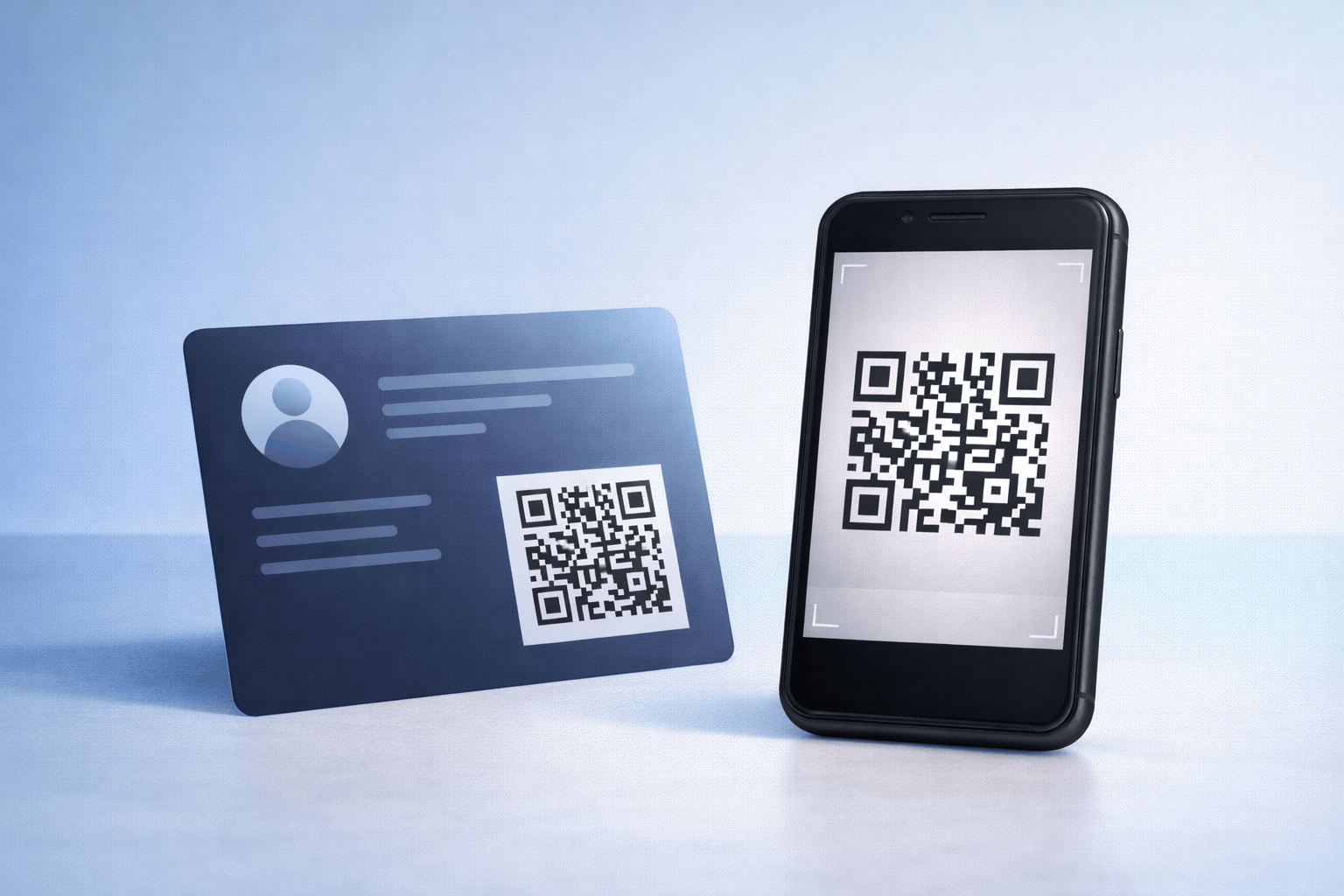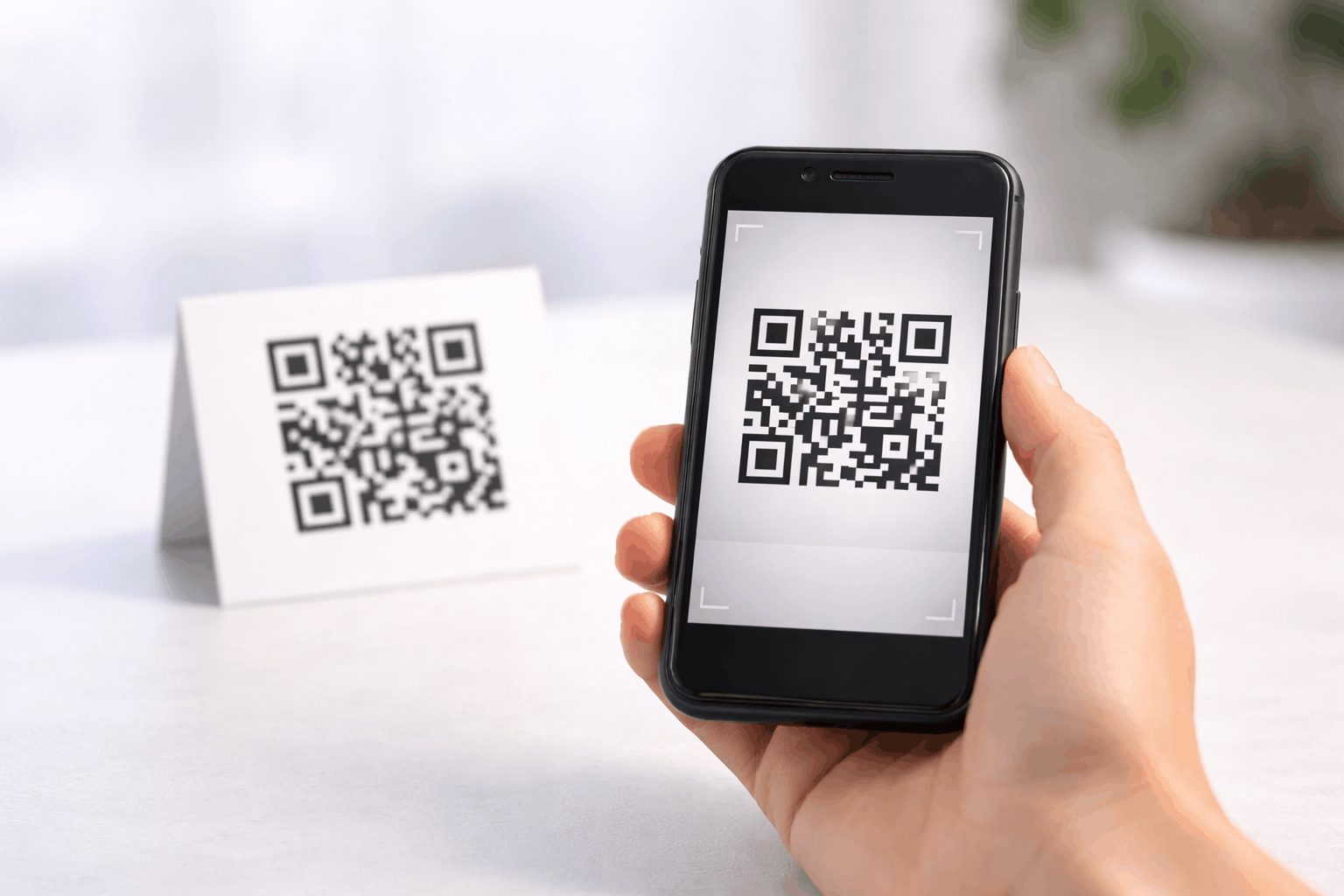
This guide explains how to create a link QR code and use it to share website URLs quickly and easily. You’ll learn what a link QR code is, what you need before creating one, how to generate it step by step, best practices to follow, common mistakes to avoid, and how to ensure your link QR code scans reliably.
What Is a Link QR Code
A link QR code, also known as a URL QR code, is a type of QR code that stores a website link. When scanned using a smartphone camera or QR scanner, it instantly opens the linked webpage without requiring users to type the URL manually.
Link QR codes are one of the most commonly used QR code types because they make it easy to connect offline materials to online content. They are widely used on posters, packaging, business cards, menus, and marketing materials to drive users to websites, landing pages, or online resources.
What You Need Before Creating a Link QR Code
Before creating a link QR code, you need a valid and working URL. This could be a homepage, landing page, blog post, product page, or any other web link you want users to access.
It’s also helpful to know where the QR code will be placed, such as on print materials or digital screens. This will influence design decisions like size, color contrast, and whether you may need to update the link later.
How to Create a Link QR Code (Step-by-Step)
Creating a link QR code is quick and straightforward, and the process is similar across most QR code generators.
- 1
Choose your QR code type: Start by selecting the link or URL option from the available QR Code Types. This ensures the QR code is configured to open a web page when scanned.
- 2
Enter your details & Customize: Paste the website URL you want to share and confirm it is correct. You can then customize the QR code design by adjusting color's or adding a logo, while keeping scan readability in mind.
- 3
Download & Share: Generate the QR code and download it in your preferred format. Always test the QR code on multiple devices before sharing it digitally or using it on printed materials.
Tools like Link QR Code Generator on Enqode QR follow this same three-step flow, making it easy to create and manage link QR codes from a single dashboard.
Why Use a Link QR Code
Link QR codes make accessing websites faster and more convenient. Instead of typing long URLs, users can simply scan the code and open the page instantly.
They also reduce the risk of errors caused by manual input and help improve the user experience. Link QR codes are device-friendly, easy to deploy, and work well in both online and offline environments.
Common Use Cases of Link QR Codes
Link QR codes are commonly used in marketing campaigns to direct users to landing pages, promotional offers, or product information. Businesses use them on flyers, brochures, and packaging to drive website traffic.
They are also useful for sharing blog posts, event details, portfolios, resumes, or social profiles, making them suitable for both professional and personal use.
Best Practices for Creating Link QR Codes
Always ensure the linked URL is short, accurate, and leads to a mobile-friendly page. Since most users scan QR codes on smartphones, the destination page should load quickly and display correctly on smaller screens.
Maintain strong contrast between the QR code and its background, choose an appropriate size based on scanning distance, and test the QR code in real-world conditions before final use.
Common Mistakes to Avoid
A common mistake is linking to a broken or incorrect URL, which results in a poor user experience. Another mistake is failing to test the QR code before printing or publishing it.
Using low contrast color's, placing the QR code in hard-to-scan locations, or linking to pages that are not optimized for mobile can also reduce effectiveness.
FAQs About Link QR Codes
A link QR code specifically opens a website URL, while other QR codes may store files, contact details, text, or app links.
Final Thoughts & Next Steps
Link QR codes are one of the simplest and most effective ways to connect offline audiences with online content. By following best practices and testing before use, you can ensure a smooth scanning experience for your users.
To start creating your own link QR code, you can use the Link QR Code Generator on Enqode QR and generate a scannable code in just a few minutes.