An event QR code lets guests access event details instantly by scanning a QR code. It simplifies sharing invitations, schedules, and event information without manual searching. This guide explains how to create an event QR code and use it effectively.
What Is an Event QR Code
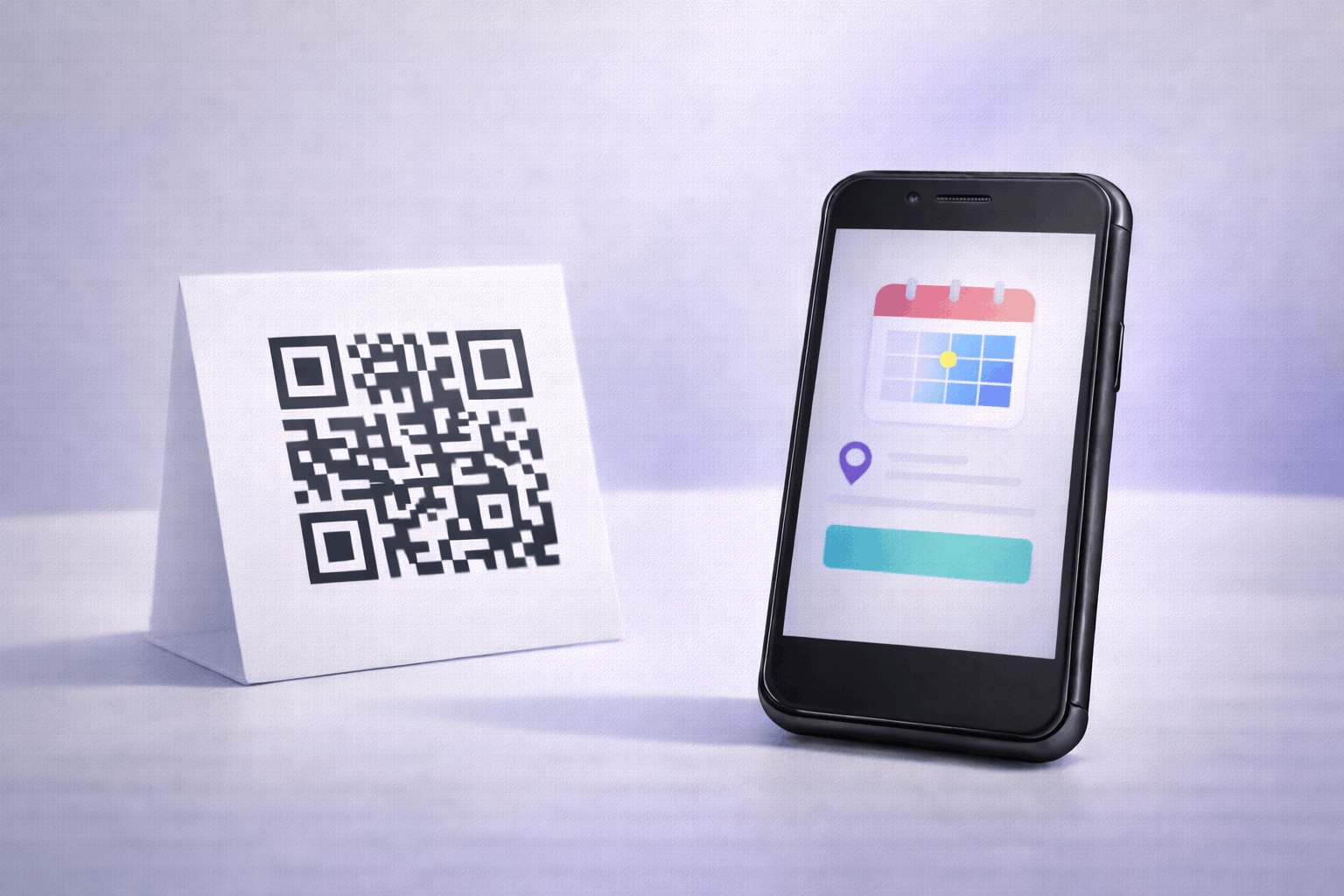
An event QR code is a type of QR code that opens a dedicated page displaying event information when scanned. Instead of sharing event details through long messages or multiple links, the QR code presents all key information in one place.
Event QR codes are commonly used to share details such as the event name, date, time, location, description, and related links. Because the information is hosted digitally, updates can be made without changing the printed QR code.
What You Need Before Creating an Event QR Code
Before creating an event QR code, you should gather all essential event details. This includes the event title, date, time, venue, and any additional information you want guests to see.
You should also consider whether the event details may change over time. Since event QR codes are dynamic, planning ahead allows you to update schedules, locations, or links later without reprinting the QR code.
How to Create an Event QR Code (Step-by-Step)
Creating an event QR code follows a simple three-step process.
- 1
Choose your QR code type: Select the event option from the available QR Code Types so the QR code is configured to open event details when scanned.
- 2
Add event details & Customize: Enter your event information such as the title, date, time, venue, description, and any relevant links. Customize the QR code design while keeping it clear and easy to scan.
- 3
Download & Share: Generate the QR code, download it in your preferred format, and test it before using it on invitations or promotional materials.
Tools like the Event QR Code Generator on Enqode QR follow this same flow, making it easy to create and manage event QR codes.
Why Use an Event QR Code
Event QR codes make it easier for guests to access accurate event information instantly. A single scan removes confusion caused by outdated messages or missing details.
They also provide flexibility, as event information can be updated anytime without changing the QR code. This is especially useful for events with evolving schedules or last-minute changes.
Common Use Cases of Event QR Codes
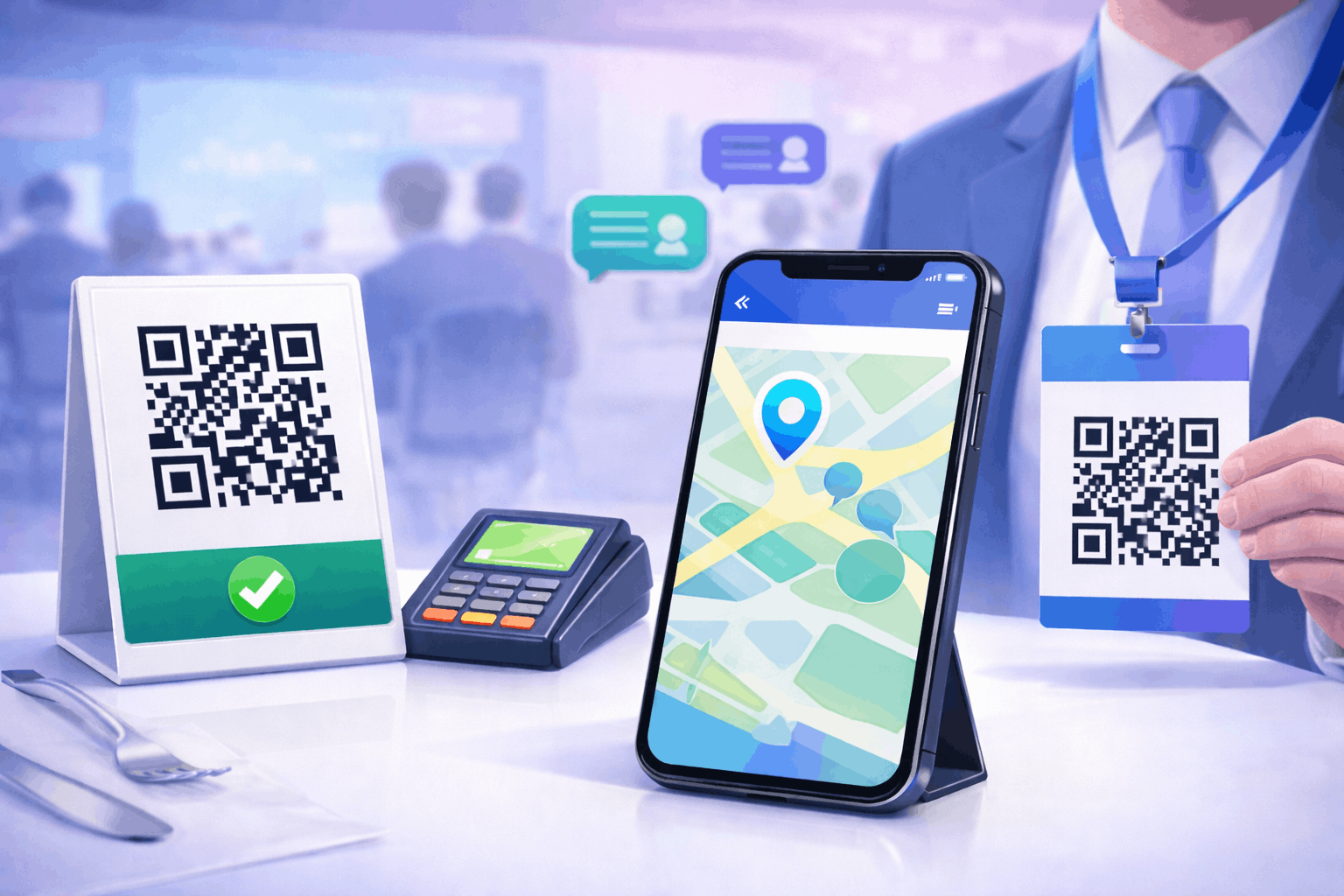
Event QR codes are widely used for conferences, workshops, weddings, parties, and corporate events. Organizers place them on invitations, posters, emails, and event websites.
They are also useful for webinars, exhibitions, and ticketed events where quick access to event information improves the guest experience.
Best Practices for Creating Event QR Codes
Ensure all event details are accurate and clearly presented. Keep descriptions concise so guests can quickly understand the key information.
Always test the QR code before distributing it. Place the QR code in visible locations with good contrast to ensure easy scanning across devices.
Common Mistakes to Avoid
A common mistake is sharing incomplete or outdated event information. Another issue is failing to test the QR code before printing or sending invitations.
Avoid using low-contrast designs or placing the QR code in areas where scanning may be difficult, such as curved surfaces or poorly lit spaces.
FAQs About Event QR Codes
It opens a digital page that displays event details after scanning.
Final Thoughts & Next Steps
Event QR codes offer a simple way to share event information and invitations through a single scan. They help reduce confusion and make event communication more efficient.
To start sharing event details through QR codes, you can use the Event QR Code Generator on Enqode QR and create an event QR code in just a few minutes.