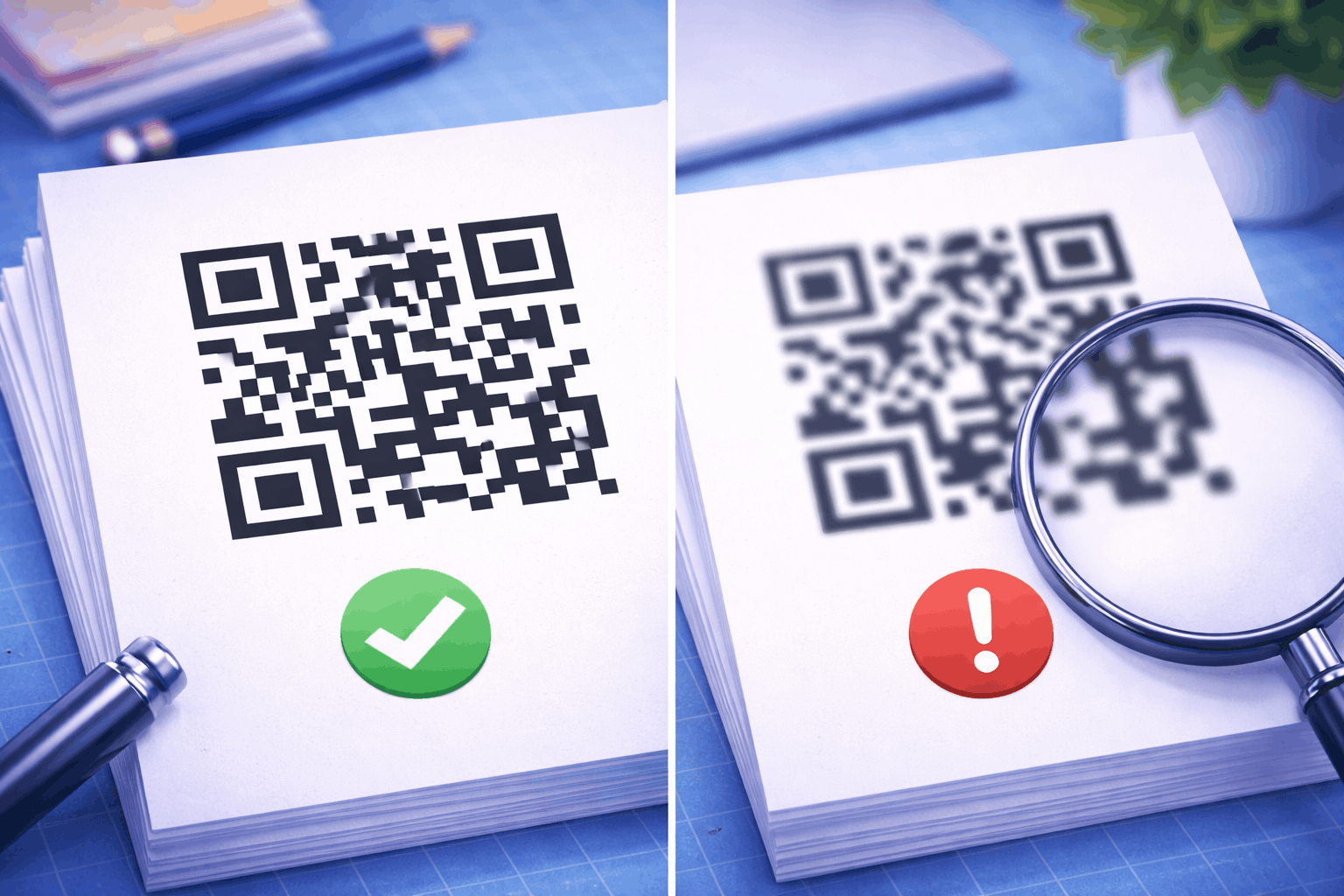

For something held in the hand, such as a business card, a printed QR code should be at least about 2 cm (0.8 in) wide. For anything scanned from further away, divide the scanning distance by 10 to get the minimum width.
Quick Summary
For something held in the hand, such as a business card, a printed QR code should be at least about 2 cm (0.8 in) wide. For anything scanned from further away, divide the scanning distance by 10 to get the minimum width.
Two things push that number up: how far away people stand, and how much the code holds. A long link or a logo makes the code denser, so it needs more room. Make your code in the free QR code generator, keep the link short and download it at the size you need.
Table of Contents
- What is the minimum size of a QR code?
- Minimum QR code sizes by use
- The 10:1 rule: size from scanning distance
- Why some QR codes need more space
- What this means in the Enqode QR generator
- How to keep a small QR code scannable
- FAQ
What Is the Minimum Size of a QR Code?
There is no single minimum, because the right size depends on scanning distance and on how dense the code is. About 2 cm (0.8 in) wide is a sensible floor for a short link scanned from hand distance.
What a phone camera really needs is for each small square in the code, called a module, to be big enough to see clearly. A code with fewer modules can be printed smaller than one with many, and a code read from across a room needs bigger modules than one read from a hand. The width in this guide is the code itself, from the outside edge of one corner square to the other, not counting the blank margin around it.
Minimum QR Code Sizes by Use
Use the table below as a starting point for each kind of print. It assumes a dark code on a light background, a short link and good print quality.
| Where it is printed | Typical scanning distance | Minimum code width |
|---|---|---|
| Business card | 15 to 25 cm (6 to 10 in) | About 2 cm (0.8 in) |
| Product packaging and labels | 20 to 30 cm (8 to 12 in) | At least 2 to 3 cm (0.8 to 1.2 in) |
| Flyer or leaflet | 30 to 50 cm (12 to 20 in) | At least 3 to 5 cm (1.2 to 2 in) |
| Table tent or menu | 40 to 60 cm (16 to 24 in) | About 4 to 6 cm (1.6 to 2.4 in) |
| Poster | About 1 m (3 ft) | 10 cm (4 in) or more |
| Shop window or door | 1.5 to 2 m (5 to 6.5 ft) | About 15 to 20 cm (6 to 8 in) |
| Banner or pull-up stand | 2 to 3 m (6.5 to 10 ft) | About 20 to 30 cm (8 to 12 in) |
| Billboard | Work it out with the 10:1 rule | About 1 m (40 in) if read from 10 m (33 ft) |
These are starting points, not guarantees. If your code holds a long link or uses a higher error correction level, treat them as the bottom of the range and go a size up. The sections below explain why.
The 10:1 Rule: Size From Scanning Distance
A QR code scans comfortably from about 10 times its own width. Turn that around and you get the minimum width: take the distance people will scan from and divide it by 10.
Worked example in centimetres. A poster on a noticeboard is read by people standing about 1.5 m (150 cm) away. 150 ÷ 10 = 15, so the code should be at least 15 cm wide.
The same example in inches. 1.5 m is about 5 feet, or 60 inches. 60 ÷ 10 = 6, so the code should be at least 6 inches wide.
It works the other way too. If a flyer only has room for a 4 cm (1.6 in) code, expect it to scan well from about 40 cm (16 in). That is fine for something held in the hand, but not for a flyer pinned to a wall across a room.
The rule is a guide, not a law. Lighting, the angle people stand at, the camera on their phone and how dense the code is all move the number, so use it to choose a starting size and then test.
Why Some QR Codes Need More Space
More data and a higher error correction level both add modules to the grid. A denser code printed at the same width has smaller modules, so it needs more space to scan as easily.
More data means more modules
QR codes come in sizes called versions, from version 1 (21 × 21 modules) up to version 40 (177 × 177). Each step up adds four modules to the width and four to the height, and the more characters you encode, the higher the version the code has to use.

In the image above, both codes are drawn with the same module size. The short link fits in version 3, a 29 × 29 grid. The long link, with tracking parameters added, needs version 8, a 49 × 49 grid. Print both at 2 cm wide and each module in the short code is about 0.7 mm across, against about 0.4 mm in the long one. That smaller module is harder to read at a distance, in poor light or after a slightly soft print.
A higher error correction level means more modules
Error correction lets a phone read a code even when part of it is dirty, scratched or covered. It works by storing extra recovery data next to your content: at level Q a code can still be read with roughly 25% of its data damaged, and at level H roughly 30%. That extra data takes up room, so the same content at a higher level can need a bigger version.

Here the same 65 character link needs version 6 (41 × 41) at level Q and version 8 (49 × 49) at level H. Nothing about the link changed, only the amount of protection.
To see what each level protects against and when to raise it, read our guide to QR code error correction levels.
What This Means in the Enqode QR Generator
The Enqode QR generator uses level Q by default. It switches to level H when you add a logo, choose the Dots pattern, turn on a gradient, or pick the Leaf or Dot Grid eye, because those styles cover or change part of the code and the extra recovery data makes up for it.
The other eye shapes stay at level Q. So a styled code with a logo can be a version or two larger than a plain one with the same link. That is not a problem, but it is a good reason to print it a little bigger than the minimum in the table.
How to Keep a Small QR Code Scannable
A short link, a clear margin and a sharp print let a code go smaller without failing. Each habit below removes one reason a small code stops scanning.
- Keep the link short. Strip tracking parameters you do not need. A dynamic QR code helps here: the code holds a short redirect link, so it stays small however long the destination is, and you can change the destination later without reprinting.
- Leave the quiet zone. The QR standard asks for a clear margin of four modules on every side. Do not let text, borders or the edge of the page creep into it.
- Keep the contrast high. A dark code on a light background is the safest choice, especially at small sizes.
- Print it sharp. Use a vector file or a high resolution image so module edges stay crisp. Our guide on how to print QR codes without losing quality covers file formats, resolution and paper.
- Test at the real size and distance. Print a proof at the final size and scan it with more than one phone, from where people will actually stand.
If a printed code still will not scan, work through the checks in My QR code won't scan.
FAQ
Conclusion
The minimum size of a printed QR code comes down to distance and density. Start from the table or the 10:1 rule, go a size up for long links and styled codes, and always test a proof at its real size before the full print run.