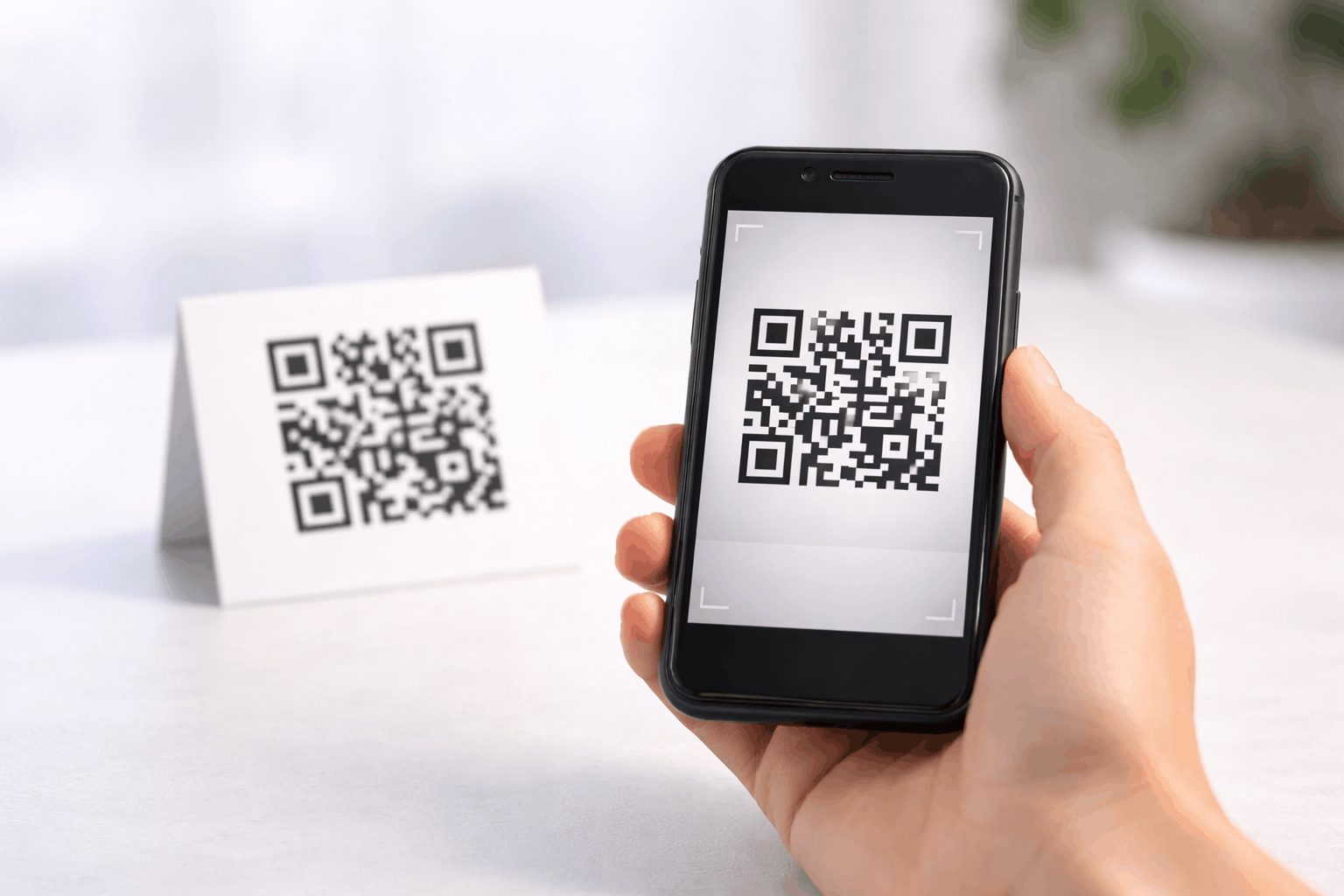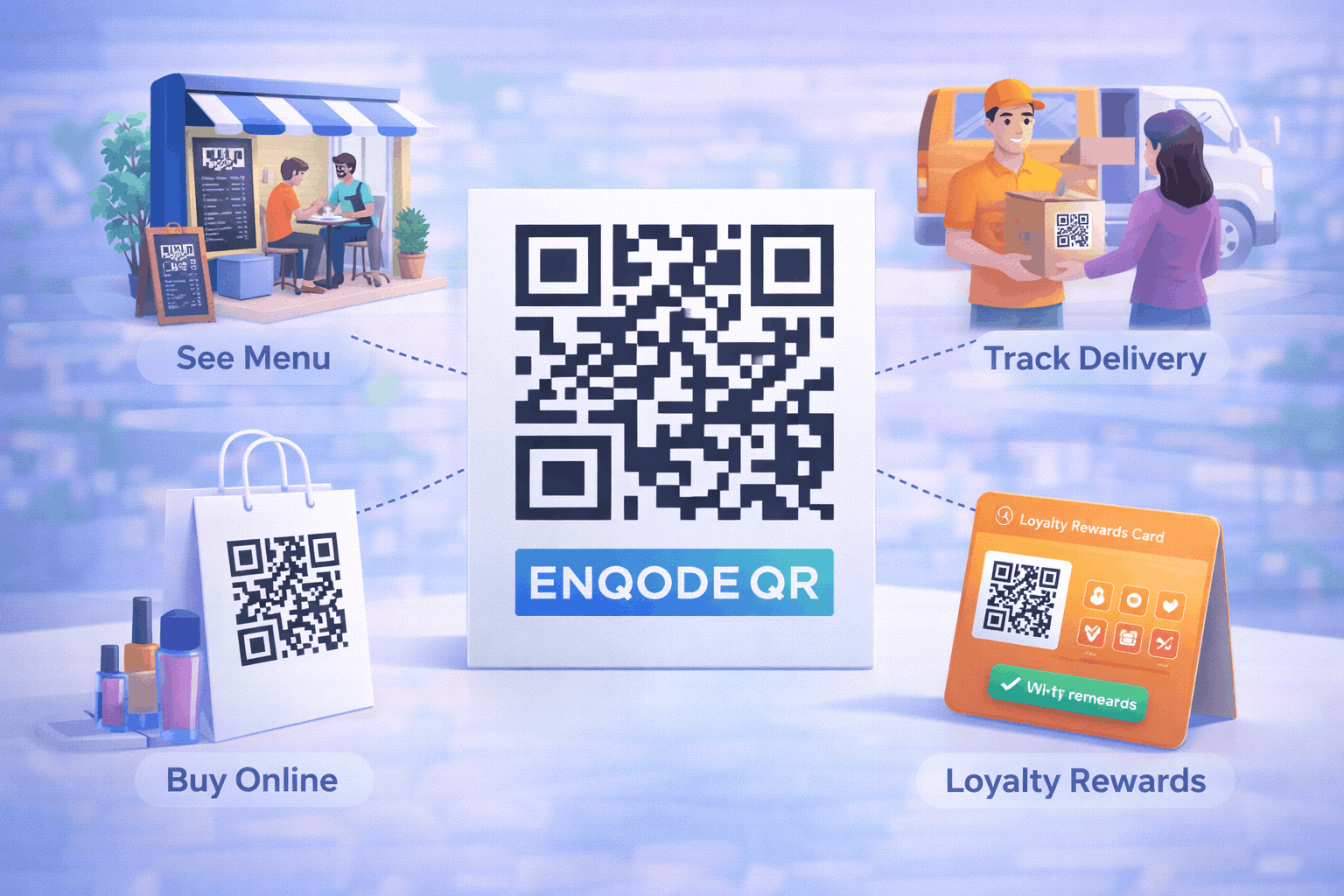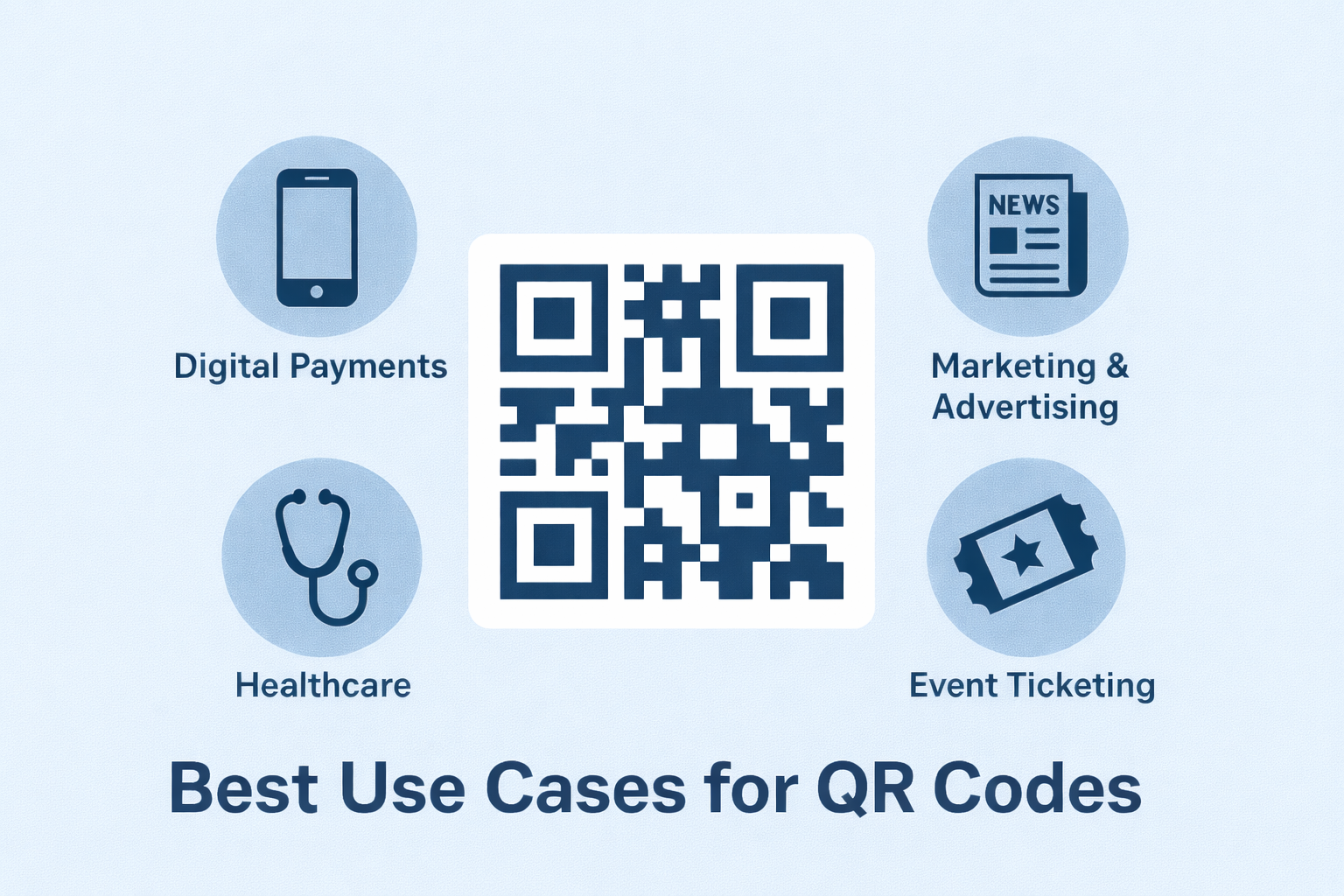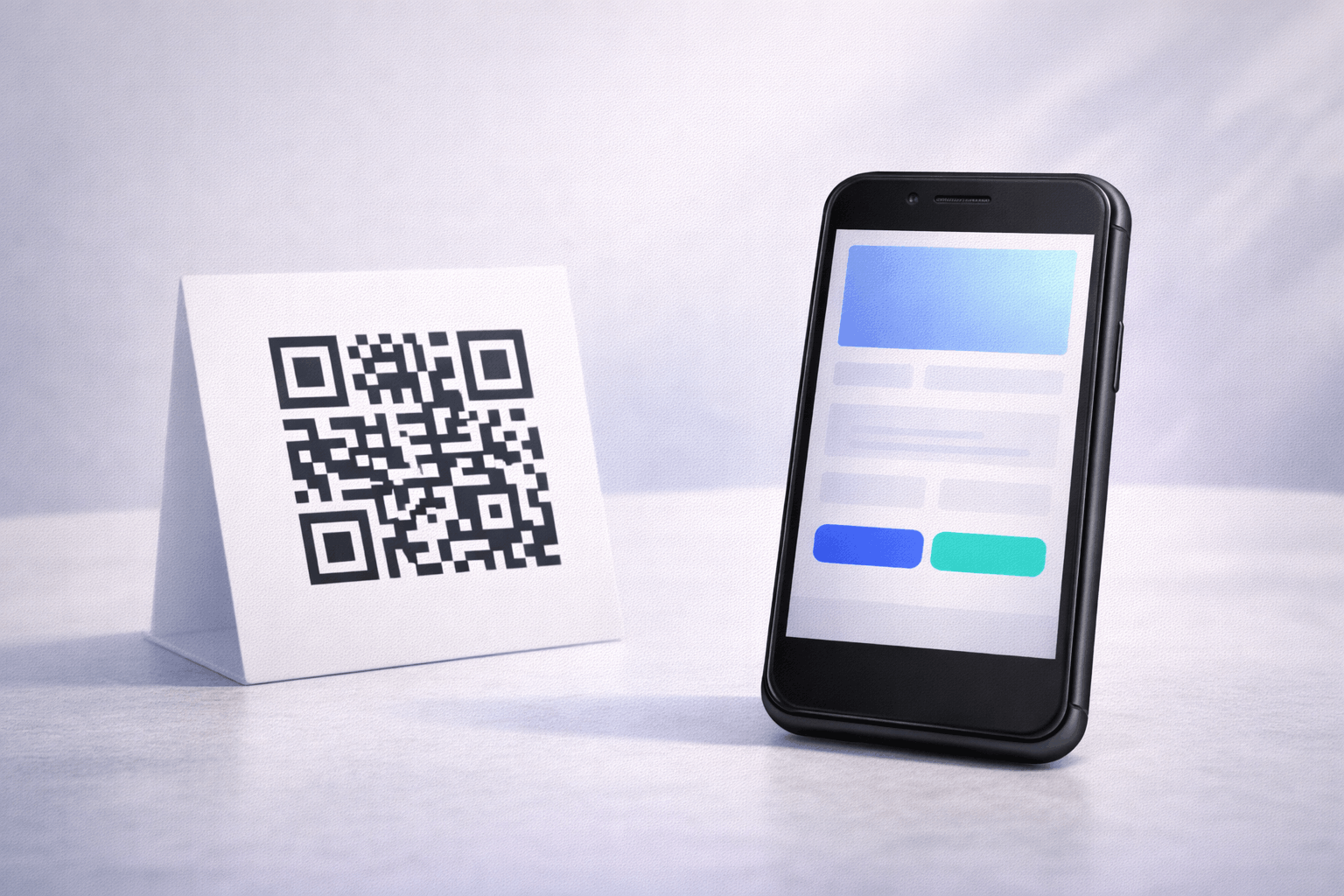
A landing page QR code lets users access a mobile-friendly page instantly by scanning a QR code. It is useful when you want to share structured information without sending users to a full website. This guide explains how to create a landing page QR code, what you need before creating one, and how to use it effectively.
What Is a Landing Page QR Code
A landing page QR code is a type of QR code that opens a dedicated, mobile-friendly landing page when scanned. Instead of redirecting users to an external website, the content is displayed on a hosted page designed specifically for quick access on smartphones.
Landing page QR codes are often used to present essential information such as business details, contact options, links, or calls to action in a structured and easy-to-read format. Because the content is hosted on the landing page itself, it can be updated later without changing the QR code.
What You Need Before Creating a Landing Page QR Code
Before creating a landing page QR code, you should first plan the content you want users to see after scanning. This may include short text sections, links, buttons, images, or contact information.
It’s also important to define the goal of the landing page, such as sharing business information, promoting an offer, or guiding users to take a specific action. Since landing page QR codes are dynamic, planning ahead makes it easier to update content later without reprinting the QR code.
How to Create a Landing Page QR Code (Step-by-Step)
Creating a landing page QR code follows a simple three-step process.
- 1
Choose your QR code type: Select the landing page option from the available QR Code Types so the QR code is configured to open a hosted landing page when scanned.
- 2
Enter your details & Customize: Add your landing page content such as text sections, images, buttons, or links. Customize the layout and QR code design while keeping the page clear and easy to navigate on mobile devices.
- 3
Download & Share: Generate the QR code, download it in your preferred format, and test it on multiple devices before using it on print or digital materials.
Tools like the Landing Page QR Code Generator on Enqode QR follow this same flow, allowing you to create, edit, and manage landing page QR codes easily.
Why Use a Landing Page QR Code
Landing page QR codes are useful when you want to control what users see immediately after scanning. Instead of sending them to a full website, you can present focused information in a clean and distraction-free layout.
They also offer flexibility, as the content can be updated at any time without changing the QR code. This makes them suitable for campaigns, events, and materials where information may change.
Common Use Cases of Landing Page QR Codes
Landing page QR codes are commonly used on flyers, brochures, and business cards to share company details in a compact format. Event organizers use them to display schedules, directions, or registration information.
They are also used for promotions, portfolios, product information sheets, and informational displays where physical space is limited but digital details are needed.
Best Practices for Creating Landing Page QR Codes
Keep the landing page content simple and easy to scan. Focus on clarity and avoid long blocks of text, especially for mobile users.
Always test the QR code on different devices and screen sizes before publishing. If the QR code will be used offline, ensure the landing page loads quickly on mobile networks.
Common Mistakes to Avoid
A common mistake is overcrowding the landing page with too much information, which can overwhelm users and reduce engagement.
Another issue is failing to test the QR code before printing or distribution. Poor contrast, low-quality QR designs, or unoptimized content can negatively affect scanning and usability.
FAQs About Landing Page QR Codes
It opens a hosted, mobile-friendly landing page that displays information directly after scanning.
Final Thoughts & Next Steps
Landing page QR codes provide a simple way to present key information through a mobile-friendly experience. They are especially useful when flexibility is needed and a full website is not required.
To start sharing information through a scannable landing page, you can use the Landing Page QR Code Generator on Enqode QR and create a landing page QR code in just a few minutes.