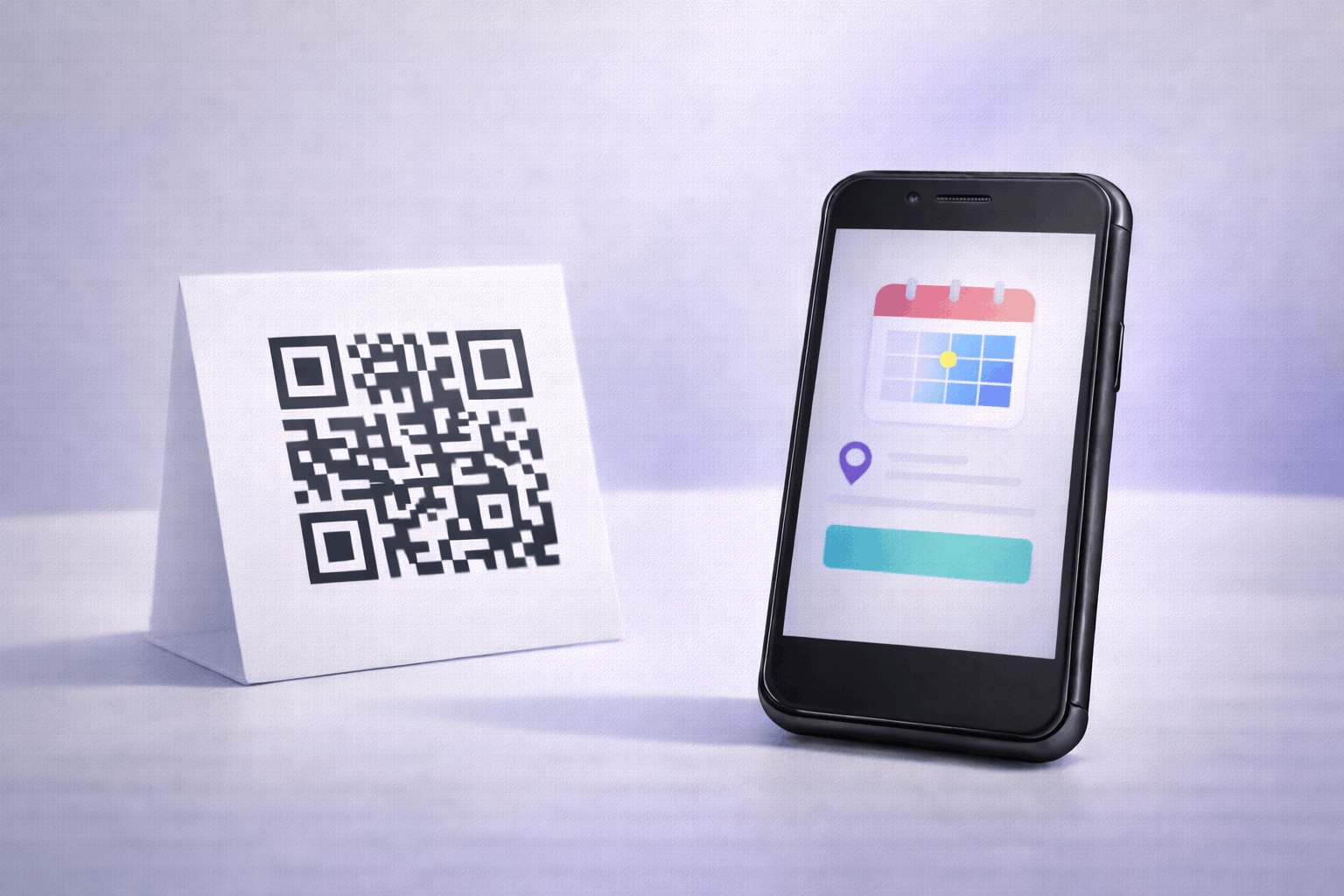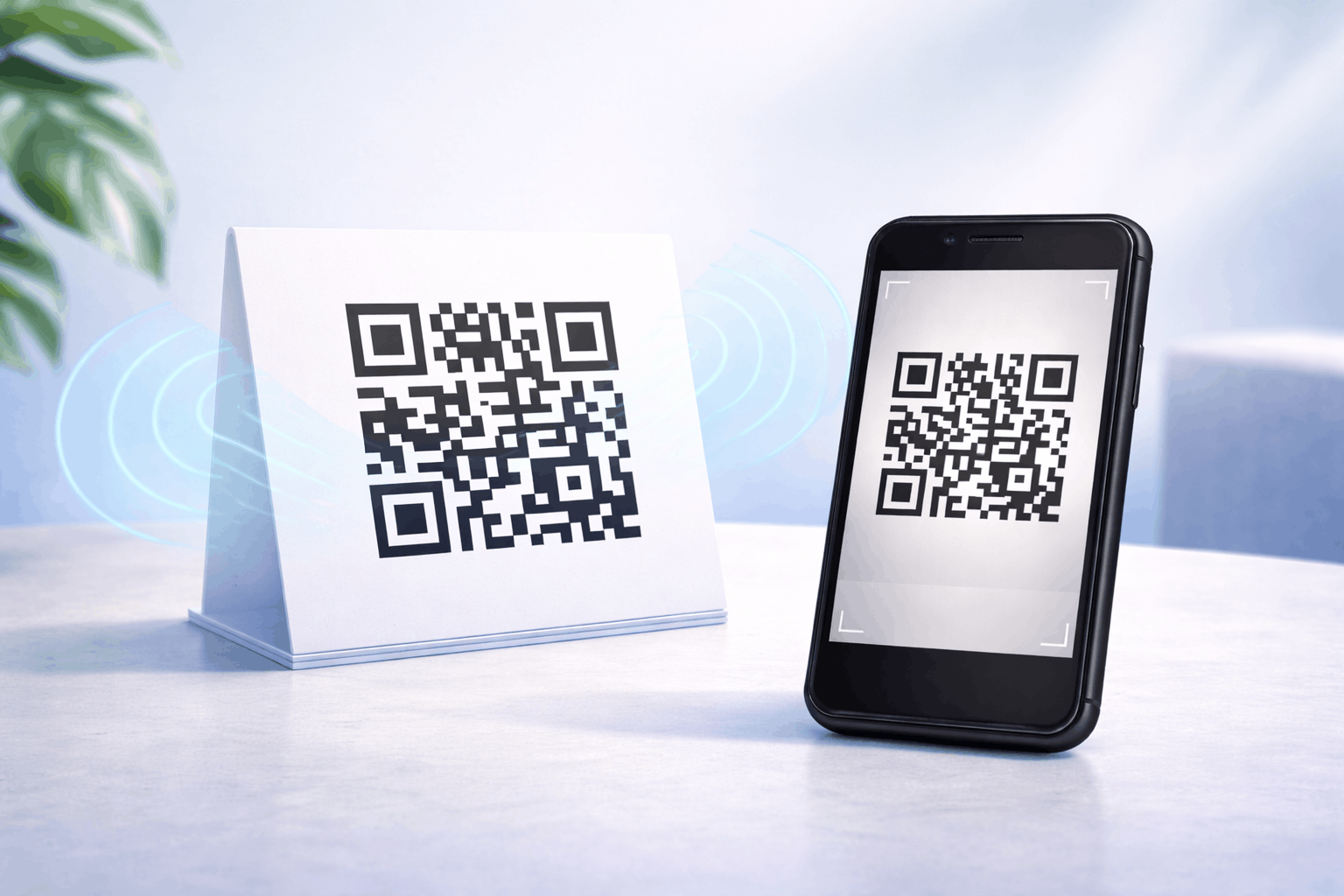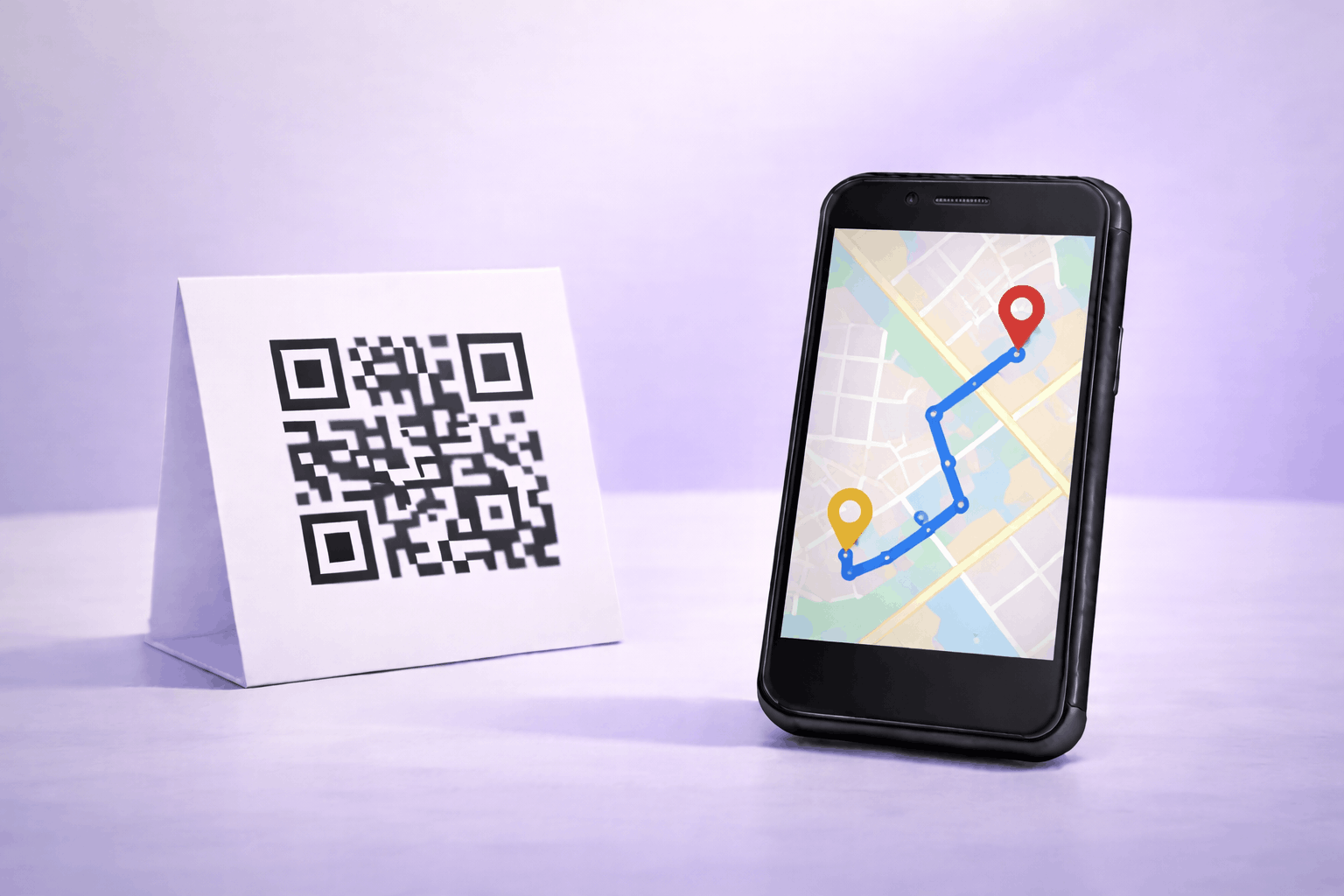
A location QR code lets users access an address or directions instantly by scanning a QR code. It removes the need to type addresses or search manually. This guide explains how to create a location QR code and use it effectively.
What Is a Location QR Code
A location QR code is a type of QR code that opens location information when scanned. It allows users to view an address or get directions instantly without manually entering details into a map application.
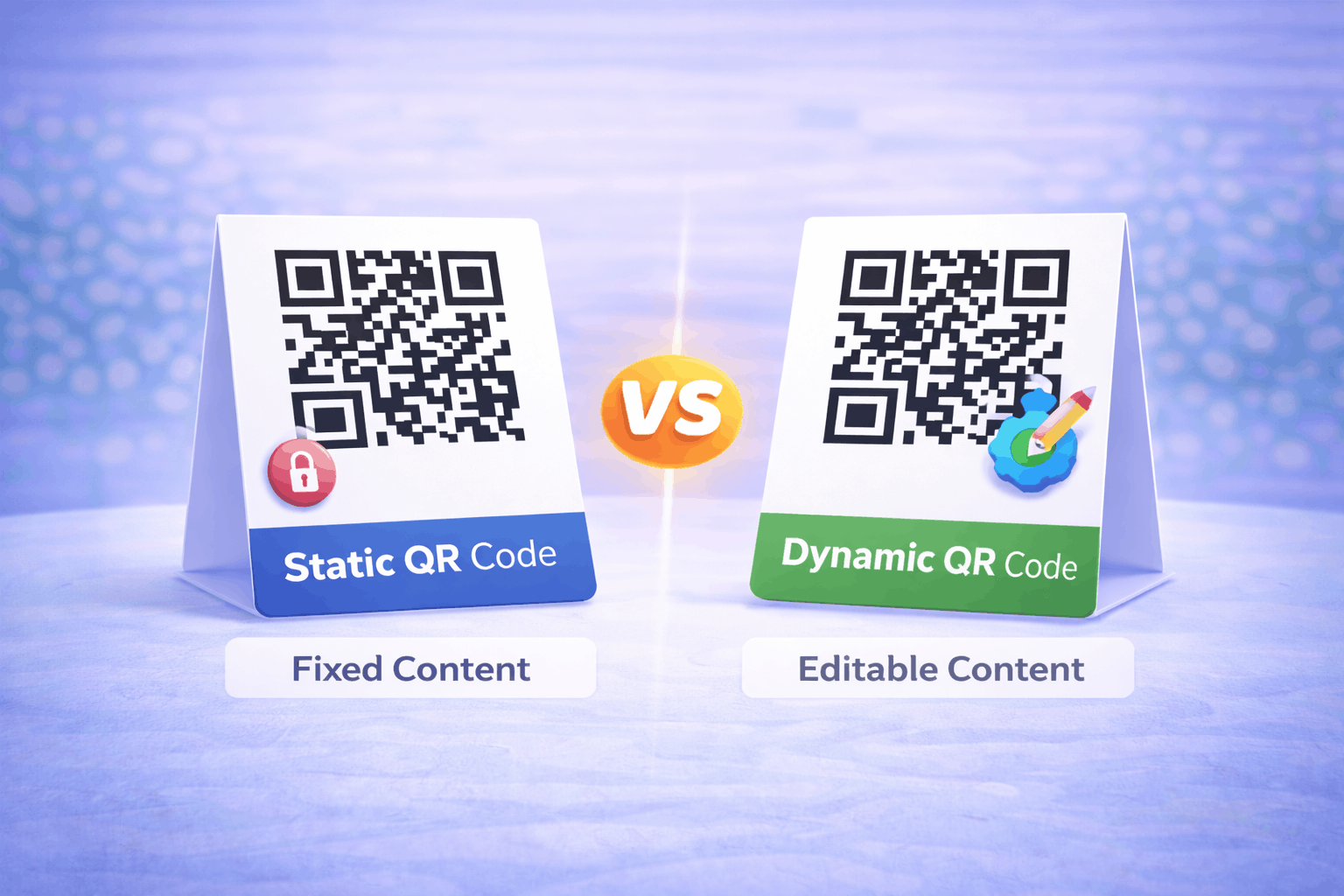
Location QR codes are commonly used to share precise destinations such as business locations, event venues, or meeting points. Depending on how they are created, location QR codes can be static or dynamic, offering flexibility for different location-sharing needs.
What You Need Before Creating a Location QR Code
Before creating a location QR code, you should decide how you want to share the location. This can be done using a map link or by entering exact coordinates such as latitude and longitude.
You should also consider whether the location details might change in the future. Static location QR codes are suitable for fixed addresses, while dynamic location QR codes allow updates without changing the printed QR code.
How to Create a Location QR Code (Step-by-Step)
Creating a location QR code follows a simple three-step process.
- 1
Choose your QR code type: Select the location option from the available QR Code Types so the QR code is configured to open location details when scanned.
- 2
Add location details & Customize: Enter the location using a map link or precise coordinates such as latitude and longitude. Customize the QR code design while ensuring it remains easy to scan.
- 3
Download & Share: Generate the QR code, download it in your preferred format, and test it before using it on print or digital materials.
Tools like the Location QR Code Generator on Enqode QR follow this same flow, making it easy to create and manage location QR codes.
Why Use a Location QR Code
Location QR codes make navigation simple and accurate. A single scan allows users to access directions instantly, reducing the chance of errors or confusion.
They are especially useful when precise navigation is important, such as for events, deliveries, or customer visits. Dynamic location QR codes also offer flexibility by allowing updates without reprinting the QR code.
Common Use Cases of Location QR Codes
Location QR codes are widely used for stores, offices, and service locations to help customers find the correct address. They are also common in real estate listings, event invitations, and venue signage.
They are useful for delivery locations, meeting points, parking areas, and temporary locations where clear directions improve the user experience.
Best Practices for Creating Location QR Codes
Ensure the location details are accurate and tested before sharing. If using coordinates, double-check latitude and longitude values for precision.
Test the QR code on different devices to confirm it opens the correct location. Place the QR code in visible areas with sufficient contrast to improve scan reliability.
Common Mistakes to Avoid
A common mistake is using incorrect or outdated location information. Another issue is not testing the QR code before printing or distribution.
Avoid placing QR codes in areas where scanning may be difficult, such as curved surfaces or poorly lit locations. Poor design contrast can also reduce scan success.
FAQs About Location QR Codes
It opens a map or location view showing the address or coordinates after scanning.
Final Thoughts & Next Steps
Location QR codes provide a simple and reliable way to share addresses and directions through a quick scan. They help reduce navigation errors and make it easier for people to reach the correct destination.
To start sharing locations through QR codes, you can use the Location QR Code Generator on Enqode QR and create a location QR code in just a few minutes.