This guide explains how to create a menu QR code to share digital menus with a simple scan. You’ll learn what a menu QR code is, what you need before creating one, how to generate it step by step, best practices to follow, and common mistakes to avoid.
What Is a Menu QR Code
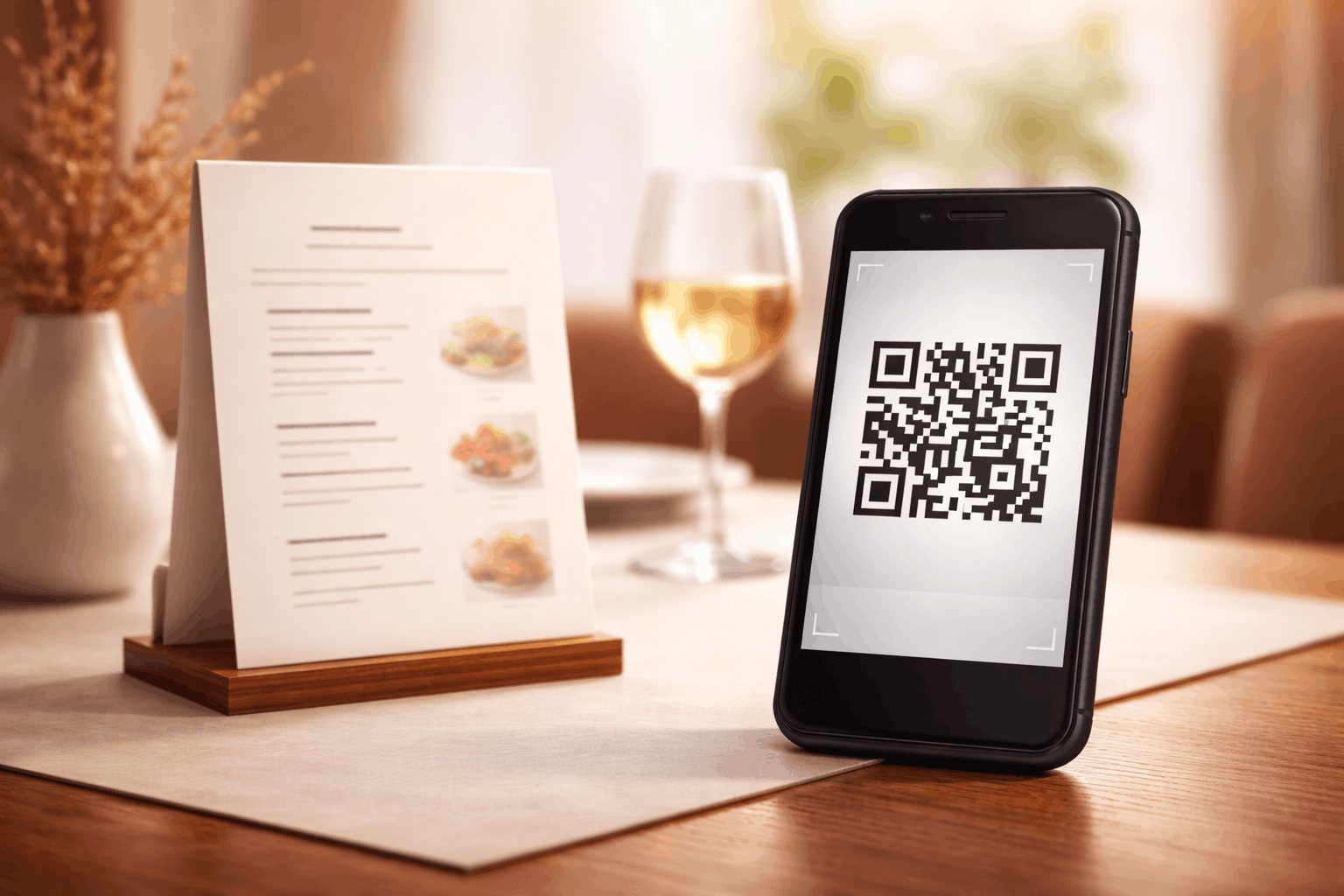
A menu QR code is a type of QR code that lets customers view a restaurant’s digital menu instantly by scanning it with their smartphone. Instead of relying on printed menus, the QR code opens a menu file directly on the customer’s device, displaying food and beverage items in a quick and contactless way.
Menu QR codes are widely used by restaurants, cafés, hotels, and food businesses to offer a contactless and convenient way for customers to view menus. They also make it easier to update menu items without reprinting materials.
What You Need Before Creating a Menu QR Code
Before creating a menu QR code, you should have your menu ready in a digital format. This could be a PDF menu or an image file, depending on how you want customers to view it.
It’s also important to decide where the QR code will be placed, such as on tables, counters, posters, or takeaway packaging. This helps determine the appropriate QR code size and design for easy scanning.
How to Create a Menu QR Code (Step-by-Step)
Creating a menu QR code follows a simple three-step process and is similar to creating a file-based QR code.
- 1
Choose your QR code type: Select the menu option from the available QR Code Types to ensure the QR code opens your digital menu when scanned.
- 2
Upload & Customize: Upload your menu file, such as a PDF or image, and customize the QR code design by adjusting color's or adding a logo while maintaining good scan readability.
- 3
Download & Share: Generate the QR code, download it in your preferred format, and test it on multiple devices before placing it on tables or printed materials.
Tools like the Menu QR Code Generator on Enqode QR follow this same flow, making it easy to upload menus and share them through a scannable QR code.
Why Use a Menu QR Code
Menu QR codes provide a contactless and hygienic way for customers to view menus. They eliminate the need for physical menus and reduce printing costs.
They also allow businesses to update menu items instantly without reprinting, making them ideal for seasonal menus, daily specials, or price changes.
Common Use Cases of Menu QR Codes
Menu QR codes are commonly used in restaurants, cafés, bars, food courts, and hotels. They are also useful for cloud kitchens, food trucks, and event catering services.
Many businesses place menu QR codes on tables, walls, counters, and takeaway packaging to ensure customers can easily access the menu.
Best Practices for Creating Menu QR Codes
Ensure your digital menu is easy to read on mobile devices, with clear fonts and optimized file sizes. Large or unoptimized files can slow loading and affect the user experience.
Place the QR code where it is clearly visible and easy to scan, and test it under real lighting conditions. Maintain strong contrast between the QR code and its background for reliable scanning.
Common Mistakes to Avoid
One common mistake is uploading menus that are not mobile-friendly, making them difficult to read on small screens. Another mistake is failing to test the QR code after uploading the menu.
Placing QR codes in poorly lit areas or using low-contrast designs can also reduce scan success and frustrate customers.
FAQs About Menu QR Codes
Yes, as menu QR codes are dynamic QR code, this helps you update/change the content without actually changing the QR code.
Final Thoughts & Next Steps
Menu QR codes make it easy for customers to access digital menus quickly and safely. By following best practices and testing before use, businesses can ensure a smooth and professional experience.
To start sharing your digital menu, you can use the Menu QR Code Generator on Enqode QR and create a menu QR code in just a few minutes.