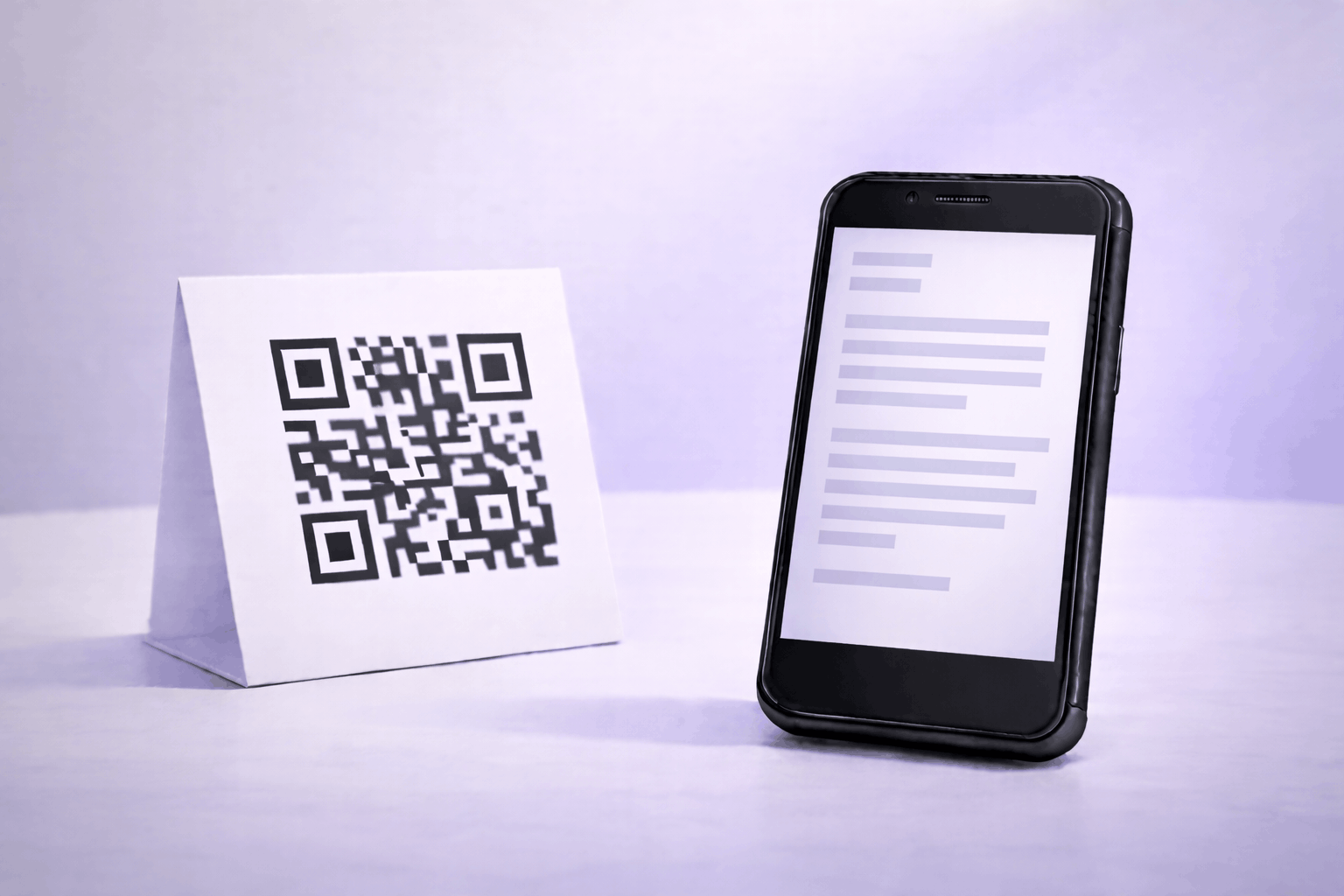
A text QR code lets users view written information instantly by scanning a QR code. It is useful for sharing short messages, instructions, or codes without printing long text. This guide explains how to create a text QR code and use it effectively.
What Is a Text QR Code
A text QR code is a type of QR code that displays written information when scanned. Instead of directing users to a website or file, the QR code shows the text directly on the user’s device.
Text QR codes are commonly used to share short messages, notes, instructions, product codes, or batch number information. Depending on how they are created, text QR codes can be static or dynamic, offering flexibility for different use cases.
What You Need Before Creating a Text QR Code
Before creating a text QR code, you should prepare the exact text you want to display. This may include instructions, notes, product codes, batch number, or brief messages.
You should also consider whether the text might need to change in the future. Static text QR codes are suitable for fixed content, while dynamic text QR codes allow updates without changing the printed QR code.
How to Create a Text QR Code (Step-by-Step)
Creating a text QR code follows a simple three-step process.
- 1
Choose your QR code type: Select the text option from the available QR Code Types so the QR code is configured to display written content when scanned.
- 2
Enter your text & Customize: Add the text you want users to see after scanning. Customize the QR code design while ensuring it remains clear and easy to scan.
- 3
Download & Share: Generate the QR code, download it in your preferred format, and test it before using it on print or digital materials.
Tools like the Text QR Code Generator on Enqode QR follow this same flow, making it easy to create and manage text QR codes.
Why Use a Text QR Code
Text QR codes provide a simple way to share written information without cluttering physical materials. A single scan allows users to view text instantly on their device.
They are especially useful when space is limited or when information needs to be accessed quickly. Dynamic text QR codes also allow content updates without reprinting the QR code.
Common Use Cases of Text QR Codes
Text QR codes are widely used on packaging, labels, and instruction manuals to share product details or usage notes. Businesses use them for internal documentation, batch numbers, or reference information.
They are also effective for signage, posters, and event materials where short messages or instructions need to be shared clearly.
Best Practices for Creating Text QR Codes
Keep the text concise and easy to read on mobile devices. Avoid long paragraphs that may be difficult to scan or understand.
Test the QR code on multiple devices to ensure the text displays correctly. Use clear contrast and sufficient QR code size to improve scan reliability.
Common Mistakes to Avoid
A common mistake is adding too much text, which can reduce readability on smaller screens. Another issue is failing to test the QR code before printing or distribution.
Avoid poor QR code designs with low contrast or overly complex styling, as these can affect scan success.
FAQs About Text QR Codes
It displays written text directly on the user’s device after scanning.
Final Thoughts & Next Steps
Text QR codes offer a simple and efficient way to share written information through a quick scan. They are especially useful when clarity and space efficiency are important.
To start sharing text through QR codes, you can use the Text QR Code Generator on Enqode QR and create a text QR code in just a few minutes.