Quick Summary
QR codes for business cards allow instant sharing of contact details through a simple scan. They eliminate manual data entry, improve networking efficiency, and create a modern digital-first impression.
- 1. What are QR Codes for Business Cards?
- 2. What is a vCard QR Code?
- 3. Why Use QR Codes on Business Cards & Networking?
- 4. How QR Codes for Business Cards Work
- 5. Types of QR Codes Used for Business Cards & Networking
- 6. Key Benefits of QR Codes for Business Cards & Networking
- 7. Where to Use QR Codes on Business Cards & Networking
- 8. Industry-Wise Use Cases of QR Codes for Networking
- 9. Best Practices for Using QR Codes on Business Cards
- 10. Common Mistakes to Avoid
- 11. When Should You Use QR Codes on Business Cards?
- 12. Real-World Use Cases of QR Code Business Cards
- 13. Future of QR Codes in Networking & Digital Business Cards
- 14. How to Create a vCard QR Code for Business Cards (Step-by-Step)
- 15. FAQs: QR Codes for Business Cards & Networking
- 16. Conclusion
What are QR Codes for Business Cards?
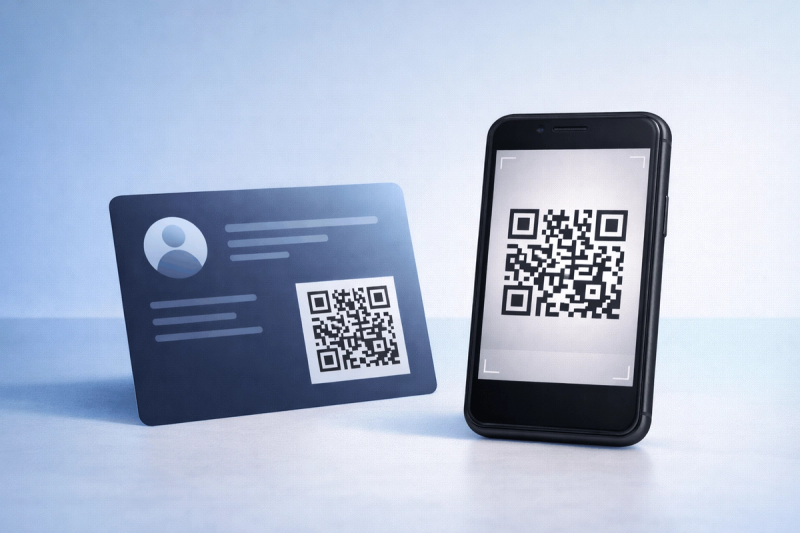
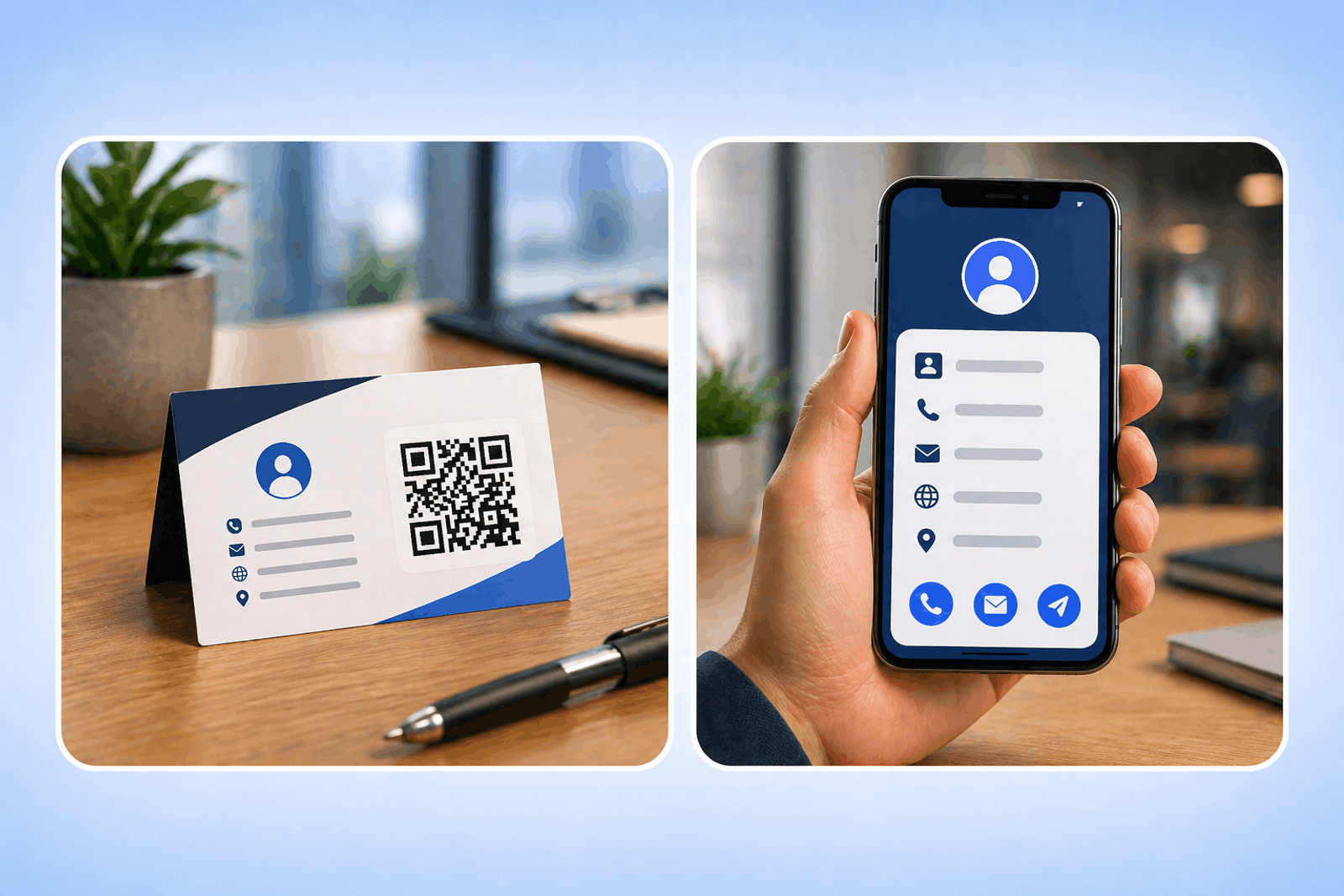
QR codes on business cards are scannable codes that instantly share contact details or digital profiles.
They replace manual contact saving with a fast, seamless digital experience, making networking more efficient.
What is a vCard QR Code?
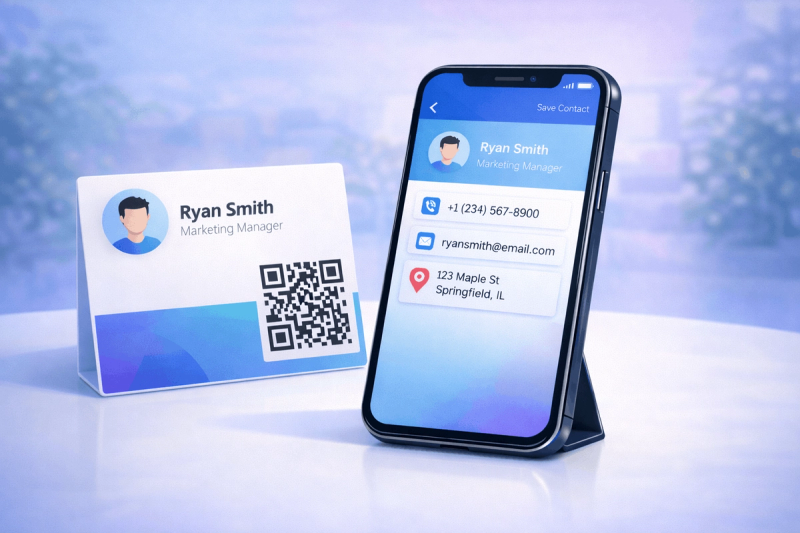
A vCard QR Code is a QR code that stores contact information like name, phone number, email, and company details.
When scanned, it allows users to save the contact instantly to their phone without typing any details.
Why Use QR Codes on Business Cards & Networking?
QR codes modernize traditional business cards by adding digital functionality.
They enable instant connections, reduce friction in networking, and enhance your professional image.
How QR Codes for Business Cards Work
QR codes encode contact or profile information that can be accessed through a smartphone scan.
Once scanned, users can save contact details, visit profiles, or access portfolios instantly.
Types of QR Codes Used for Business Cards & Networking
Different QR code types support different networking goals.
Choosing the right type improves usability and engagement.
- vCard QR Code (Primary Solution) – for instant contact saving
- URL QR Code – links to websites or LinkedIn
- Social Media QR Code – connects to multiple profiles
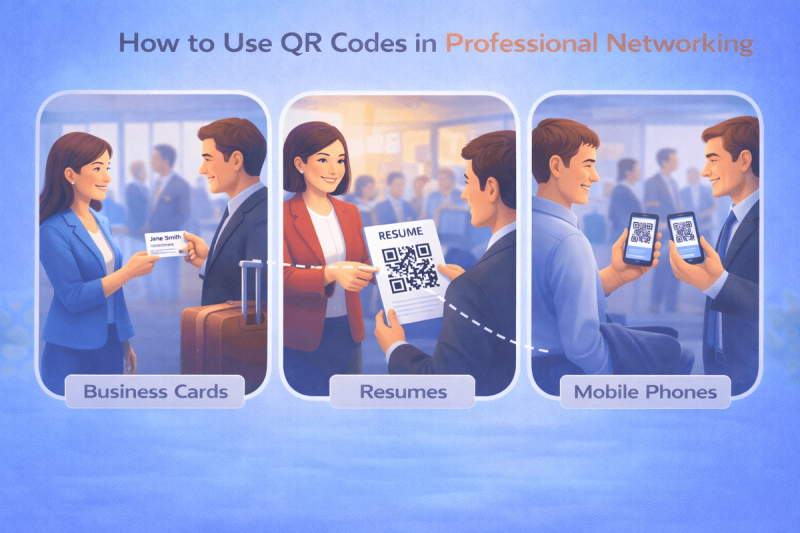
- PDF QR Code – shares resumes or portfolios
- Dynamic QR Code – allows updates and tracking
For direct contact sharing, using a vCard QR Code Generator is the most effective solution.
You can also follow this guide: How to Create a vCard QR Code.
Key Benefits of QR Codes for Business Cards & Networking
QR codes enhance networking by making contact sharing faster and more efficient.
They also enable better tracking and digital engagement.
- Instant contact sharing without typing
- Professional and modern impression
- Increased networking efficiency
- Easy updates with dynamic QR codes
- Trackable engagement
With a QR Code Generator with Analytics, you can monitor how often your QR code is scanned.
Where to Use QR Codes on Business Cards & Networking
QR codes can be used across multiple networking touchpoints.
This increases visibility and improves connection opportunities.
- Printed business cards
- Email signatures
- LinkedIn and social profiles
- Event badges and conferences
- Websites and portfolios
For scalable networking campaigns, a QR Code Generator for Business provides advanced capabilities.
Industry-Wise Use Cases of QR Codes for Networking
QR codes are useful across industries where networking is essential.
They simplify contact sharing and improve professional interactions.
- Freelancers & consultants – portfolio sharing
- Sales professionals – quick lead capture
- Corporate professionals – efficient networking
- Real estate agents – property and contact sharing
- Creators & influencers – social media growth
Best Practices for Using QR Codes on Business Cards
Following best practices ensures better scan rates and usability.
Good design and placement improve effectiveness significantly.
- Use high contrast color's
- Ensure proper QR code size
- Add a clear call-to-action
- Test before printing
For better design and branding, use a Custom QR Code Generator.
Common Mistakes to Avoid
Avoiding mistakes ensures your QR code performs effectively.
Poor implementation can reduce engagement and usability.
- Using low-quality designs
- Placing QR codes too small
- Linking to incomplete profiles
- Not testing before printing
When Should You Use QR Codes on Business Cards?
QR codes should be used when you want faster, digital-first networking.
They are ideal for professionals who want to share more than just basic contact details.
- Use it for events and networking
- Avoid it if your audience prefers traditional methods
- Best suited for digital-savvy professionals
A Dynamic QR Code Generator is ideal when you want to update contact details without reprinting cards.
Real-World Use Cases of QR Code Business Cards
QR codes are widely used to simplify networking and improve engagement.
They provide real value in real-world professional interactions.
- Instant contact sharing at events
- Digital portfolio access
- Social media profile linking
- Lead generation and follow-ups
Future of QR Codes in Networking & Digital Business Cards
QR codes will continue to replace traditional business cards with digital alternatives.
They will enable smarter, faster, and more interactive networking experiences.
How to Create a vCard QR Code for Business Cards (Step-by-Step)
Creating a vCard QR code allows you to share your contact details instantly and professionally.
Follow these steps to ensure the best results.
- Choose your QR code type:
Select a vCard QR Code for contact sharing. You can explore all formats under QR Code Types. - Add details and Customize:
Enter your contact details such as name, phone number, email, and company. Customize design using a Dynamic QR Code Generator for flexibility. - Download and Share:
Test your QR code before printing and ensure it works across devices using an Online QR Code Generator.
Tools like the QR Code Generator on Enqode QR follow this same flow, making it easy to create and manage QR codes effectively.
FAQs: QR Codes for Business Cards & Networking
- What is a QR code business card?
It is a business card with a QR code that shares contact details or digital profiles instantly.
- Are vCard QR codes free?
Yes, basic versions can be free, but advanced features may require paid plans.
- Can QR codes store full contact details?
Yes, vCard QR codes can store complete contact information.
- Do QR codes work on all smartphones?
Yes, most modern smartphones support QR code scanning.
- Can I update my QR code details later?
Yes, dynamic QR codes allow updates without reprinting.
Conclusion
QR codes for business cards transform traditional networking into a faster, smarter, and digital experience.
They improve efficiency, enhance professional image, and make sharing contact details effortless.