A vCard QR code is a type of QR code that stores contact information and allows users to save details directly to their phone with a single scan. It is commonly used as a digital alternative to traditional business cards. This guide explains how vCard QR codes work, what information they can store, their benefits, and how to create and use them effectively.
What Exactly Is a vCard QR Code
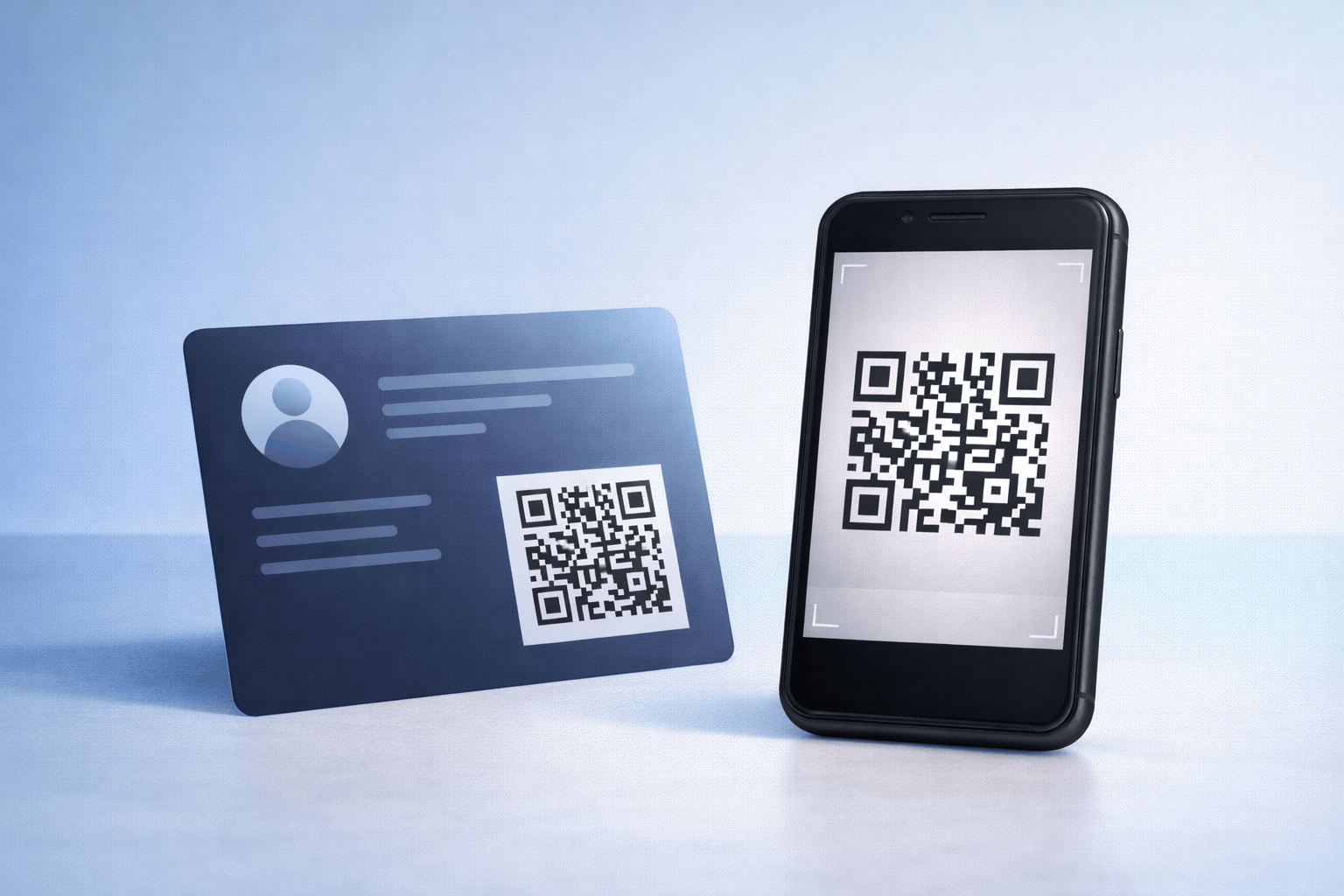
A vCard QR code is a QR code that contains digital contact information in a structured format. When scanned, it allows users to save contact details directly to their phone without manual typing.
Instead of exchanging physical business cards, professionals can share their contact details instantly using a vCard QR code. This makes networking faster, cleaner, and more reliable.
vCard QR codes are widely used by professionals, businesses, freelancers, and teams looking for a modern way to share contact information.
How Does a vCard QR Code Work
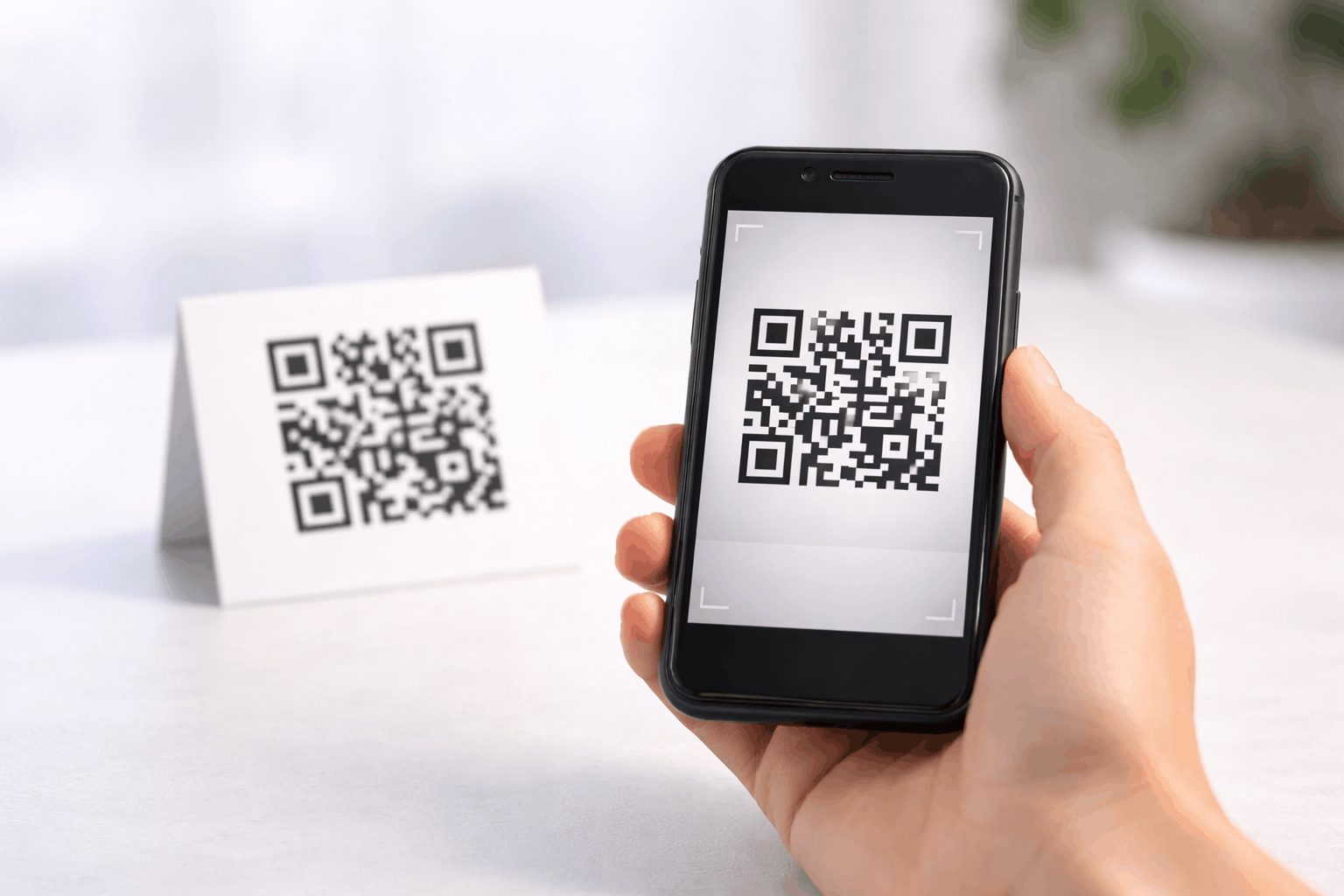
A vCard QR code encodes contact information in a standardized format that smartphones can recognize. When a user scans the QR code, their device reads the data and displays an option to save the contact.
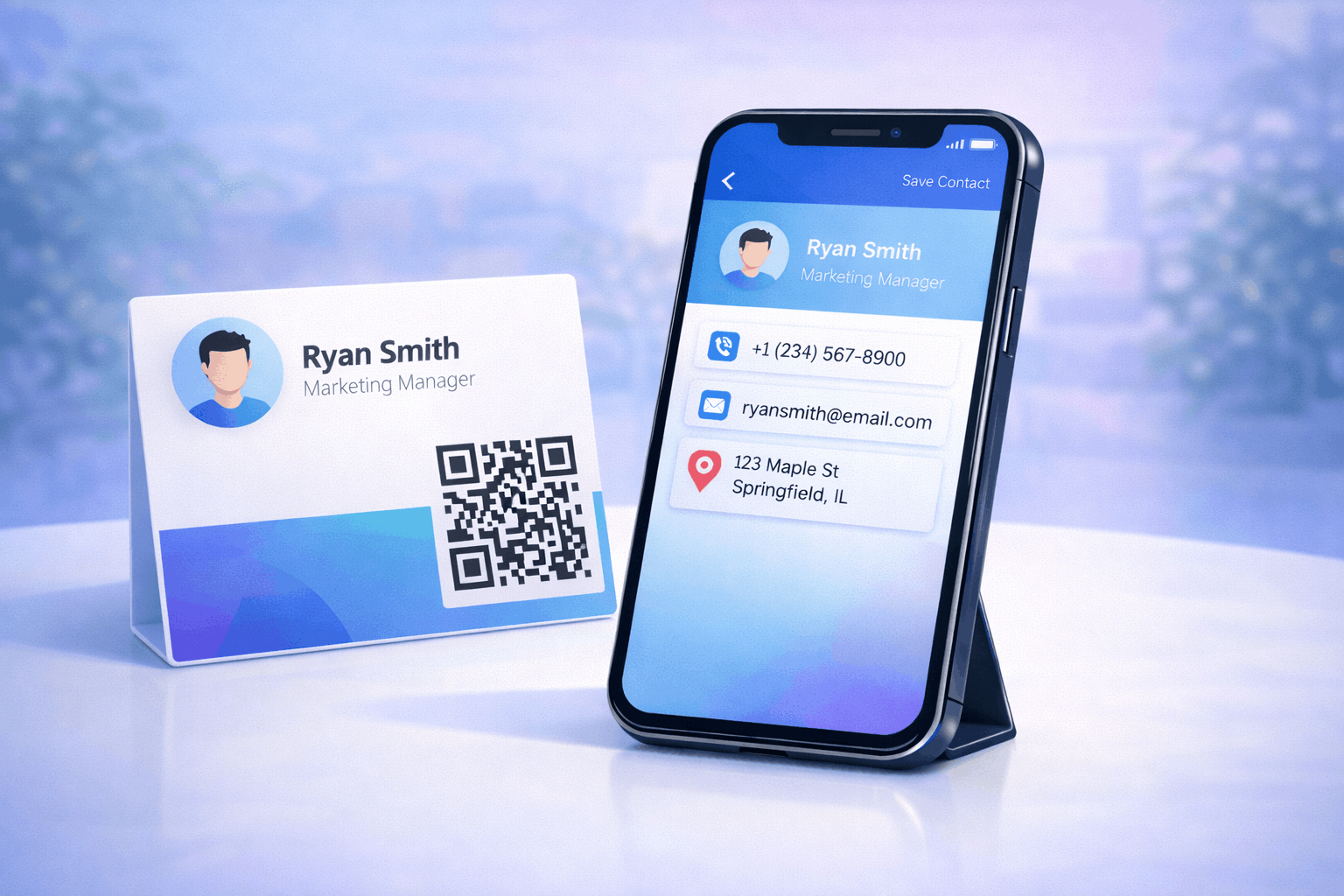
Once saved, the contact appears in the phone’s address book with all included details. This process works across most modern smartphones without requiring additional apps.
Because the process is simple and fast, vCard QR codes are ideal for both in-person and digital interactions.
What Information Can a vCard QR Code Store
A vCard QR code can store a wide range of contact details, depending on how it is created. Common information includes full name, phone number, email address, and company name.
It can also include job title, website URL, physical address, and social media profiles. This makes it more flexible than traditional business cards with limited space.
Storing complete and accurate information ensures that contacts are saved correctly and remain useful over time.
Static vs Dynamic vCard QR Codes
Static vCard QR codes store fixed contact information that cannot be changed after creation. If details change, a new QR code must be created.
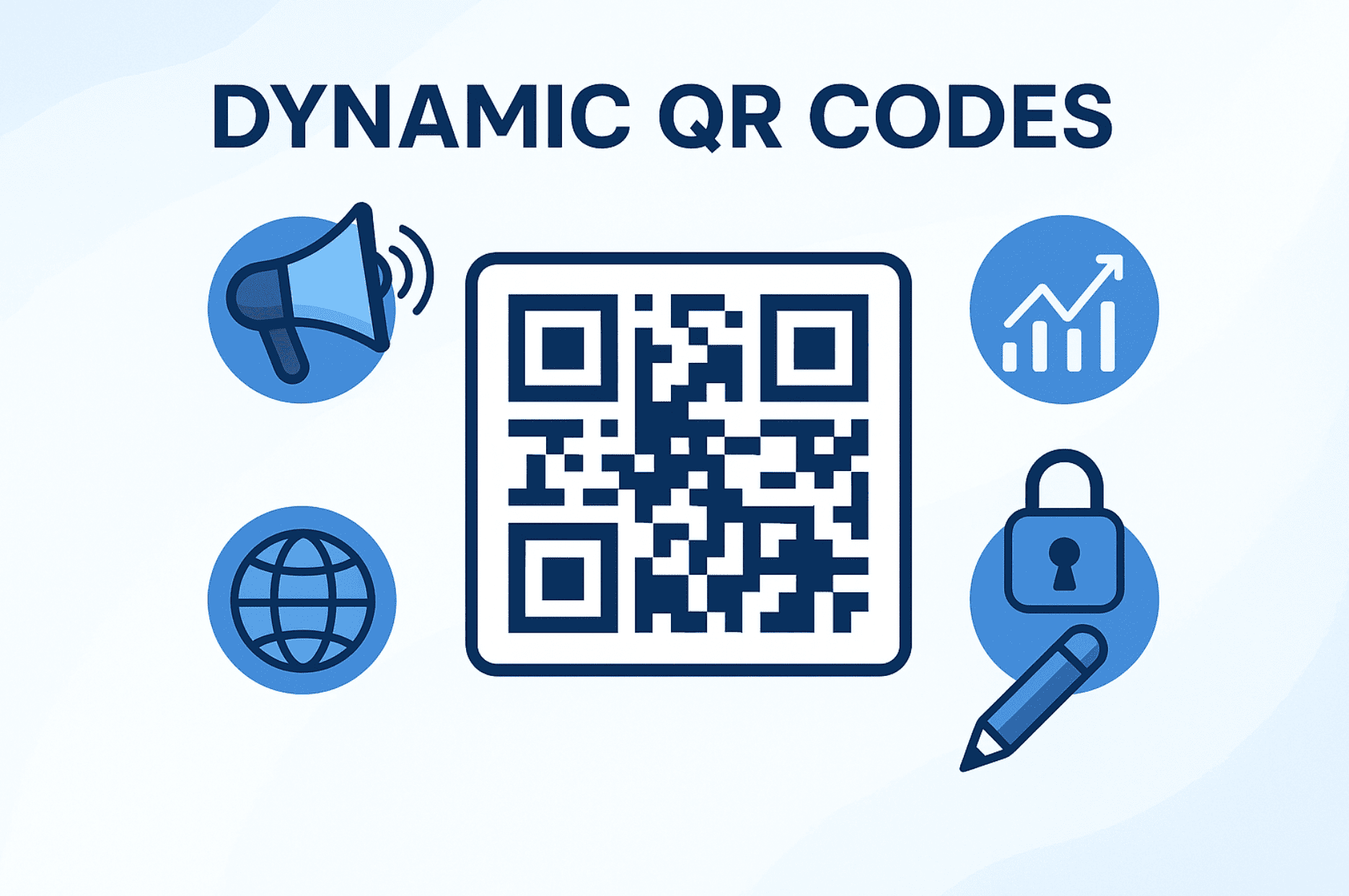
Dynamic vCard QR codes allow contact details to be updated even after the QR code has been shared or printed. This makes them suitable for long-term use.
Understanding the difference is important when choosing the right option. A detailed comparison is available in Types of QR Codes Static vs Dynamic What’s the Difference.
How to Create a vCard QR Code Step by Step
Creating a vCard QR code follows a simple and consistent three-step process.
- Choose your QR code type: Start by selecting the vCard option from the available QR Code Types so the QR code is set up to store contact information.
- Enter your details and Customize: Add your contact details such as name, phone number, email address, job title, and company information. You can also customize the QR code design by adjusting color's or adding a logo, while ensuring it remains easy to scan.
- Download and Share: Generate the QR code and download it in your preferred format. Test it on different devices to ensure contact details are saved correctly before using it on print or digital materials.
Tools like the vCard QR Code Generator on Enqode QR follow this same flow, making it easy to create and manage digital business cards and name cards.
Key Benefits of Using a vCard QR Code
One of the biggest benefits of vCard QR codes is convenience. Users can save contact details instantly without typing or errors.
vCard QR codes also reduce dependency on physical business cards, making them more eco-friendly. They ensure that contact information remains accurate and complete.
For professionals and businesses, vCard QR codes create a more modern and professional impression during networking.
Where Can You Use a vCard QR Code
vCard QR codes can be used on business cards, email signatures, websites, resumes, and presentation slides. They are also effective on brochures, flyers, and event badges.
Digital placements such as LinkedIn profiles or portfolio websites benefit from vCard QR codes as well. This allows visitors to save contact details instantly.
These use cases align closely with broader strategies discussed in QR Code Generator for Business related content.
Common Mistakes When Creating vCard QR Codes
One common mistake is including outdated or incomplete contact information. This reduces the usefulness of the QR code.
Another mistake is using low-quality QR codes that are difficult to scan. Poor contrast or incorrect sizing can cause scan failures.
Some users rely on static QR codes even when details are likely to change. In such cases, dynamic QR codes are a better choice.
Best Practices for vCard QR Codes
Always test your vCard QR code on multiple devices before sharing it publicly. This ensures compatibility across different phones.
Keep the design clean and maintain sufficient contrast for reliable scanning. Avoid placing the QR code too close to edges or other elements.
For printed use, follow guidelines explained in How to Print QR Codes Without Losing Quality to ensure scannability.
Frequently Asked Questions
- What is the difference between a vCard QR code and a regular QR code?
A vCard QR code specifically stores contact information, while regular QR codes can link to various types of content.
- Do vCard QR codes work on all smartphones?
Most modern smartphones support vCard QR codes and allow contacts to be saved directly after scanning.
- Can I update my contact details after sharing a vCard QR code?
This is possible only with dynamic vCard QR codes. Static QR codes require regeneration.
- Where should I place a vCard QR code for best results?
vCard QR codes work best on business cards, email signatures, websites, resumes, and professional profiles.
Conclusion
vCard QR codes offer a simple and modern way to share contact information instantly. By understanding how they work, what information they store, and how to create them correctly, you can replace traditional business cards with a more efficient digital solution. When implemented thoughtfully, vCard QR codes improve networking, accuracy, and user experience.