QR codes are transforming professional networking by making it easier to share contact details, resumes, portfolios, and social profiles instantly. Instead of exchanging printed business cards or manually searching for profiles online, professionals can share information with a simple scan. This guide explains how QR codes are used in professional networking, real-world scenarios, and how to create QR codes for networking purposes effectively.
Why QR Codes Matter in Professional Networking
Professional networking relies on fast and accurate information sharing. Traditional methods such as printed business cards or manually sharing links can be inefficient and often result in lost contacts or missed opportunities. QR codes provide a quick and reliable way to share professional information instantly. By scanning a QR code, someone can save contact details, open a LinkedIn profile, download a resume, or view a portfolio without typing anything manually. This makes QR codes useful for job seekers, freelancers, consultants, and business professionals who regularly exchange professional information.
Key Benefits of Using QR Codes for Networking
QR codes simplify the process of sharing professional information and reduce the need for printed materials. They allow professionals to share multiple resources such as contact details, social profiles, portfolios, and resumes through a single scan. QR codes also allow updates without reprinting materials when using dynamic QR codes. For professionals attending events or conferences, QR codes make networking faster and more organized, ensuring contacts are saved correctly.
Core Use Cases of QR Codes in Professional Networking
a) Digital business cards
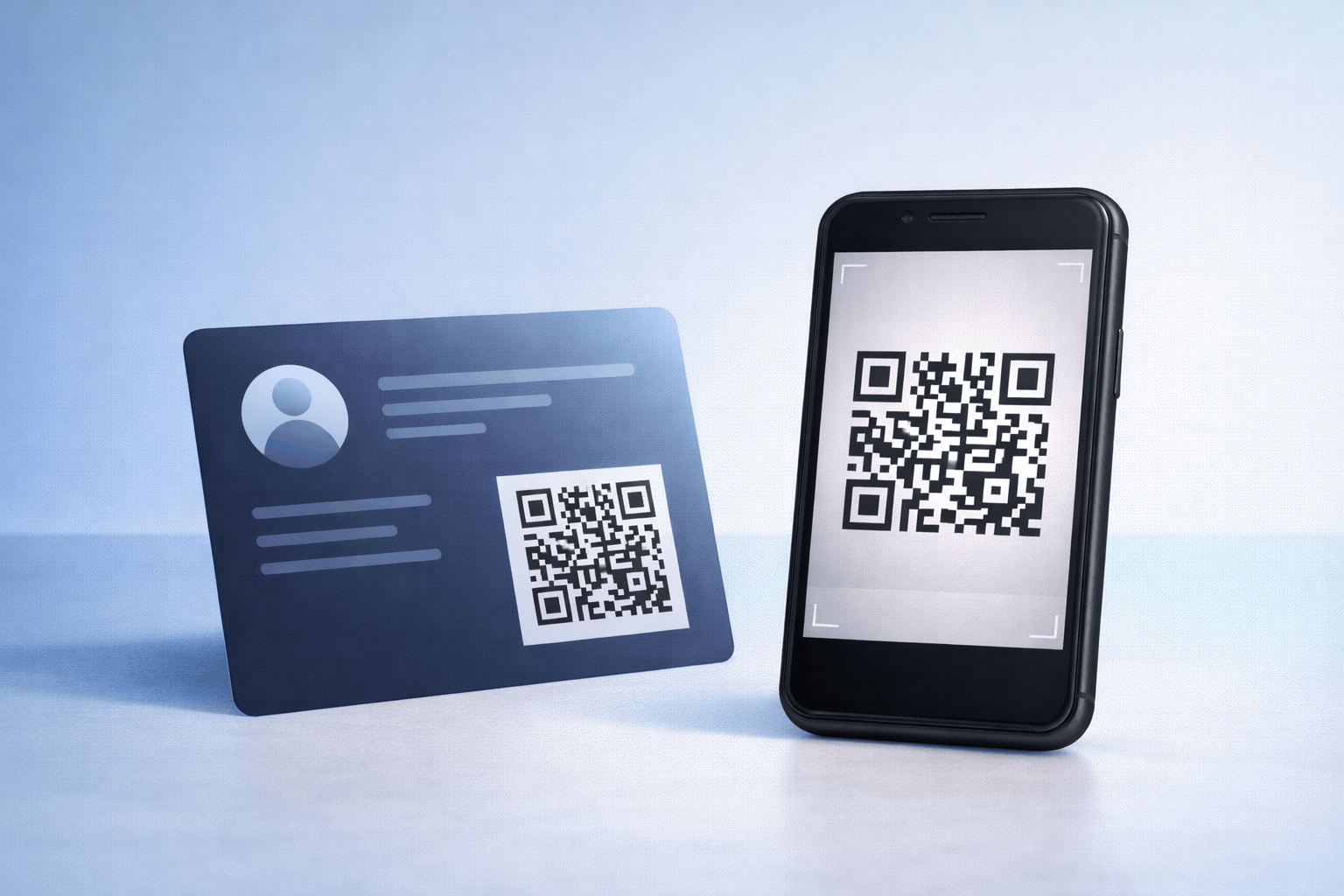
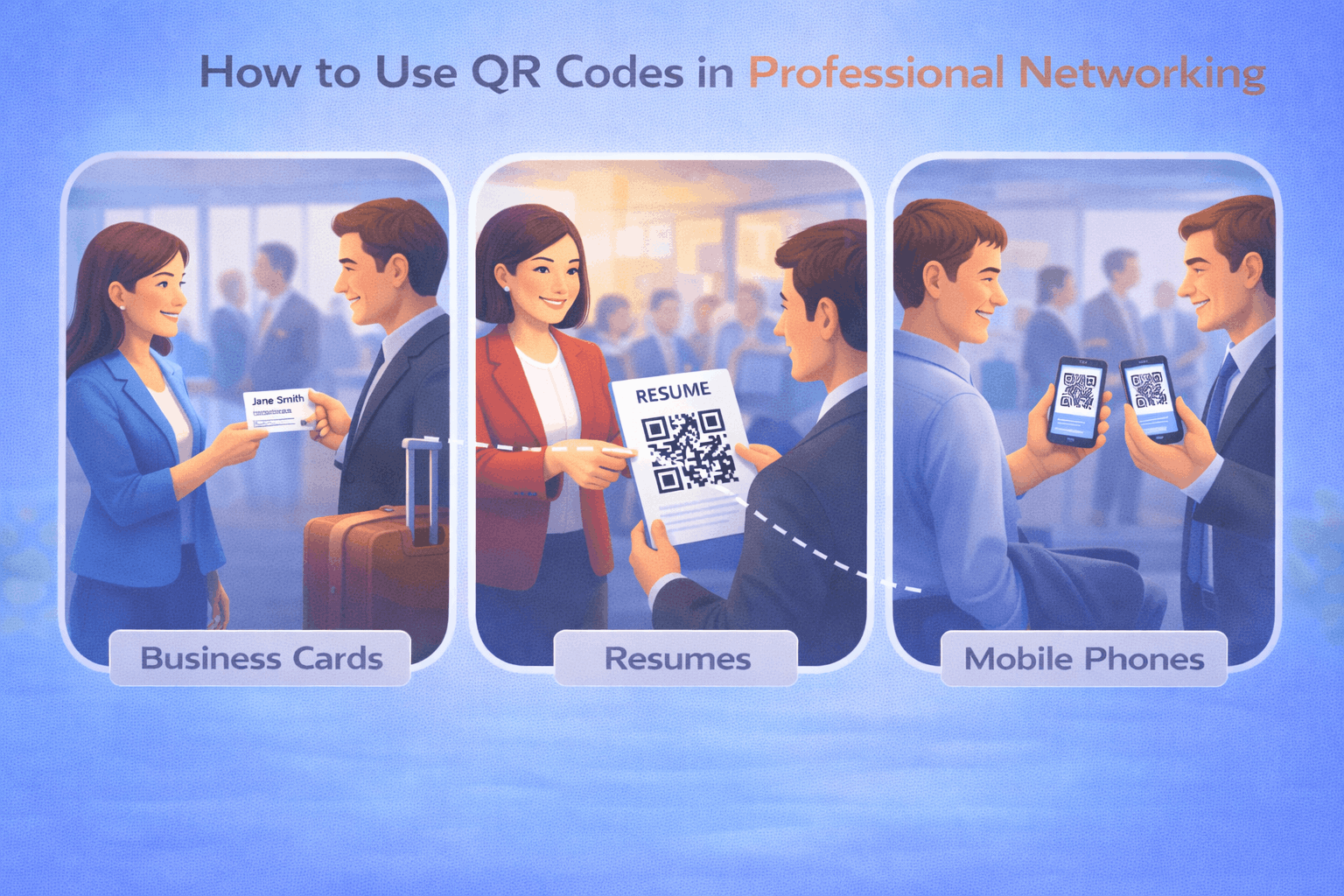
Digital business cards are one of the most common uses of QR codes in networking. A vcard qr code allows professionals to share their contact details instantly, including phone number, email, company, and website. This eliminates the need for printed business cards and reduces the risk of losing contact information.
b) LinkedIn and social profiles
Professionals can use QR codes to share LinkedIn profiles or professional social media accounts. A social media qr code allows people to connect on professional platforms quickly, which is especially useful at networking events.
c) Resumes and job applications
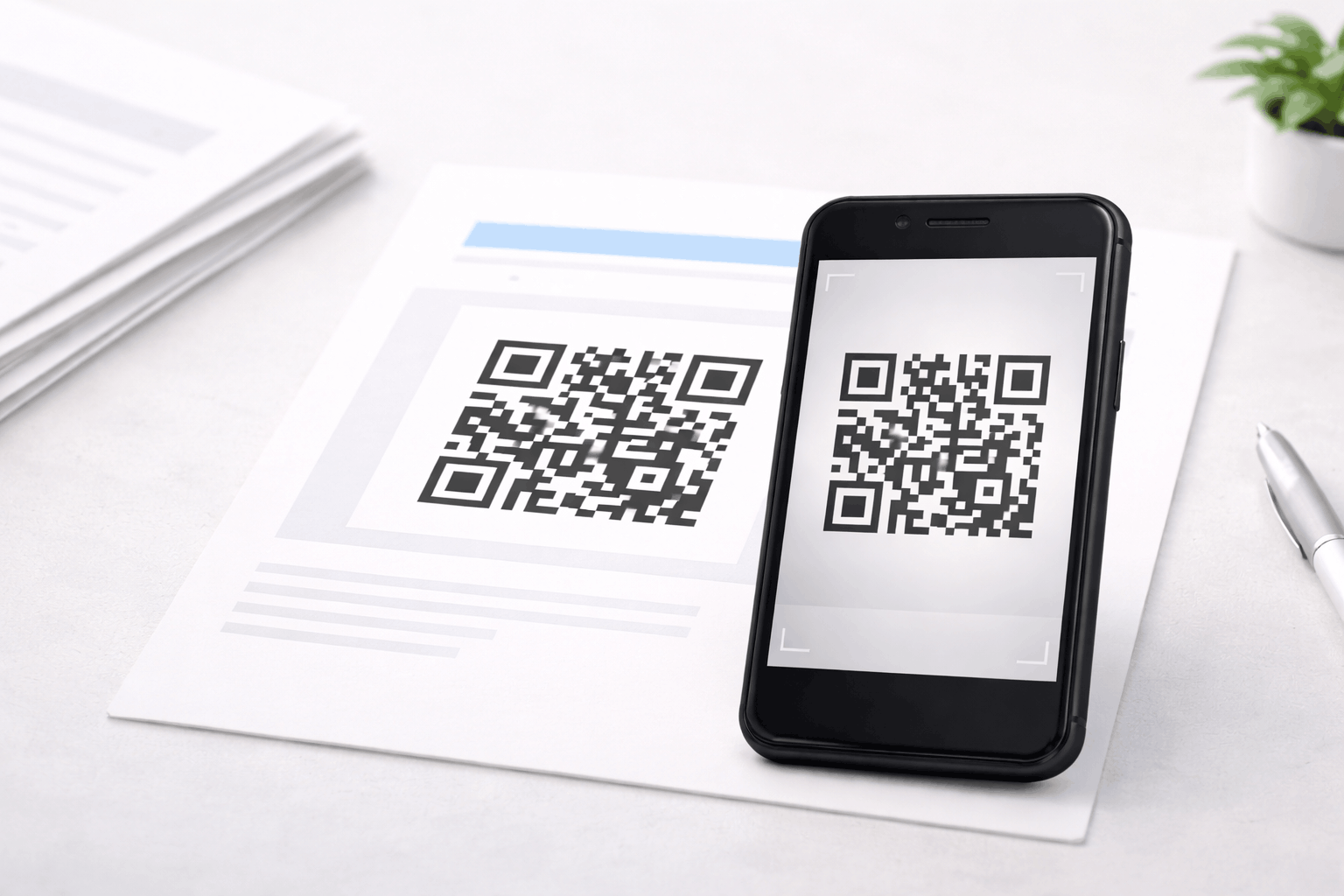
Job seekers can include QR codes on resumes or portfolios that link to digital resumes or application pages. A file qr code can allow recruiters to download resumes directly, while a landing page qr code can direct them to a personal website or portfolio.
d) Portfolios and case studies
Freelancers, designers, developers, and consultants often need to showcase their work. A link qr code can direct potential clients to portfolios, case studies, or project websites instantly.
e) Conference and event networking
QR codes are commonly used at conferences and networking events to exchange contact details quickly. An event qr code can also be used for event registrations, session details, or attendee networking platforms.
f) Freelancers and consultants
Freelancers and consultants can place QR codes on business cards, proposals, presentations, or email signatures to direct clients to service pages, portfolios, or booking forms. This simplifies client onboarding and improves professional visibility.
Real-World Networking Scenarios
A job seeker may include a QR code on their printed resume that links to a digital portfolio. A freelancer may include a QR code on a proposal document that directs clients to past work and testimonials. At a conference, attendees may scan QR codes on badges to save contact details instantly. A consultant may place a QR code on a presentation slide that links to a service page or booking form. These scenarios demonstrate how QR codes simplify networking across different professional environments.
How to Create a QR Code for Professional Networking (Step by Step)
Creating a QR code for professional networking follows a simple three-step process.
- 1
Choose your QR code type: Select the relevant option from the available QR Code Types based on your networking need, such as vCard, file, link, landing page, social media, or event QR codes.
- 2
Enter details or upload and Customize: Add your contact details, resume file, portfolio link, or social profile. Customize the QR code while maintaining strong contrast and readability on printed materials or digital screens.
- 3
Download and Share: Generate the QR code, download it in your preferred format, and test it across devices. Place it on business cards, resumes, presentations, email signatures, or event badges.
Tools like the QR Code Generator on Enqode QR follow this same flow, helping professionals manage multiple QR codes efficiently.
Static vs Dynamic QR Codes for Networking
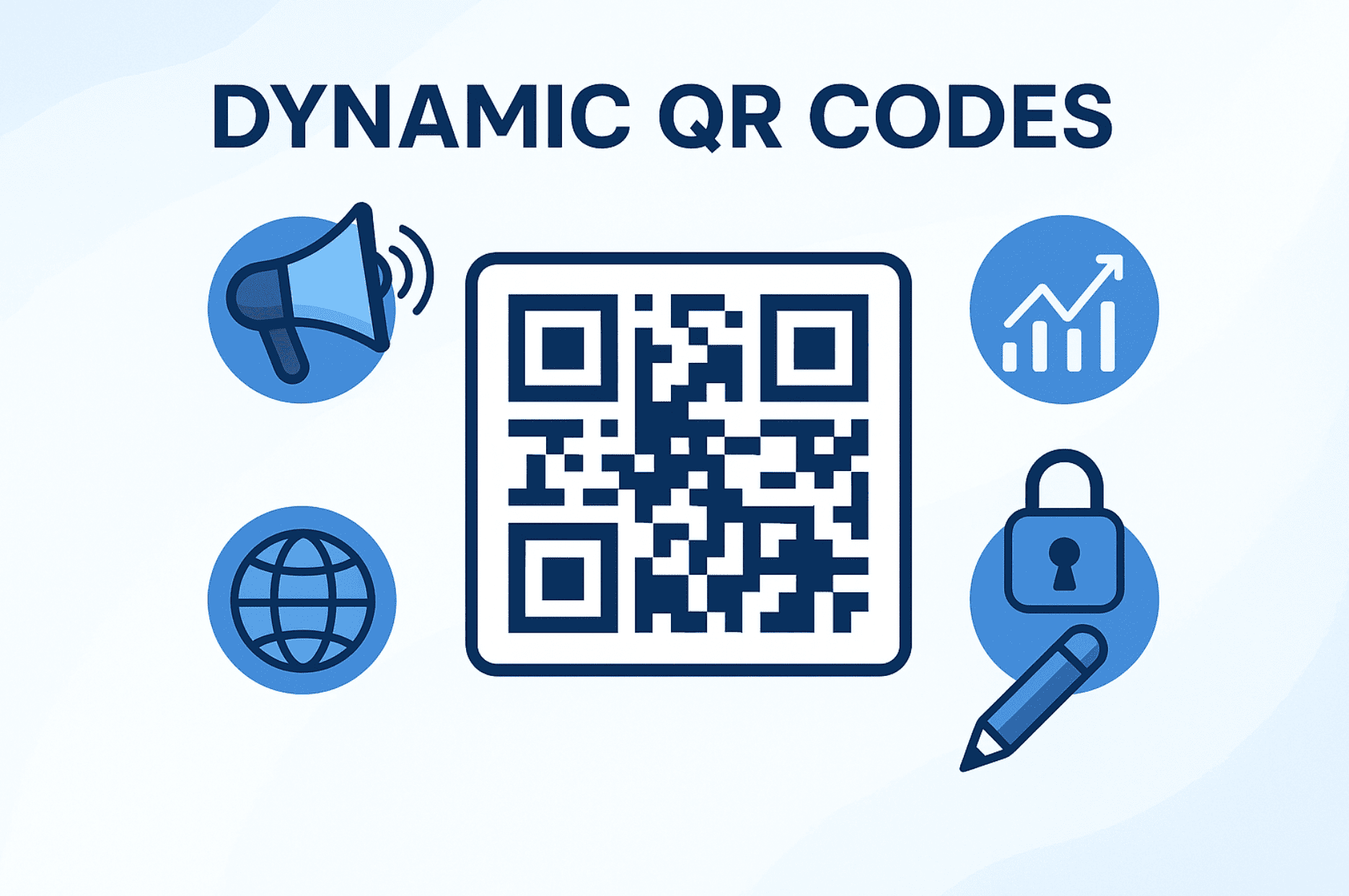
Static QR codes are suitable for permanent information such as a LinkedIn profile or personal website. Dynamic QR codes allow professionals to update linked content without changing the printed QR code, which is useful for updating resumes, portfolios, or service pages. For a detailed comparison, refer to Static vs Dynamic QR Codes: When and Why to Use Each. Professionals managing multiple networking resources may benefit from using a dynamic qr code generator or a qr code generator for business to manage QR codes more efficiently.
Best Practices for Using QR Codes in Networking
QR codes should include a clear label explaining what the recipient will access after scanning. Use high-contrast designs to ensure reliable scanning. Test QR codes across multiple devices before printing them on business cards or resumes. Keep linked content mobile-friendly and updated regularly. Use dynamic QR codes when information may change over time.
Frequently Asked Questions
- Are QR codes better than traditional business cards?
QR codes do not replace business cards entirely but enhance them by providing digital access to more information.
- Can QR codes be used on resumes?
Yes. QR codes can link to digital resumes, portfolios, or LinkedIn profiles.
- Do QR codes work for freelancers and consultants?
Yes. QR codes help freelancers share portfolios, service pages, and contact details quickly.
Conclusion
QR codes make professional networking faster, more efficient, and more organized. From digital business cards and resumes to portfolios and event networking, QR codes provide a practical way to share professional information instantly. By choosing the right QR code types and following best practices, professionals and businesses can improve networking efficiency and create better professional connections.