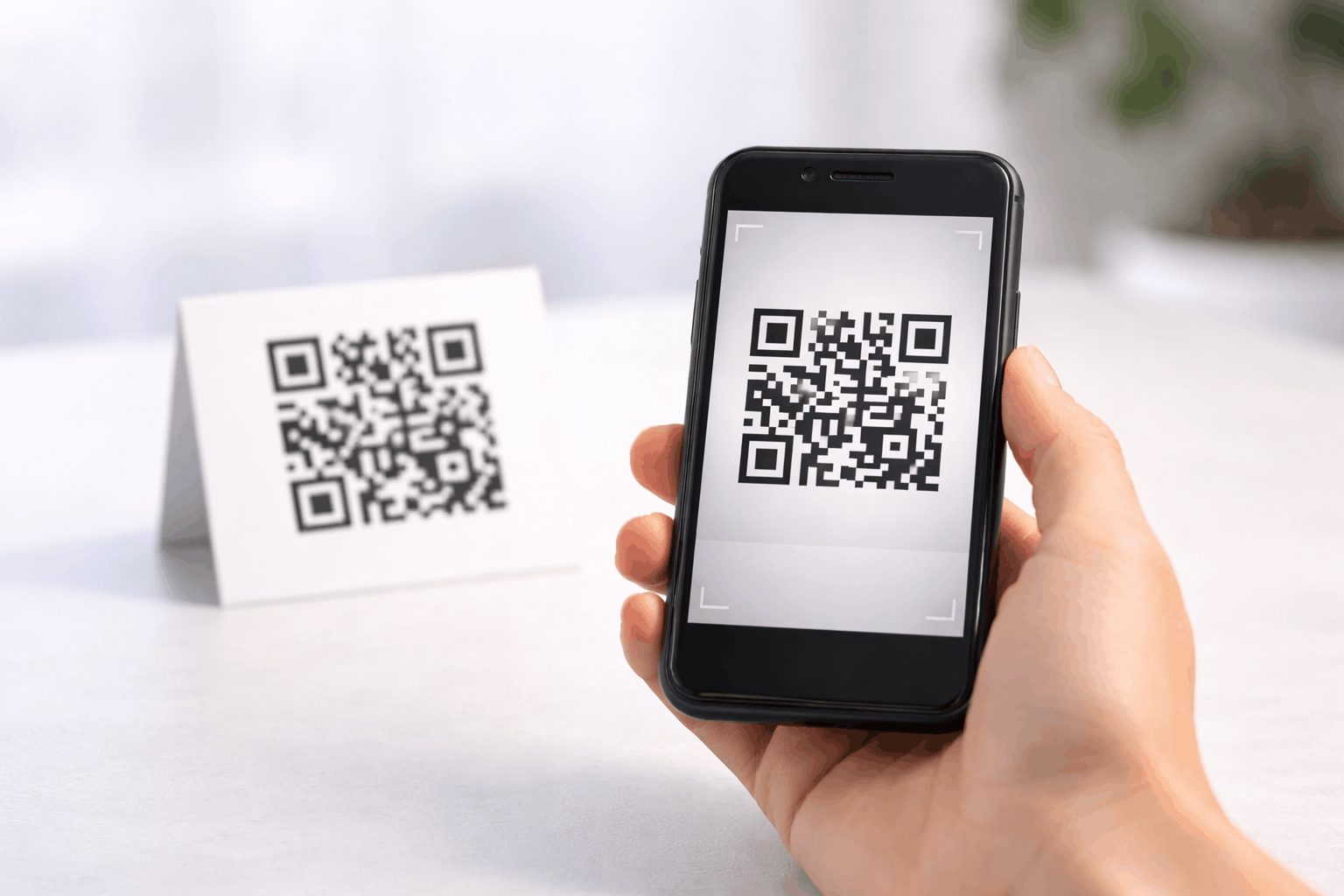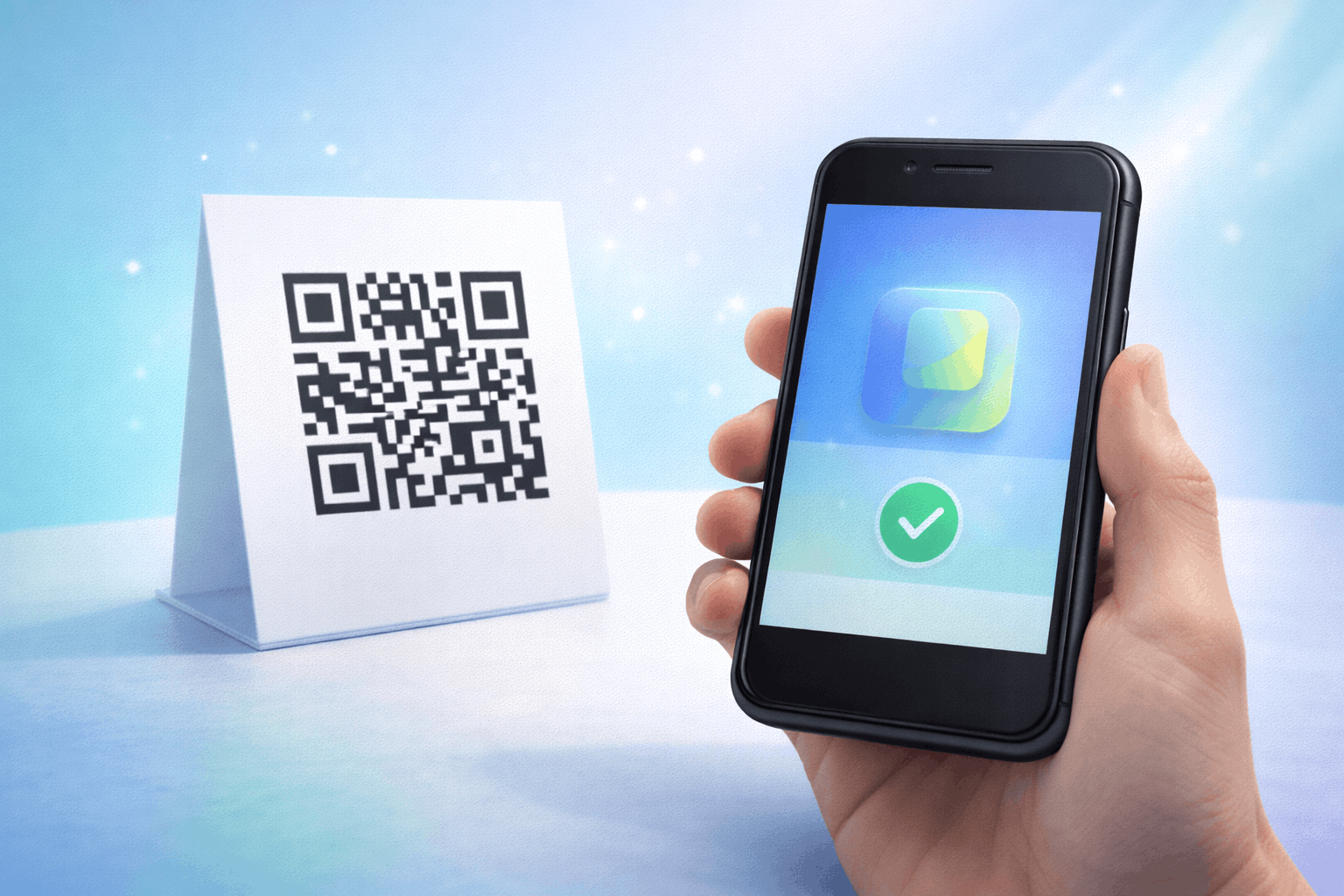
This guide explains how to create an App Store QR code that lets users download your mobile app instantly with a single scan. You’ll learn what an App Store QR code is, what you need before creating one, how to generate it step by step, best practices to follow, and common mistakes to avoid.
What Is an App Store QR Code
An App Store QR code is a type of QR code that directs users to download a mobile application. When scanned, it opens the app’s download page on the appropriate app store, such as the Apple App Store or Google Play Store.
App Store QR codes are commonly used to promote mobile apps offline and online, making it easier for users to find and install an app without searching for it manually.
What You Need Before Creating an App Store QR Code
Before creating an App Store QR code, you should have the app download links ready. This typically includes the Apple App Store link for iOS apps and the Google Play Store link for Android apps.
You should also decide where the QR code will be placed, such as on posters, packaging, websites, presentations, or marketing materials. This helps guide design and size choices for easy scanning.
How to Create an App Store QR Code (Step-by-Step)
Creating an App Store QR code follows a simple three-step process and allows users to download your app instantly.
- 1
Choose your QR code type: Select the app store option from the available QR Code Types so the QR code directs users to the correct app download page.
- 2
Enter app download links & Customize: Add your app’s download links for the App Store and Play Store. You can then customize the QR code design by adjusting color's or adding a logo while ensuring reliable scanning.
- 3
Download & Share: Generate the QR code, download it in your preferred format, and test it on multiple devices to ensure it opens the correct app store page.
Tools like the App Store QR Code Generator on Enqode QR follow this same flow, making it easy to promote app downloads across platforms.
Why Use an App Store QR Code
App Store QR codes remove friction from the app discovery process. Users can scan and download the app instantly without searching or typing the app name.
They also improve conversion rates for app installs and work well across both online and offline marketing channels.
Common Use Cases of App Store QR Codes
App Store QR codes are widely used in app marketing campaigns, product packaging, posters, and print ads. Businesses also include them on websites, email signatures, presentations, and event materials.
They are especially useful for onboarding, promotions, and encouraging app installs at physical locations.
Best Practices for Creating App Store QR Codes
Ensure that app download links are accurate and lead to the correct app store pages. If your app is available on multiple platforms, verify that the QR code directs users appropriately.
Use clear, brand-consistent designs, maintain strong contrast, and test the QR code on both iOS and Android devices before final use.
Common Mistakes to Avoid
A common mistake is linking to incorrect or outdated app store URLs. Another mistake is not testing the QR code across different devices.
Using overly complex designs or placing the QR code where it’s difficult to scan can also reduce app download success.
FAQs About App Store QR Codes
Yes, App Store QR codes can be set up to direct users to the correct store based on their device.
Final Thoughts & Next Steps
App Store QR codes are a simple and effective way to promote app downloads and improve user experience. By following best practices and testing before use, you can ensure users reach the right app store quickly.
To start driving app installs through QR codes, you can use the App Store QR Code Generator on Enqode QR and create an App Store QR code in just a few minutes.