This guide explains how to create a multi-URL QR code that lets users access different links from a single QR code. You’ll learn what a multi-URL QR code is, what you need before creating one, how to generate it step by step, best practices to follow, and common mistakes to avoid.
What Is a Multi-URL QR Code
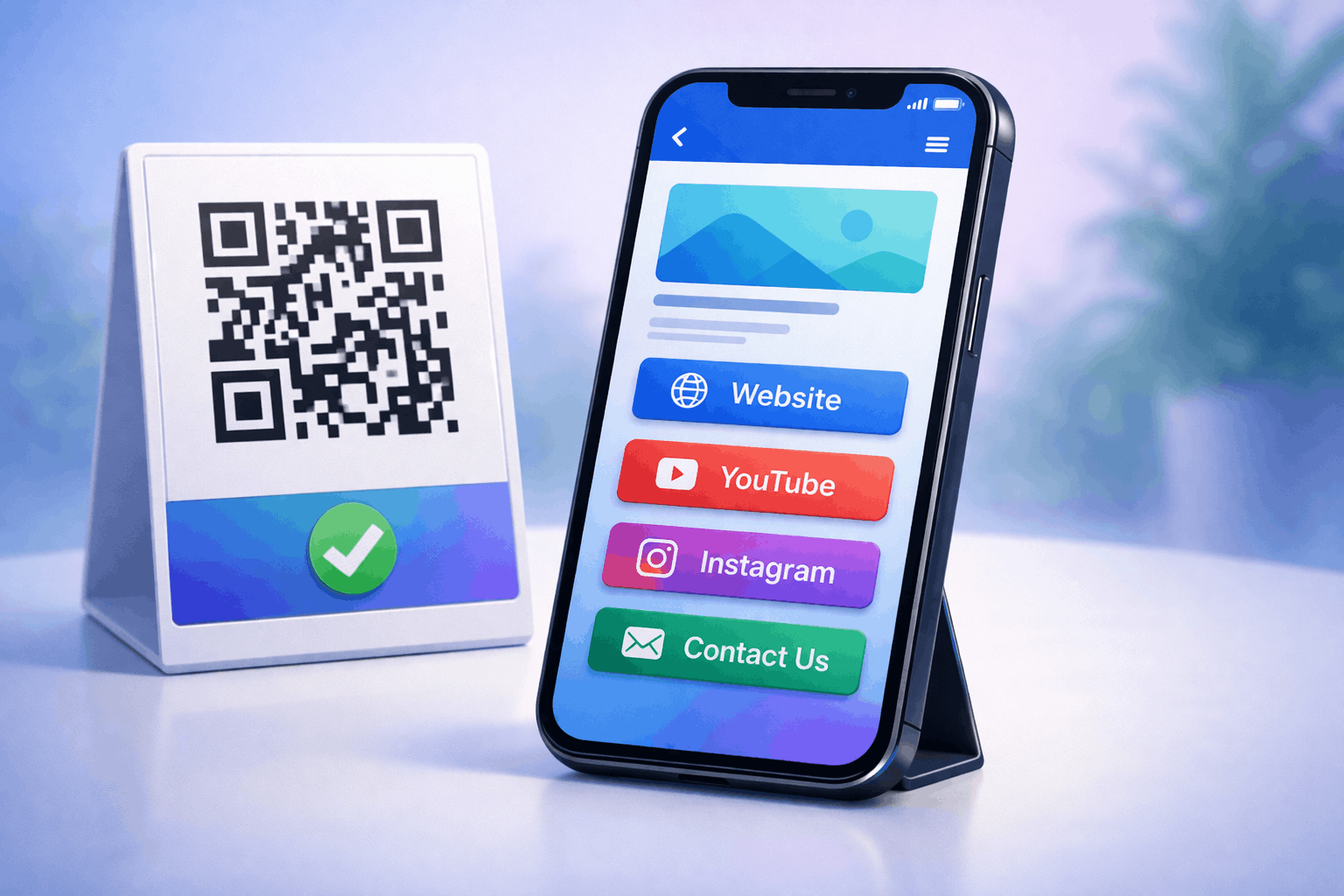
A multi-URL QR code is a type of QR code that allows you to store and share multiple links within a single QR code. When scanned, it opens a destination page where users can choose which link they want to visit.
Multi-URL QR codes are useful when you want to give users multiple options, such as visiting a website, viewing a product page, accessing a landing page, or exploring different resources, without creating separate QR codes for each link.
What You Need Before Creating a Multi-URL QR Code
Before creating a multi-URL QR code, you should prepare all the links you want to include. These may be website URLs, landing pages, product pages, campaign links, or any other relevant destinations.
It’s also important to think about how and where the QR code will be used. Knowing the use case helps you decide how many links to include and how they should be organized for a clear user experience.
How to Create a Multi-URL QR Code (Step-by-Step)
Creating a multi-URL QR code follows a simple three-step process and is similar to creating a social media QR code.
- 1
Choose your QR code type: Select the multi-URL option from the available QR Code Types so the QR code can display multiple links when scanned.
- 2
Enter your details & Customize: Enter your details and add all the URLs you want to include, such as a website, landing page, or product page. You can customize the QR code design and organize the links clearly while ensuring the QR code remains easy to scan.
- 3
Download & Share: Generate the QR code, download it in your preferred format, and test it across multiple devices before sharing it digitally or using it in print.
Tools like the Multi-URL QR Code Generator on Enqode QR follow this same flow, making it easy to manage multiple links within a single QR code.
Why Use a Multi-URL QR Code
Multi-URL QR codes provide flexibility by letting users choose where they want to go instead of forcing a single destination. This improves user experience and gives you more control over how content is accessed.
They are especially useful for marketing campaigns, promotions, and situations where different users may be looking for different information from the same QR code.
Common Use Cases of Multi-URL QR Codes
Multi-URL QR codes are commonly used in marketing campaigns to share multiple landing pages or offers. Businesses use them on posters, brochures, and packaging to give users different navigation options.
They are also useful for events, portfolios, product launches, and promotional materials where multiple resources need to be accessible from one QR code.
Best Practices for Creating Multi-URL QR Codes
Limit the number of links to avoid overwhelming users and keep the destination page clean and easy to navigate. Clearly label each link so users understand where it will take them.
Maintain strong contrast for the QR code, use brand-consistent color's, and test the QR code in real-world conditions to ensure reliable scanning.
Common Mistakes to Avoid
A common mistake is adding too many unrelated links, which can confuse users. Another mistake is failing to test the QR code after adding or rearranging URLs.
Using low-contrast designs or linking to outdated pages can reduce trust and negatively affect user experience.
FAQs About Multi-URL QR Codes
A multi-URL QR code allows multiple links to be shared through one QR code, while a regular QR code usually points to a single destination.
Final Thoughts & Next Steps
Multi-URL QR codes are a powerful way to share multiple destinations using a single scan. By following best practices and testing before use, you can ensure a smooth and flexible experience for users.
To start sharing multiple links through one QR code, you can use the Multi-URL QR Code Generator on Enqode QR and create a multi-URL QR code in just a few minutes.