An audio QR code lets users play audio instantly by scanning a QR code with their smartphone. It removes the need to download files or share long links manually. This guide explains how to create an audio QR code, what you need before creating one, and how to use it effectively.
What Is an Audio QR Code
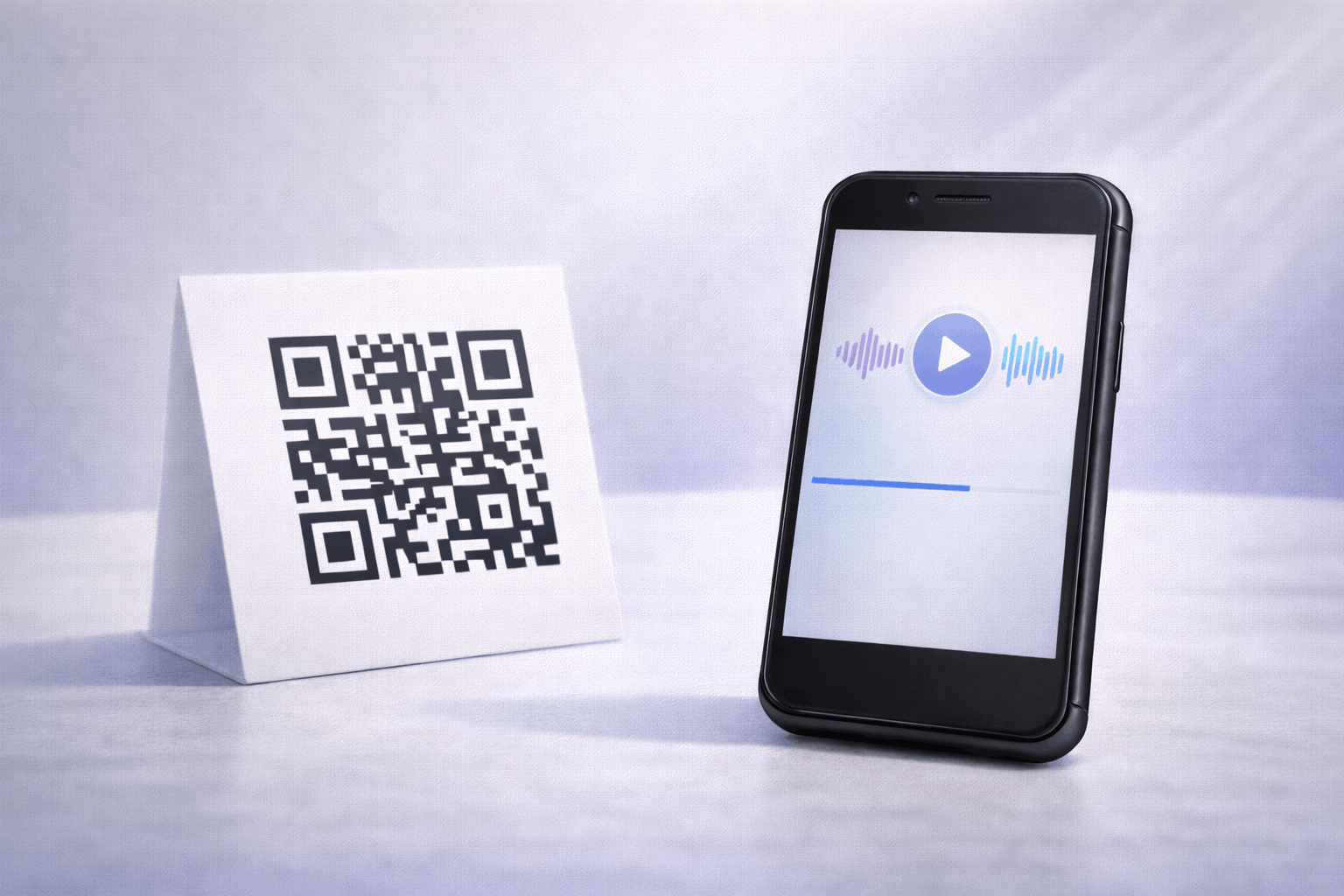
An audio QR code is a type of QR code that allows users to access audio content instantly after scanning. Instead of sharing audio files through downloads or long URLs, the QR code opens the audio directly on the user’s device.
Audio QR codes can be created using an audio link or by uploading an audio file. Depending on how they are set up, the audio may open through an external source or on a dedicated playback page designed for mobile listening.
What You Need Before Creating an Audio QR Code
Before creating an audio QR code, you should prepare the audio content you want to share. This may be an audio file such as an MP3 or a hosted audio link.
You should also decide whether the QR code needs to be static or dynamic. Static audio QR codes work best for fixed audio links, while dynamic audio QR codes are useful if you want to update or replace the audio later without changing the QR code.
How to Create an Audio QR Code (Step-by-Step)
Creating an audio QR code follows a simple three-step process.
- 1
Choose your QR code type: Select the audio option from the available QR Code Types so the QR code is configured to open audio content when scanned.
- 2
Upload or link audio & Customize: Add an audio link or upload an audio file, depending on whether you want to create a static or dynamic audio QR code. Customize the QR code design while keeping scan clarity in mind.
- 3
Download & Share: Generate the QR code, download it in your preferred format, and test it on multiple devices to ensure the audio plays correctly.
Tools like the Audio QR Code Generator on Enqode QR follow this same flow, making it easy to create and manage audio QR codes.
Why Use an Audio QR Code
Audio QR codes make it easy for listeners to access audio content instantly. A single scan removes multiple steps such as searching, clicking links, or downloading files.
They are especially useful when audio is the primary medium, such as voice messages, instructions, or spoken content. Dynamic audio QR codes also offer flexibility by allowing updates without reprinting the QR code.
Common Use Cases of Audio QR Codes
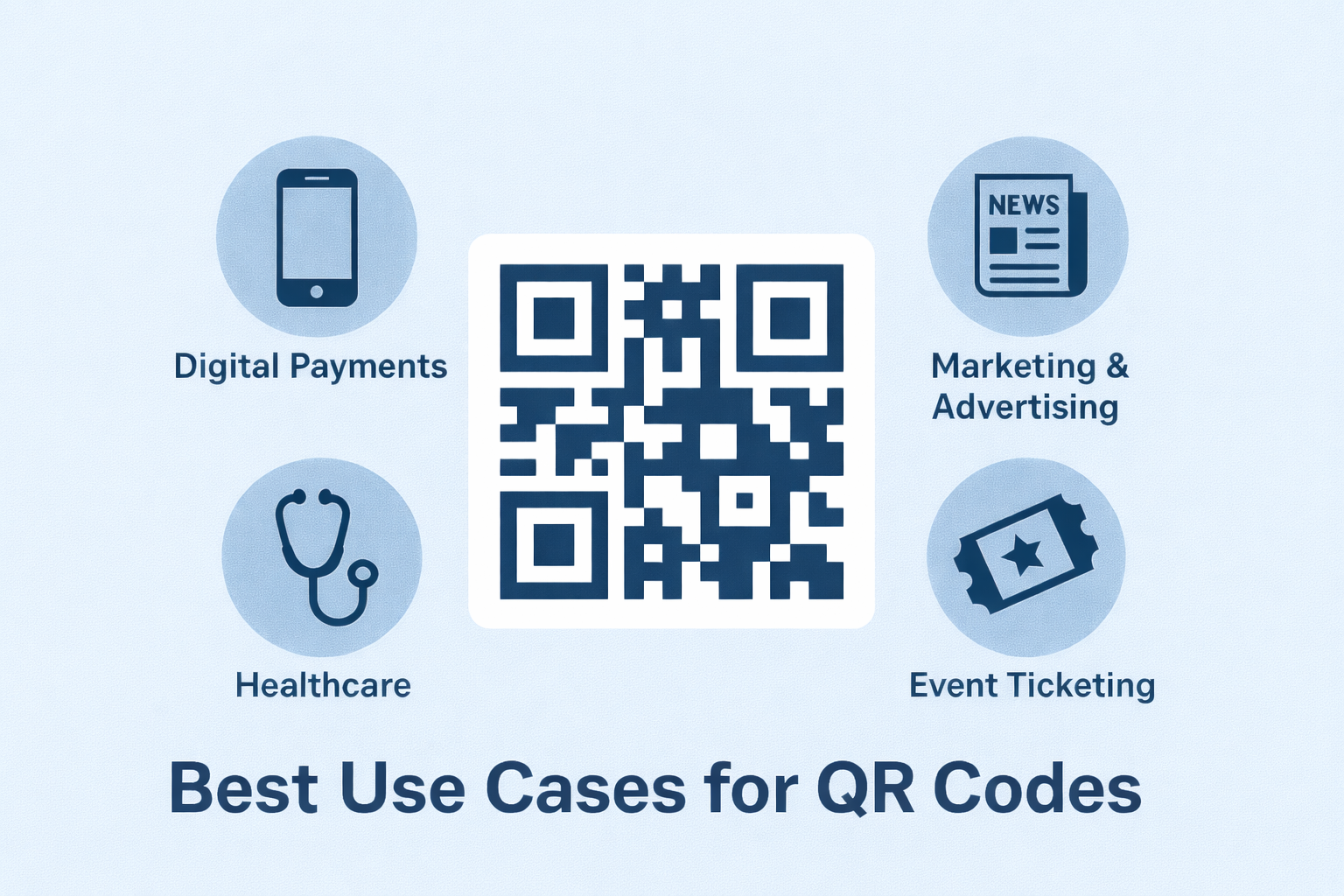
Audio QR codes are commonly used for podcasts, voice notes, announcements, and educational lessons. Businesses use them to share audio instructions, product explanations, or customer messages.
They are also used in museums, events, classrooms, packaging, and printed materials where spoken information adds value or improves accessibility.
Best Practices for Creating Audio QR Codes
Ensure the audio is clear and optimized for mobile listening. Avoid very large audio files that may load slowly on mobile networks.
Test the QR code on different smartphones and browsers before distribution. Place the QR code in a visible, high-contrast area to improve scan reliability.
Common Mistakes to Avoid
A common mistake is linking to audio that is unavailable, restricted, or slow to load. Another issue is not testing the QR code after creating it.
Using poor-quality audio or placing the QR code where it is difficult to scan can also reduce the overall user experience.
FAQs About Audio QR Codes
An audio QR code opens audio content that can be played directly on the user’s device after scanning.
Final Thoughts & Next Steps
Audio QR codes offer a simple and effective way to share spoken content instantly. They are especially useful when accessibility, convenience, or hands-free listening is important.
To start sharing audio through QR codes, you can use the Audio QR Code Generator on Enqode QR and create an audio QR code in just a few minutes.