An image QR code lets users view images instantly by scanning a QR code. It is useful for sharing photos, graphics, or visual content without sending files or links manually. This guide explains how to create an image QR code, what you need before creating one, and how to use it effectively.
What Is an Image QR Code
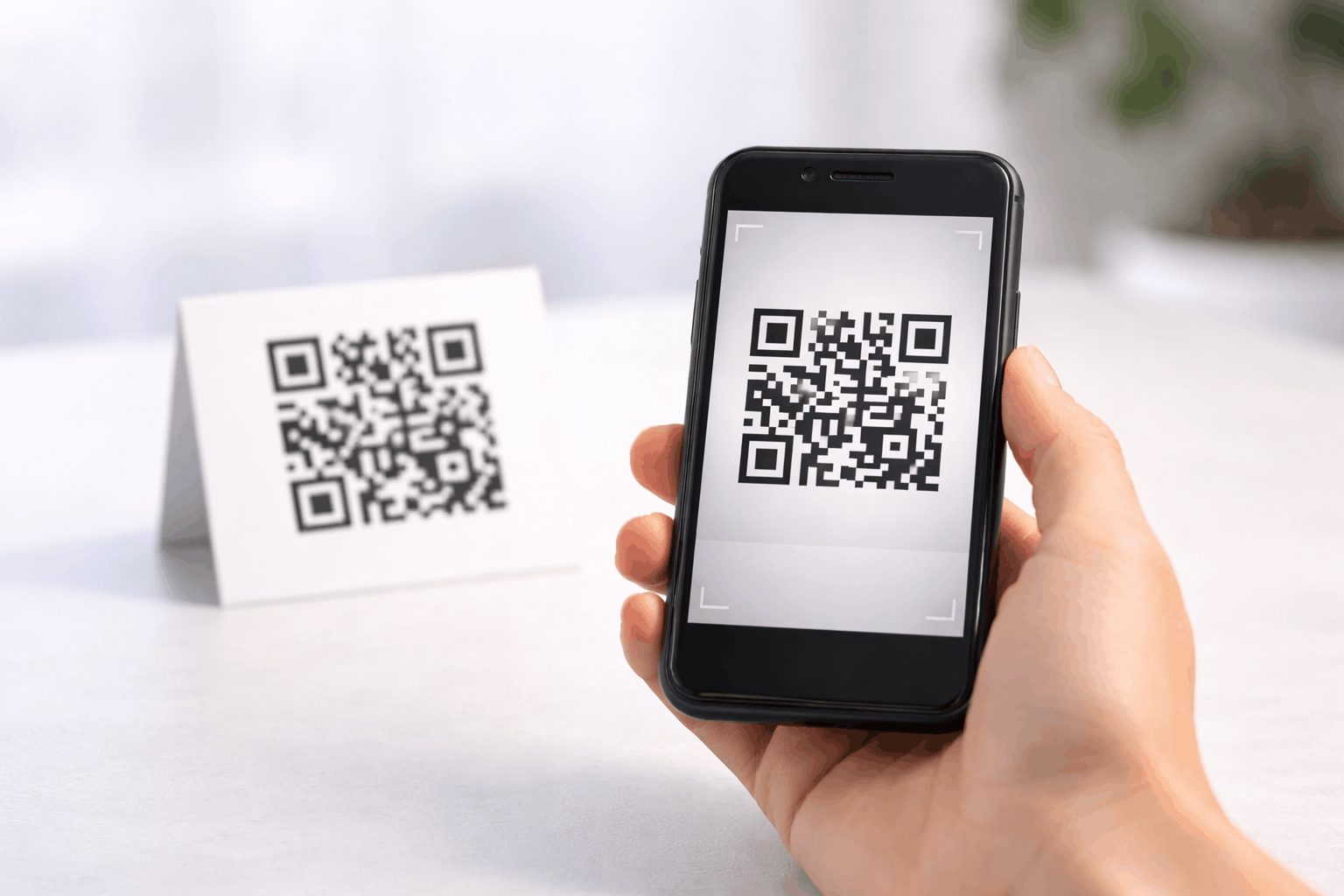
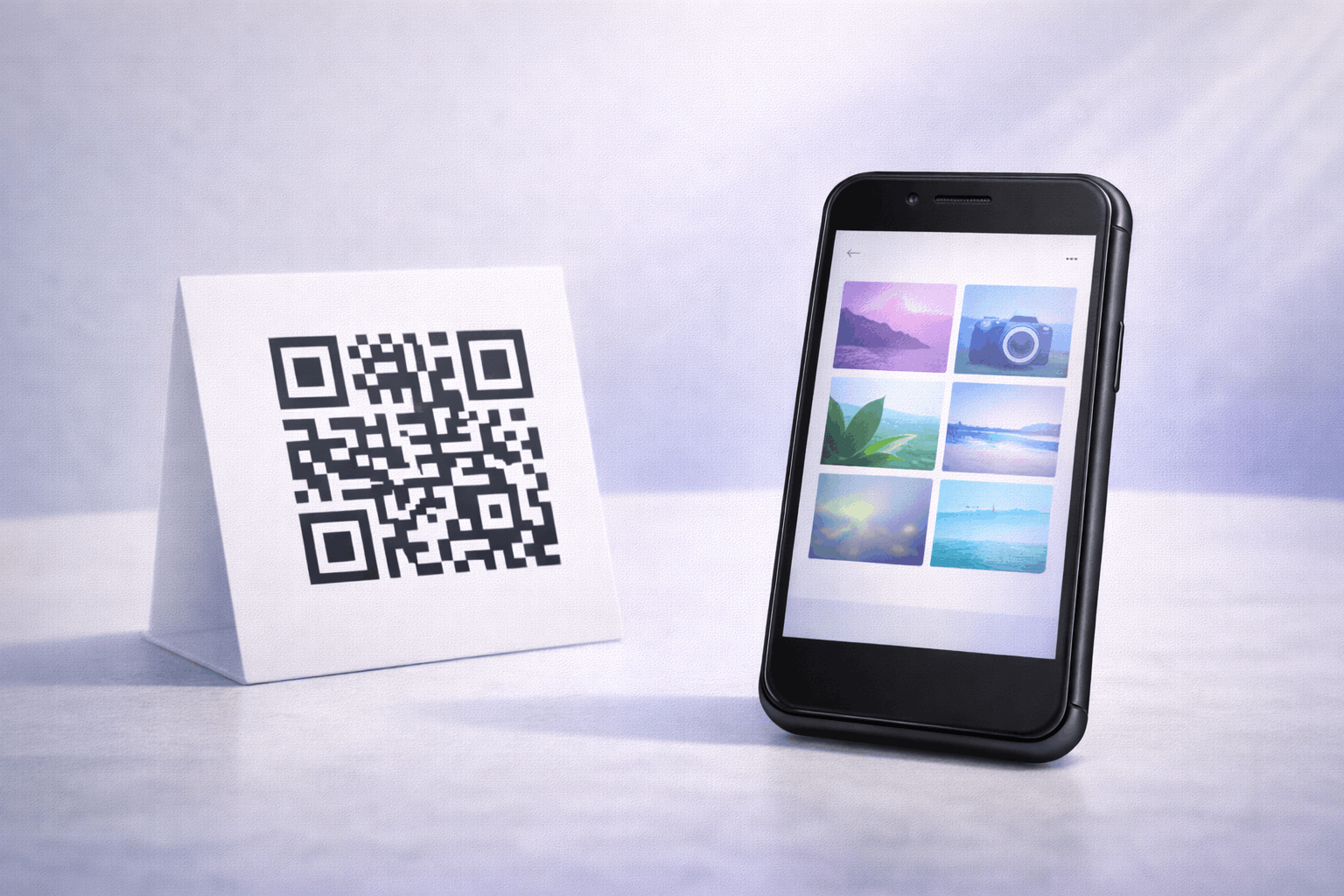
An image QR code is a type of QR code that opens images when scanned using a smartphone. Instead of sharing image files individually or sending multiple links, the QR code displays visual content in a mobile-friendly format.
Image QR codes are commonly used to present photos, graphics, or visual references in a simple and accessible way. Since the images are hosted digitally, the content can be managed and updated without changing the printed QR code.
What You Need Before Creating an Image QR Code
Before creating an image QR code, you should prepare the images you want to share. These may include photos, product images, graphics, or visual materials relevant to your purpose.
You should also consider how the images will be used and viewed on mobile devices. Image size, orientation, and clarity all affect the viewing experience. Since image QR codes are dynamic, planning the content structure in advance makes future updates easier.
How to Create an Image QR Code (Step-by-Step)
Creating an image QR code follows a simple three-step process.
- 1
Choose your QR code type: Select the image option from the available QR Code Types so the QR code is set up to display images when scanned.
- 2
Upload images & Customize: Upload your images and arrange them as needed. Image QR codes support uploading a minimum of one image and up to ten images. Customize the QR code design while ensuring it remains easy to scan.
- 3
Download & Share: Generate the QR code, download it in your preferred format, and test it on multiple devices before using it on print or digital materials.
Tools like the Image QR Code Generator on Enqode QR follow this same flow, making it easy to create and manage image QR codes.
Why Use an Image QR Code
Image QR codes make visual content easy to access with a single scan. Users can view images instantly without downloading files or navigating through folders and links.
They are especially useful when visuals are important for understanding, presentation, or engagement. Because the QR code is dynamic, images can be updated over time without replacing the QR code.
Common Use Cases of Image QR Codes
Image QR codes are widely used to showcase product images on packaging, catalogs, or brochures. Businesses use them to share visual references, designs, or marketing creatives.
They are also used in exhibitions, real estate listings, portfolios, and educational materials where visual context enhances understanding.
Best Practices for Creating Image QR Codes
Use high-quality images that are optimized for mobile viewing. Avoid extremely large file sizes that may slow down loading on mobile networks.
Test the QR code on different devices to ensure images load correctly and display as expected. Place the QR code in a well-lit, high-contrast area to improve scan reliability.
Common Mistakes to Avoid
A common mistake is uploading too many or very large images, which can affect loading speed. Another issue is using low-quality images that appear unclear on mobile screens.
Failing to test the QR code before printing or distribution can also lead to broken image displays or poor user experience.
FAQs About Image QR Codes
An image QR code opens one or multiple images in a mobile-friendly viewing format after scanning.
Final Thoughts & Next Steps
Image QR codes offer a simple way to share visual content through a single scannable code. They are especially useful when visuals play a key role and flexibility is needed over time.
To start sharing images through QR codes, you can use the Image QR Code Generator on Enqode QR and create an image QR code in just a few minutes.