This guide explains how to create a video QR code that allows users to watch a video instantly by scanning a QR code. You’ll learn what a video QR code is, what you need before creating one, how to generate it step by step, best practices to follow, and common mistakes to avoid.
What Is a Video QR Code
A video QR code is a type of QR code that links directly to a video. When scanned, it opens the video on the user’s device, allowing them to watch it instantly without searching or typing a link.
Video QR codes can be created using a video link or by uploading a video file, depending on how the QR code is set up. They are commonly used to connect offline materials to video content such as product demos, tutorials, advertisements, or presentations.
What You Need Before Creating a Video QR Code
Before creating a video QR code, you should decide how you want to share the video. This could be a video hosted online, such as on a video platform or your website, or a video file that you want to upload.
You should also consider where the QR code will be used, such as on packaging, posters, presentations, or digital screens. This helps determine video format, file size, and QR code placement for smooth playback.
How to Create a Video QR Code (Step-by-Step)
Creating a video QR code follows a simple three-step process and gives users instant access to video content.
- 1
Choose your QR code type: Select the video option from the available QR Code Types so the QR code is configured to open video content when scanned.
- 2
Upload or link your video & Customize: Add a video link or upload a video file, depending on your preference. You can then customize the QR code design by adjusting color's or adding a logo while keeping scan reliability in mind.
- 3
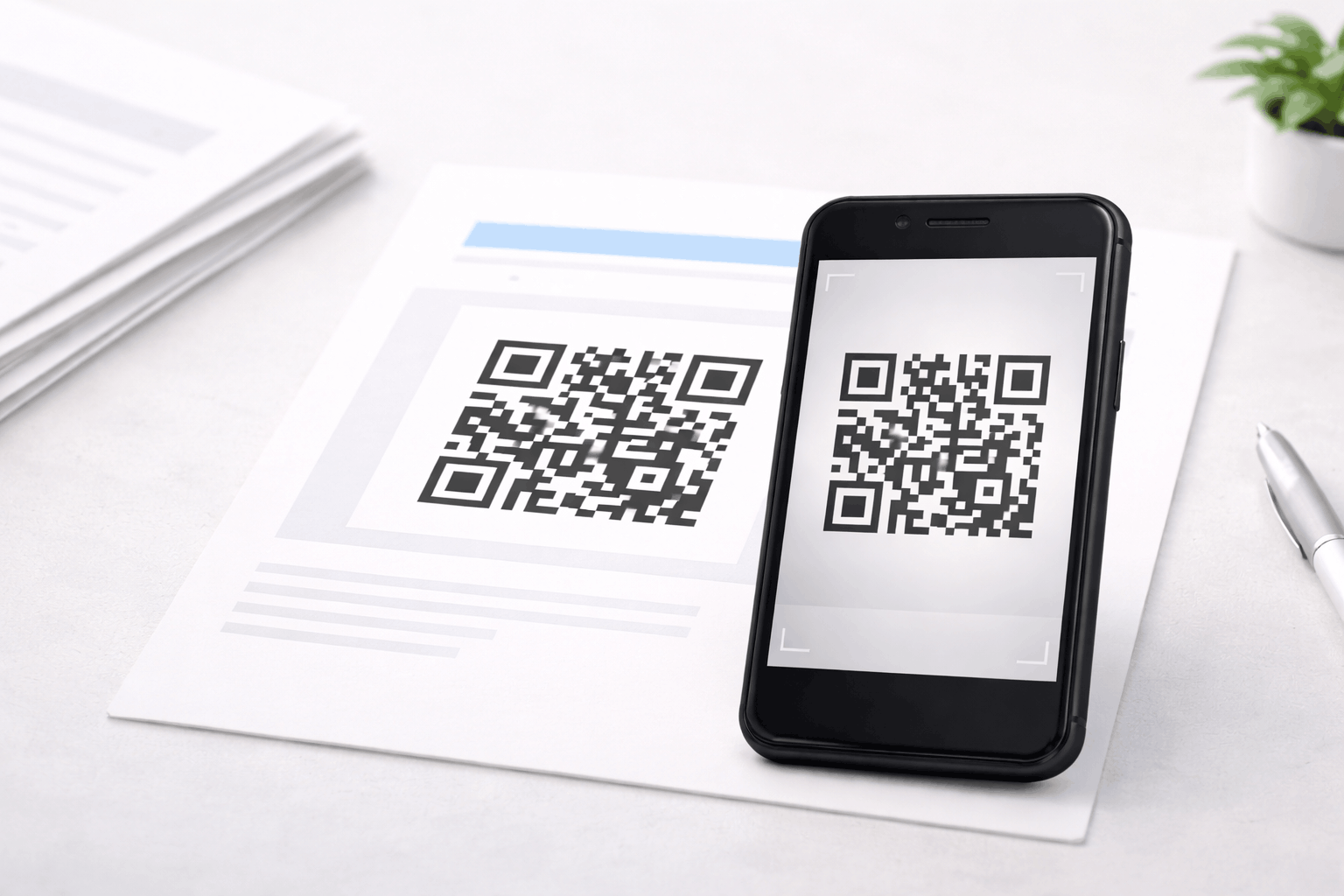
Download & Share: Generate the QR code, download it in your preferred format, and test it on multiple devices to ensure the video plays correctly.
Tools like the Video QR Code Generator on Enqode QR support both linked and uploaded videos, making it easy to create static or dynamic video QR codes.
Why Use a Video QR Code
Video QR codes make video content easy to access and highly engaging. Users can scan and watch videos instantly without searching or typing URLs.
They also help increase engagement, improve understanding, and connect physical materials with rich digital content.
Common Use Cases of Video QR Codes
Video QR codes are widely used in marketing to share product demos, advertisements, and promotional videos. Educators use them to link to tutorials or recorded lessons.
They are also used on product packaging, event displays, training materials, and presentations to provide instant visual information.
Best Practices for Creating Video QR Codes
Ensure the video is optimized for mobile viewing, as most users will watch videos on smartphones. Keep file sizes reasonable and use reliable hosting for smooth playback.
Place the QR code in a well-lit, visible area, maintain strong contrast, and always test the QR code on different devices and networks before final use.
Common Mistakes to Avoid
One common mistake is linking to videos that are unavailable, private, or slow to load. Another mistake is not testing the QR code after uploading or linking the video.
Using very large video files or placing QR codes where they are difficult to scan can negatively affect user experience.
FAQs About Video QR Codes
Yes, video QR codes can be created using a video link hosted online.
Final Thoughts & Next Steps
Video QR codes are a powerful way to share visual content instantly and improve engagement. By following best practices and testing before use, you can ensure a smooth viewing experience for users.
To start sharing videos through QR codes, you can use the Video QR Code Generator on Enqode QR and create a video QR code in just a few minutes.