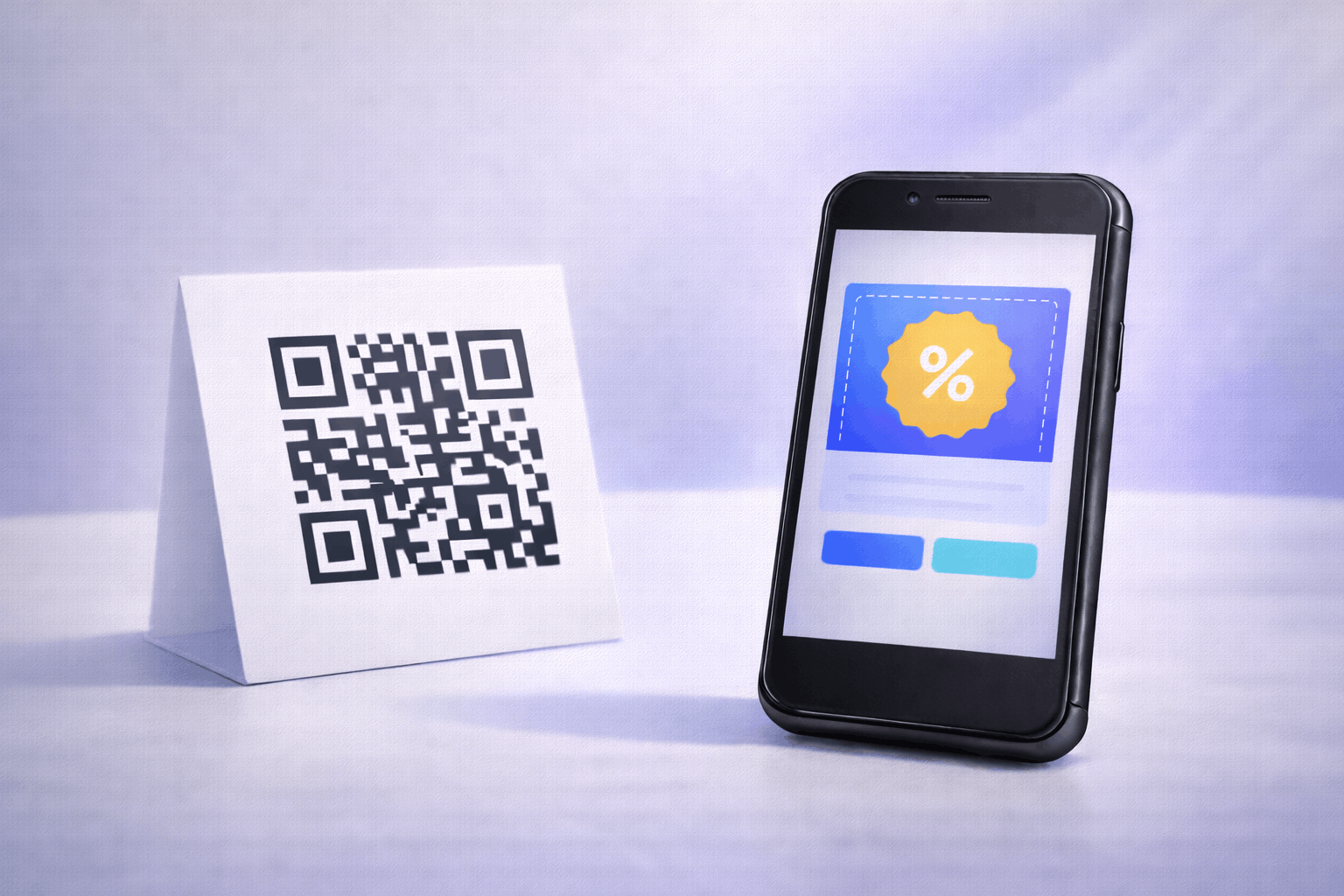
A coupon QR code allows customers to access discounts or promotional offers instantly by scanning a QR code. It removes the need for physical coupons or long links. This guide explains how to create a coupon QR code and use it effectively for promotions.
What Is a Coupon QR Code
A coupon QR code is a type of QR code that displays a discount, deal, or promotional offer when scanned. It allows customers to view offer details instantly on their smartphone without needing to carry physical coupons or search for links.
Coupon QR codes are commonly used to share time-sensitive promotions, special discounts, or exclusive offers in a simple and accessible format. Because the content is hosted digitally, coupon QR codes can be updated without changing the printed QR code.
What You Need Before Creating a Coupon QR Code
Before creating a coupon QR code, you should clearly define the offer you want to promote. This may include the discount value, offer description, validity period, and any conditions or terms.
You should also decide where the QR code will be used, such as on packaging, posters, receipts, or digital campaigns. Since coupon QR codes are dynamic, planning the offer details in advance makes it easier to update or extend promotions later.
How to Create a Coupon QR Code (Step-by-Step)
Creating a coupon QR code follows a simple three-step process.
- 1
Choose your QR code type: Select the coupon option from the available QR Code Types so the QR code is configured to display offer details when scanned.
- 2
Add offer information & Customize: Enter the coupon details such as the discount, offer description, validity period, and terms. Customize the QR code design while keeping scan clarity and readability in mind.
- 3
Download & Share: Generate the QR code, download it in your preferred format, and test it before using it on print or digital materials.
Tools like the Coupon QR Code Generator on Enqode QR follow this same flow, making it easy to create and manage coupon QR codes.
Why Use a Coupon QR Code
Coupon QR codes make promotions easy to access and act on. A single scan gives customers instant visibility into an offer, increasing the chances of redemption.
They are also flexible, as offers can be updated or replaced without reprinting the QR code. This makes coupon QR codes suitable for ongoing or frequently changing promotions.
Common Use Cases of Coupon QR Codes
Coupon QR codes are widely used in retail stores, restaurants, cafés, and e-commerce promotions. Businesses place them on packaging, receipts, table tents, and promotional posters.
They are also effective in digital campaigns, event promotions, loyalty programs, and seasonal sales where quick access to offers encourages faster action.
Best Practices for Creating Coupon QR Codes
Keep coupon information clear and easy to understand. Highlight the main benefit of the offer and avoid cluttering the coupon with too many conditions.
Test the QR code before distribution to ensure it opens correctly. Place the QR code in a visible location with sufficient contrast so customers can scan it easily.
Common Mistakes to Avoid
A common mistake is unclear or incomplete offer details, which can confuse customers. Another issue is forgetting to update expired or inactive offers.
Avoid using QR code designs with low contrast or poor placement, as this can reduce scan success and coupon redemption.
FAQs About Coupon QR Codes
It opens a digital coupon or offer page that displays discount details after scanning.
Final Thoughts & Next Steps
Coupon QR codes provide a simple way to share promotions and discounts through a single scan. They are especially useful for businesses running time-sensitive or recurring offers.
To start sharing offers through QR codes, you can use the Coupon QR Code Generator on Enqode QR and create a coupon QR code in just a few minutes.