A Black Friday QR code links a printed spot or a screen, such as a shop window, counter, in-store display or sale email, to your sale: a coupon, an early-access list, a price list or a payment page. Use a dynamic code so you can change the deal after printing and see how many people scanned.
Quick Summary
A Black Friday QR code links a printed spot or a screen, such as your shop window, the counter or a sale email, straight to your sale. One scan opens a coupon, an early-access list, a price list or a payment page, with nothing to type.
The easiest place to start is a coupon QR code generator: put your Black Friday offer and code behind one scan, then switch it to a Cyber Monday deal without reprinting. Below are 20 ideas for before the sale, sale day, the days after and your screens online, plus where to place each code and a week-by-week plan.
Table of Contents
- Why shops use QR codes on Black Friday and Cyber Monday
- QR code ideas before the sale
- QR code ideas on Black Friday
- Cyber Monday and after-sale QR code ideas
- Digital QR code ideas for Black Friday and Cyber Monday
- Running the sale across many stores
- Which QR code type to use
- How to make a Black Friday QR code in 3 steps
- Static or dynamic for a Black Friday sale
- Where to place your QR codes
- Your Black Friday and Cyber Monday plan, week by week
- Common mistakes to avoid
- FAQ
Why Shops Use QR Codes on Black Friday and Cyber Monday
QR codes turn one of the busiest shopping weekends of the year into sales you can follow. A shopper who walks past your window or picks up a flyer can grab the deal on the spot, and you can see which spot brought them in.
Black Friday is the Friday after Thanksgiving, and Cyber Monday follows three days later. Shoppers move between your shop, your website and their phone the whole weekend. A QR code joins those up: the printed sign sends people to the online offer, and the online offer can bring them back to the counter. With a dynamic code, the same print works for both days, because you change what it opens rather than the code itself.
QR Code Ideas Before the Sale
The week or two before Black Friday is when shoppers make their list. These five ideas put your shop on it.
1. A Shop-Window Teaser for Your Sale
Put a QR code in your window with a line like "Scan to see our Black Friday deals". Passers-by get a sneak peek before the doors open on sale day.
Point it to a page made in the landing page QR code generator. The page holds your logo, a short message about the sale, a button to your offers, your opening hours, your address and up to 5 links. When the sale starts, edit the page and the same window sticker shows the live deals.
2. An Early-Access List on WhatsApp
Invite regular customers to join a Black Friday early-access list with one scan. They send you a ready-typed message, and you have their number for the sale announcement.
In the WhatsApp QR code generator, add your number and a pre-filled message such as "Add me to the Black Friday early-access list". Print the code on receipts, bags and counter cards in the weeks before. On the morning of the sale, send the list a WhatsApp broadcast with the deal.
3. Flyers That Open Your Deals
A flyer has room for three deals at most. A QR code on it opens the full list on your website or online shop.
Make it a dynamic code in the link QR code generator. Then you can point the same flyer to your teaser page before the sale, the deals page on Black Friday and the Cyber Monday page after. Use a different code for each batch of flyers, such as one per area, and the scan count tells you which drop worked best.
4. An Invite to Your Sale Launch Night
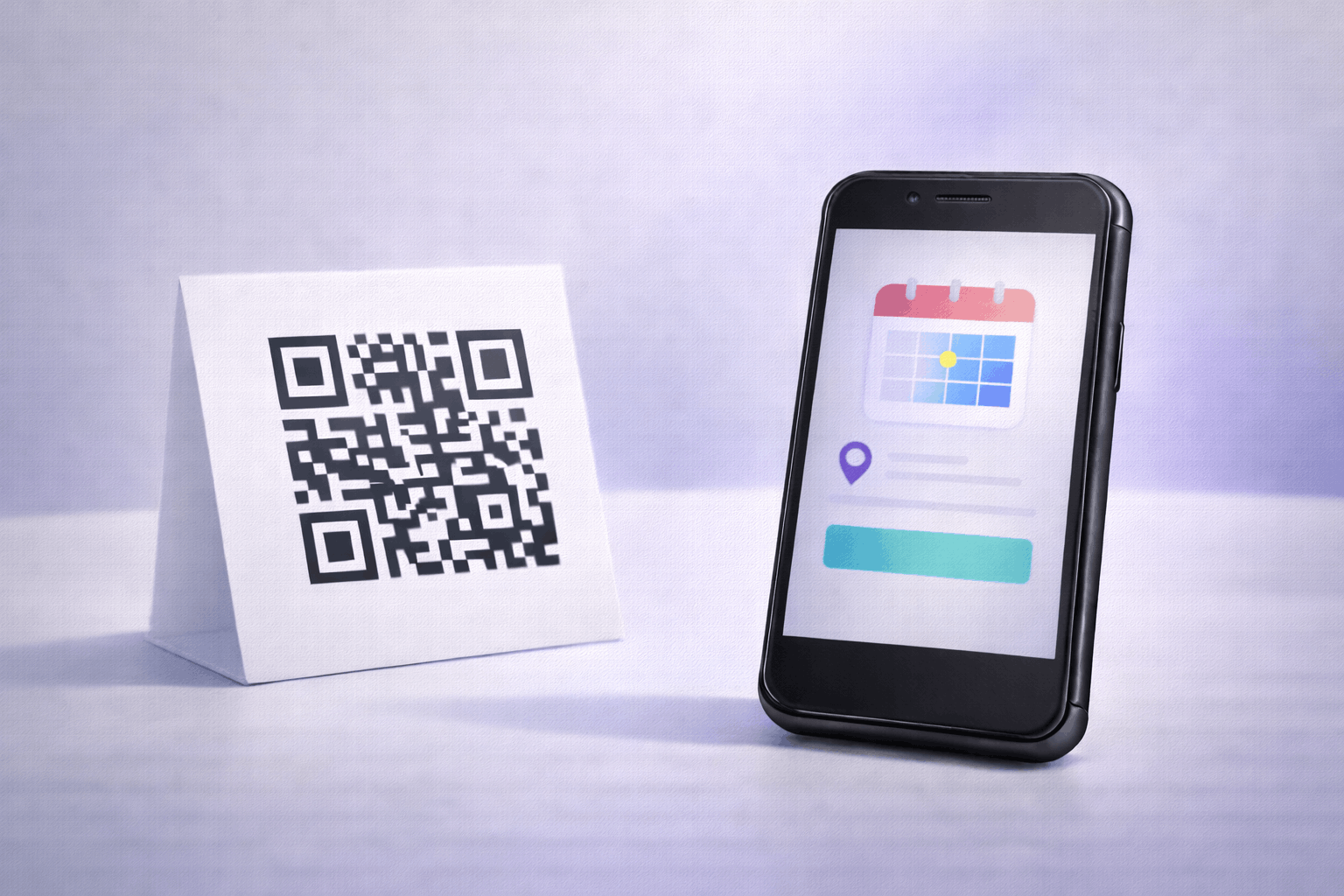
If you open early or hold a late-night shopping event, a QR code is the invite. One scan shows the date, time and place, with a button to save it to Google Calendar.
The event QR code generator makes an event page with your details, venue, contact and social links, in one of 5 templates. Put it on posters, social posts and the early-access messages from idea 2. Our guide on how to create an event QR code walks through the page.
5. A Giveaway Entry Form
A small prize draw gets people talking before the sale. A QR code on a poster takes them straight to the entry form.
Build the form in Google Forms with name, phone or email and a question such as "What would you buy first?". Then make a code in the Google Form QR code generator and put it near the counter, on bags and in your social posts. Announce the winner on Black Friday morning to bring entrants back in.
QR Code Ideas on Black Friday
On the day itself, speed matters. These ideas save shoppers a question or a queue.
6. A Coupon QR Code at the Counter
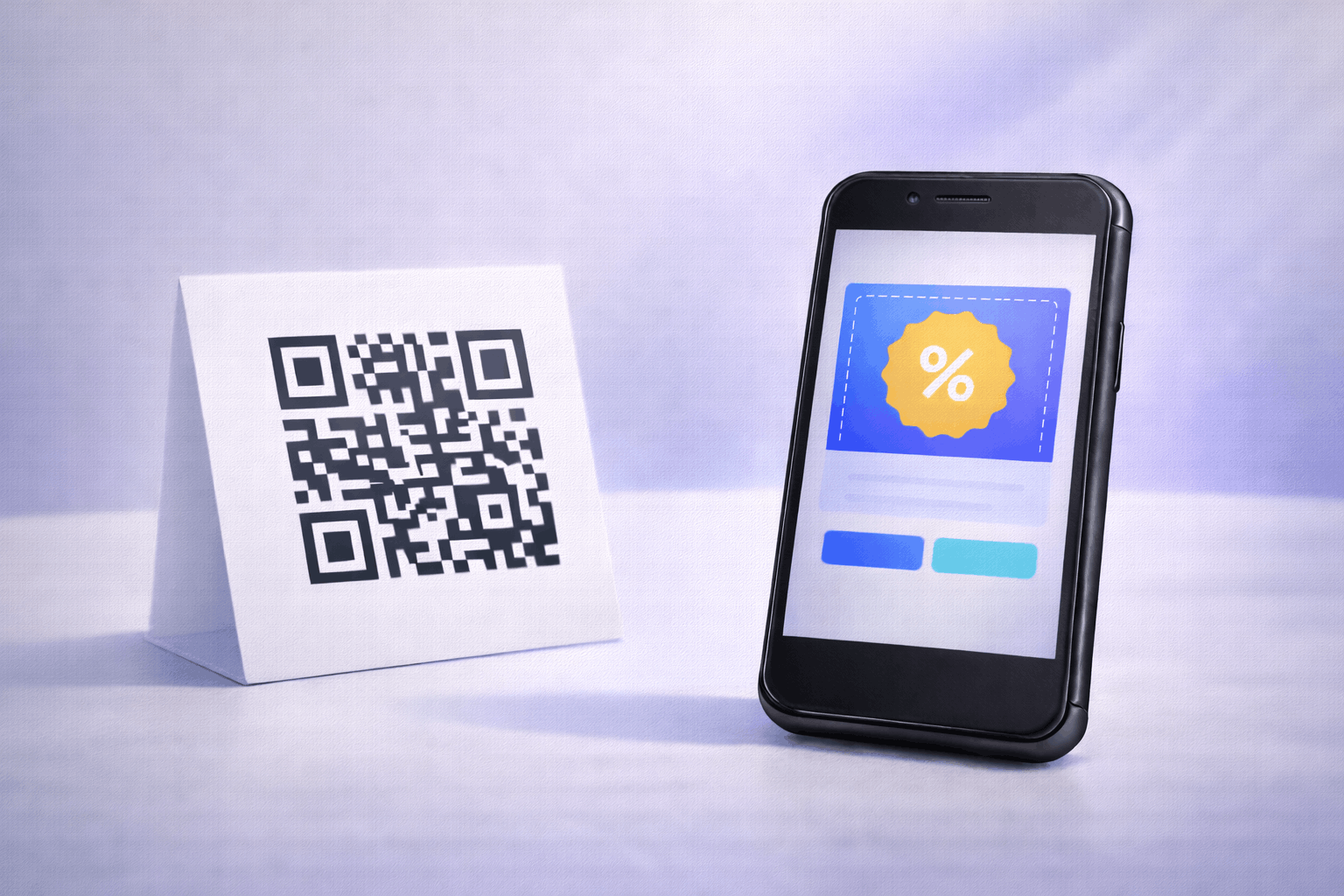
A coupon QR code at the counter gives every shopper the deal in one scan. Your offer opens on their phone, they tap Reveal Code, and one more tap copies it.
In the coupon QR code generator, add the offer title, a sales badge, the coupon code, a valid-until date and your terms. You can also add a button to your online shop, so the same code works at the counter and at your website checkout. Coupon codes are always dynamic, which is what lets you change the offer later. For every field, read how to create a coupon QR code.
7. A Sale Price List or Lookbook
Shoppers want to see every deal before they queue. A QR code by the entrance opens your full sale price list or a lookbook of the best offers.
Upload your price list as a PDF, Word or Excel file in the file QR code generator, and the scan downloads it to the phone. For a visual lookbook, add photos in the image QR code generator instead. Both are dynamic, so when a deal sells out you replace the file or photos and the printed code stays the same.
8. Product Details on Shelf Tags
A shelf tag only fits a price. A small QR code next to it opens the product page, with reviews and every size or colour.
In the product QR code generator, paste the link to the product page on your website. For products that need showing, such as a gadget or a beauty tool, a video QR code generator code plays a short demo. Shoppers make up their mind without waiting for a staff member.
9. Directions to Your Shop
Black Friday brings people who have never visited before. A location QR code on flyers and social posts opens the map with directions to your door.
In the location QR code generator, paste your Google Maps share link. Add the code to every flyer from idea 3, and to the bottom of your teaser page. If you have a second entrance or a car park, mention it in the text next to the code.
10. Faster Payment at the Counter
Queues are the worst part of Black Friday. A payment QR code at the counter lets a shopper pay from their own phone while you bag the items.
In the payment QR code generator, paste your payment link, such as a UPI, PayPal or Stripe link. The customer scans and their payment app opens, ready to pay. Our guide on how to create a payment QR code shows where to find each link.
Cyber Monday and After-Sale QR Code Ideas
The sale does not end on Friday night. These ideas carry Black Friday shoppers into Cyber Monday and the holiday season.
11. A Cyber Monday Deal for Black Friday Shoppers
Give every Black Friday shopper a small card with a QR code for a Cyber Monday deal. It turns a one-off visit into a second sale three days later.
Use the coupon from idea 6. On Monday morning, change the offer title, coupon code and valid-until date in your Enqode QR account. Every card and counter sign printed for Friday now shows the Cyber Monday deal, with no reprint.
12. App-Only Deals
If your shop has an app, an app-only Cyber Monday deal gets it onto more phones. One QR code takes shoppers to your app in their phone's app store.
The App Store QR code generator takes your store links in one code, including Google Play, the App Store and other app stores. Print it on bags and receipts with "Get the app for an extra Cyber Monday deal".
13. Ask for a Review
Right after a good shopping trip is the best time to ask for a review. A QR code on the receipt or bag opens your review page in one scan.
Copy your Google review link and add it in the review QR code generator. A line like "Happy with your Black Friday buys? Tell us in 30 seconds" next to the code helps. Fresh reviews also help new customers pick your shop for the rest of the season.
14. Follow Us for the Next Sale
Shoppers who came for one weekend can hear about the next sale too. A social media QR code gathers all your profiles on one page.
In the social media QR code generator, add your Instagram, Facebook and other profiles. Print it on bags, receipts and thank-you cards with "Follow us for the Christmas sale".
15. Reuse Your Codes for Christmas and New Year Sales
Your Black Friday prints keep working long after the weekend. With dynamic codes, each one points to the next offer.
Change the coupon to a Christmas deal, point the flyer link to your gift guide and update the landing page with New Year opening hours. The window sticker, counter card and flyers stay where they are. Next November, change them back to the new Black Friday deals.
Digital QR Code Ideas for Black Friday and Cyber Monday
Shoppers spend the sale weekend on screens as much as in shops. A QR code on a screen moves your deal onto their phone in one scan, so they can take it to the counter or buy on the go.
16. A Deal Code on In-Store Screens
A TV or display near the entrance catches every shopper who walks in. Show your coupon QR code on it, with a line such as "Scan for today's deal".
Use the coupon from idea 6, so the screen and the counter card open the same offer. On Cyber Monday, change the offer in your Enqode QR account, and the code on the screen opens the new deal. Keep the code on screen the whole time, rather than flashing it between slides.
17. A Live Sale on Instagram, YouTube or Facebook
A live stream lets you show products and answer questions while you sell. A coupon QR code in the corner of the stream gives viewers the deal as you talk.
Viewers watching on a laptop or TV scan it with their phone and get the coupon straight away. For viewers watching on their phone, pin your deals link in the chat as well. Mention the code out loud too, such as "Scan the code on screen for 20% off until midnight".
18. "Scan to Shop on Your Phone" on Your Website
Many shoppers browse deals on a laptop, then buy later on their phone. A QR code on your website's sale page lets them carry the deal over in one scan.
Point it to your app with an App Store QR code, as in idea 12, or to a WhatsApp chat, as in idea 2, so they can ask about stock and sizes. Place it next to the sale banner with a line like "Scan to keep shopping on your phone".
19. A QR Code in Your Sale Email
Many people open sale emails on a laptop. A QR code in the email puts the deal on their phone, ready to show at the counter.
Add your coupon QR code to the Black Friday email under the main offer, with "Scan to take this deal to the shop". Readers who open the email on their phone tap a button instead, so keep a normal link next to the code. Send the Cyber Monday email with the same code, as the coupon already shows the new deal.
20. A QR Code in Your Video Ads
A video ad on YouTube, a smart TV or a screen in a mall can send viewers straight to the sale. Put a QR code in the corner of the ad, with the deal in words next to it.
Make a dynamic code in the link QR code generator that opens your deals page. Keep it on screen for several seconds, not only the last frame, so people have time to pick up their phone. Use a different code for each ad or channel, and the scan count shows which one brought shoppers in.
Running the Sale Across Many Stores
Brands with several stores can run the same Black Friday campaign everywhere and still see which store did best. Three features make that easy.
One Code per Store, Made in One Go
You can make a code for every store at once. Upload a CSV file with one row per store, and each code gets the store's name.
The bulk QR code generator takes the list and gives you a ZIP of codes in PNG, PDF, SVG or EPS, as single files or print sheets. Make them dynamic and each store's code has its own scan count. A row per store also works for shelf tags, with one code per product page.
See Which Store and City Scans Most
Every dynamic code shows its scans by date, time, city, country and device. Your dashboard ranks your codes by scans, so the best store or flyer is at the top.
Compare the stores on Black Friday morning and move stock or staff to where shoppers are scanning. The QR code generator with analytics page explains what each scan records.
Change the Offer on Every Printed Code at Once
Point every store's code at the same deals page, and a change to that page reaches every store at once. There is no reprint and no store left with an old poster.
When one store needs its own offer, edit just that store's code in your Enqode QR account and point it somewhere new. Your Friday deal becomes the Saturday deal, then the Cyber Monday deal, without a single new print.
Which QR Code Type to Use
Pick the type by what you want the shopper to do after the scan. This table matches each type to its Black Friday job.
| QR code type | Black Friday use | Idea |
|---|---|---|
| Coupon | Show the deal and a code to copy | 6, 11, 16, 17, 19 |
| Landing Page | A sale page with your offers, hours and links | 1 |
| Join the early-access list, ask about stock | 2, 18 | |
| Link | Open your deals page or online shop | 3, 20 |
| Event | Invite shoppers to a launch night | 4 |
| Google Form | Giveaway entries and sign-ups | 5 |
| File | Download the sale price list | 7 |
| Image | A photo lookbook of the best deals | 7 |
| Product | Product page with reviews from the shelf tag | 8 |
| Video | A short product demo | 8 |
| Location | Directions to your shop | 9 |
| Payment | Pay at the counter from the phone | 10 |
| App Store | App-only Cyber Monday deals, shop on the phone | 12, 18 |
| Review | Ask for a review after the sale | 13 |
| Social Media | All your profiles on one page | 14 |
| Menu | A café or food stall's holiday specials | Extra |
| Wi-Fi | Free Wi-Fi for shoppers waiting in line | Extra |
| vCard | Contact details for business buyers | Extra |
How to Make a Black Friday QR Code in 3 Steps
Making a Black Friday QR code in Enqode QR takes three short steps. At the end you have a print-ready code with your logo.
- 1
Pick a type. Choose Coupon for a deal, or any type from the table above.
- 2
Add Your Details & Customize (optional). Enter your offer or link, then add your logo, colours and a frame with words such as "SCAN FOR THE DEAL".
- 3
Download. Use a PNG for social posts and your website, and an SVG, EPS or PDF for print.
Before you print, scan the code with an iPhone and an Android phone, and check that the right offer opens. Start with the coupon QR code generator if you are not sure which type to pick.
Static or Dynamic for a Black Friday Sale
Use dynamic codes for a sale. They let you change the deal after printing and count every scan.
A static code stores your information inside the code itself. It works forever once printed, which suits a Wi-Fi code or a fixed link. A dynamic code holds a short link that you can point somewhere new at any time, and it records each scan with the city, country and device. For a weekend where the deal changes from Friday to Monday, dynamic is the one that saves you a reprint. Our guide to static vs dynamic QR codes covers the difference in full.
Where to Place Your QR Codes
Place each code where shoppers pause, and make it big enough for the distance they stand or sit at. The table below gives a minimum size for each spot.
| Spot | What the scan opens | Minimum code width |
|---|---|---|
| Shop window or door | Teaser page or live deals | About 15 to 20 cm (6 to 8 in) |
| Poster inside the shop | Coupon or price list | 10 cm (4 in) or more |
| Counter card or stand | Coupon, payment or WhatsApp | About 4 to 6 cm (1.6 to 2.4 in) |
| Flyer | Deals page and directions | At least 3 to 5 cm (1.2 to 2 in) |
| Shelf tag or product label | Product page or demo video | At least 2 to 3 cm (0.8 to 1.2 in) |
| Receipt, bag or thank-you card | Cyber Monday coupon, review, social | About 2 cm (0.8 in) |
| In-store TV or display | Coupon or live deals | Big enough to scan from where shoppers stand; test it from there |
| Live stream or video ad | Coupon or deals page | A clear corner of the screen; test it from across the room |
| Sale email or website | Coupon, app or WhatsApp | Shown on screen, any clear size, with a link next to it |
For every size and the rule behind it, read our guide to the minimum QR code size for printing.
Your Black Friday and Cyber Monday Plan, Week by Week
A simple plan keeps the codes ready before the rush. Here is what to do and when.
| When | What to do |
|---|---|
| Two weeks before | Make your codes. Print window stickers, flyers and counter cards. Start the WhatsApp early-access list and the giveaway. |
| The week before | Put the teaser in the window. Hand out flyers. Send the launch night invite. Add the QR code to your website and sale email. Test every code on two phones. |
| Black Friday | Switch the teaser page and flyer link to the live deals. Put the coupon at the counter and on in-store screens. Run your live sale. Check scans by store or flyer at midday. |
| The weekend | Hand out Cyber Monday cards with every purchase. Ask for reviews on receipts. |
| Cyber Monday | Change the coupon to the Cyber Monday deal. Send the early-access list and your email list the new offer. |
| The week after | Compare scans by code and spot. Point the codes to your Christmas or New Year offer. |
Common Mistakes to Avoid
Most Black Friday QR codes that fail do so for a small reason you can fix before printing.
- Sending shoppers to your home page. Point the code at the deal itself, not the front page of your website.
- Printing a static code for a changing deal. Use a dynamic code so Friday's print still works on Monday.
- No words next to the code. A frame or line such as "Scan for 20% off" tells people why to scan.
- A code too small for the spot. A window code read from the street needs to be far bigger than a receipt code.
- A coupon code that doesn't match your checkout. Set the same code up in your checkout system or online shop before the sale.
- A QR code with no link next to it online. In emails and on your website, add a button or link for people already on their phone.
FAQ
Conclusion
A Black Friday QR code is a cheap way to turn printed signs, flyers, receipts and screens into sales you can measure. Start with a coupon at the counter, add a teaser in the window, put the same deal on your screens and in your sale email, and a Cyber Monday card in every bag. Use dynamic codes so one print carries you from Black Friday to Cyber Monday and on to the Christmas sale.