This guide explains how to create a Wi-Fi QR code that lets users connect to a wireless network instantly with a single scan. You’ll learn what a Wi-Fi QR code is, what details you need before creating one, how to generate it step by step, best practices to follow, and common mistakes to avoid.
What Is a Wi-Fi QR Code
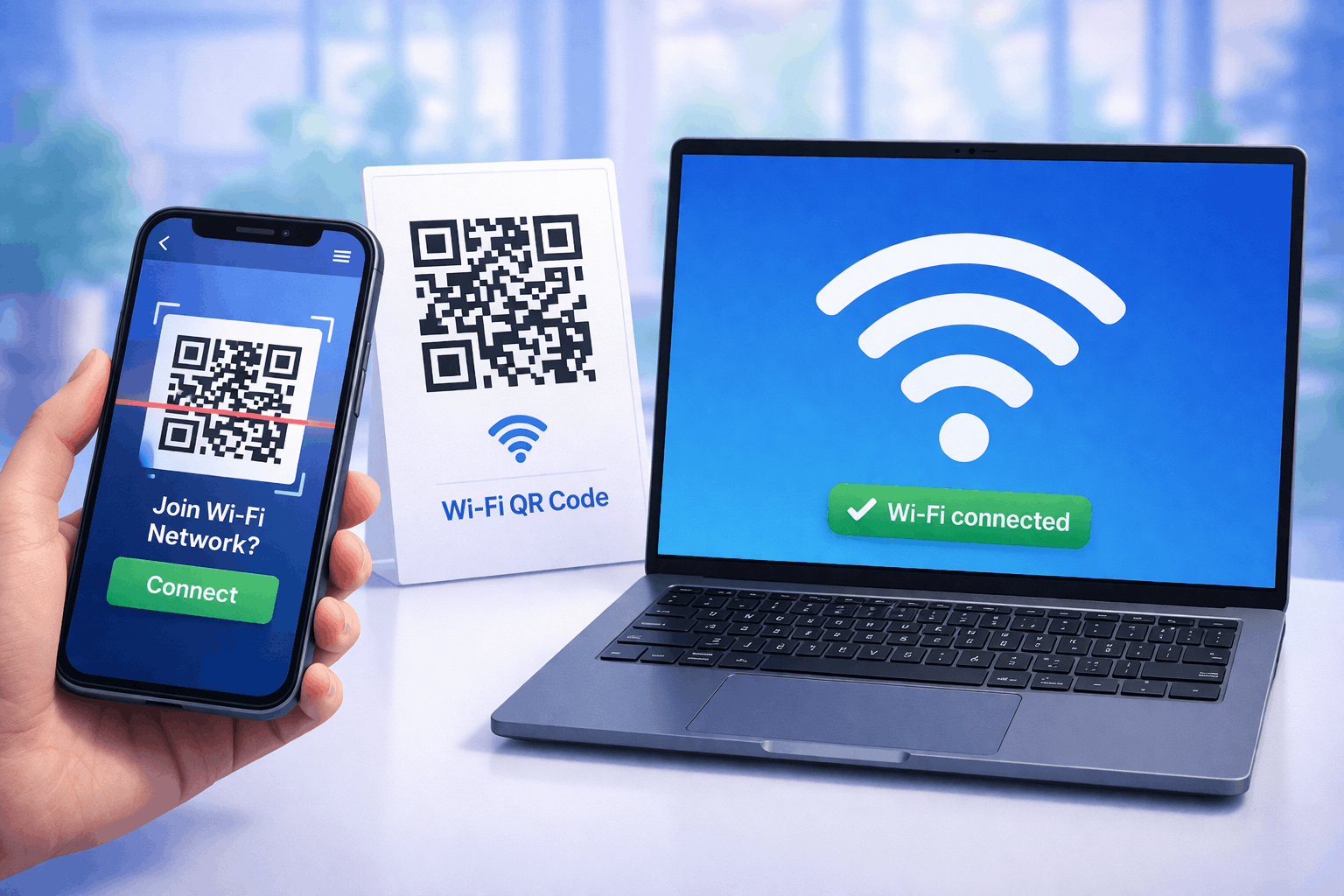
A Wi-Fi QR code is a type of QR code that allows users to connect to a wireless network instantly by scanning it with their smartphone. Instead of manually searching for the network name and entering a password, the QR code automatically applies the Wi-Fi credentials.
Wi-Fi QR codes are commonly used in homes, cafés, offices, hotels, and public spaces to make internet access fast, simple, and hassle-free for guests and visitors.
What You Need Before Creating a Wi-Fi QR Code
Before creating a Wi-Fi QR code, you should have your network details ready. This includes the Wi-Fi network name (SSID), password, and the type of security used by the network.
It’s also important to know where the QR code will be placed, such as on tables, walls, reception desks, or digital displays. This helps determine the QR code size and design for easy scanning.
How to Create a Wi-Fi QR Code (Step-by-Step)
Creating a Wi-Fi QR code follows a simple three-step process and allows users to connect without typing passwords.
- 1
Choose your QR code type: Select the Wi-Fi option from the available QR Code Types so the QR code is configured for network access.
- 2
Enter network details & Customize: Add your Wi-Fi network name (SSID), password, and security type. You can then customize the QR code design by adjusting color's or adding a logo while keeping scan readability in mind.
- 3
Download & Share: Generate the QR code, download it in your preferred format, and test it on multiple devices to ensure it connects correctly.
Tools like the Wi-Fi QR Code Generator on Enqode QR follow this same flow, making it easy to share Wi-Fi access securely and conveniently.
Why Use a Wi-Fi QR Code
Wi-Fi QR codes make connecting to a network quick and error-free. Guests don’t need to ask for passwords or type long credentials manually.
They also improve user experience, reduce support requests, and help maintain privacy by sharing access without displaying the password openly.
Common Use Cases of Wi-Fi QR Codes
Wi-Fi QR codes are widely used in cafés, restaurants, hotels, and offices to provide instant internet access to guests. They are also useful in homes, coworking spaces, waiting areas, and event venues.
Many businesses place Wi-Fi QR codes on tables, reception desks, walls, or welcome cards so visitors can connect easily.
Best Practices for Creating Wi-Fi QR Codes
Ensure the Wi-Fi credentials entered are accurate and up to date. If the network password changes, update the QR code accordingly.
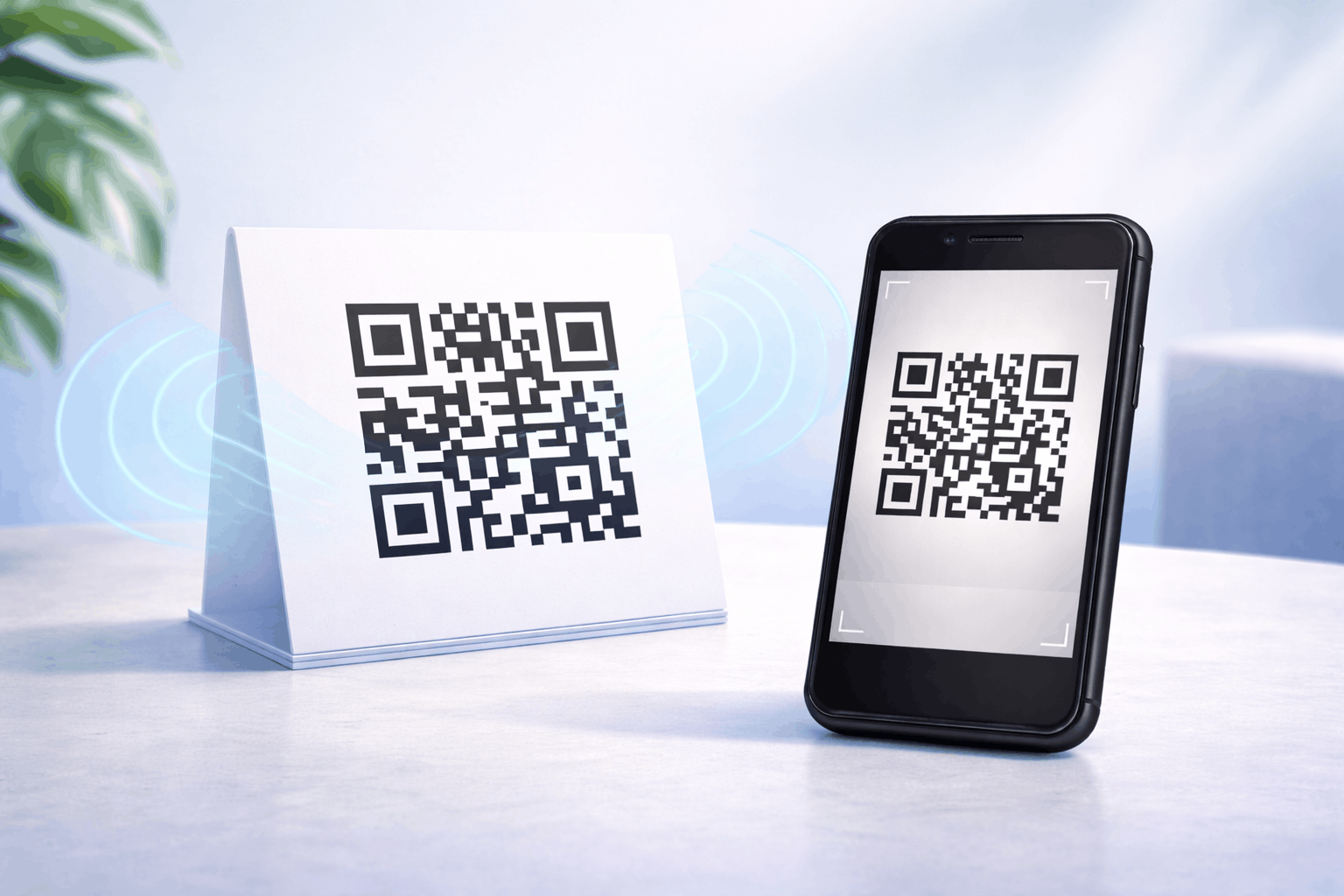
Place the QR code where it is clearly visible and easy to scan, and maintain strong contrast between the QR code and its background. Always test the QR code on different devices before final use.
Common Mistakes to Avoid
A common mistake is entering incorrect network details, which prevents users from connecting. Another mistake is placing the QR code in poorly lit or hard-to-reach areas.
Using low-contrast designs or failing to test the QR code after creation can also lead to scan issues and frustrate users.
FAQs About Wi-Fi QR Codes
Most modern smartphones can scan Wi-Fi QR codes directly using the camera without additional apps.
Final Thoughts & Next Steps
Wi-Fi QR codes are a simple and effective way to share internet access without friction. By following best practices and testing before use, you can ensure a smooth connection experience for users.
To let guests connect instantly without typing passwords, you can use the Wi-Fi QR Code Generator on Enqode QR and create a Wi-Fi QR code in just a few minutes.