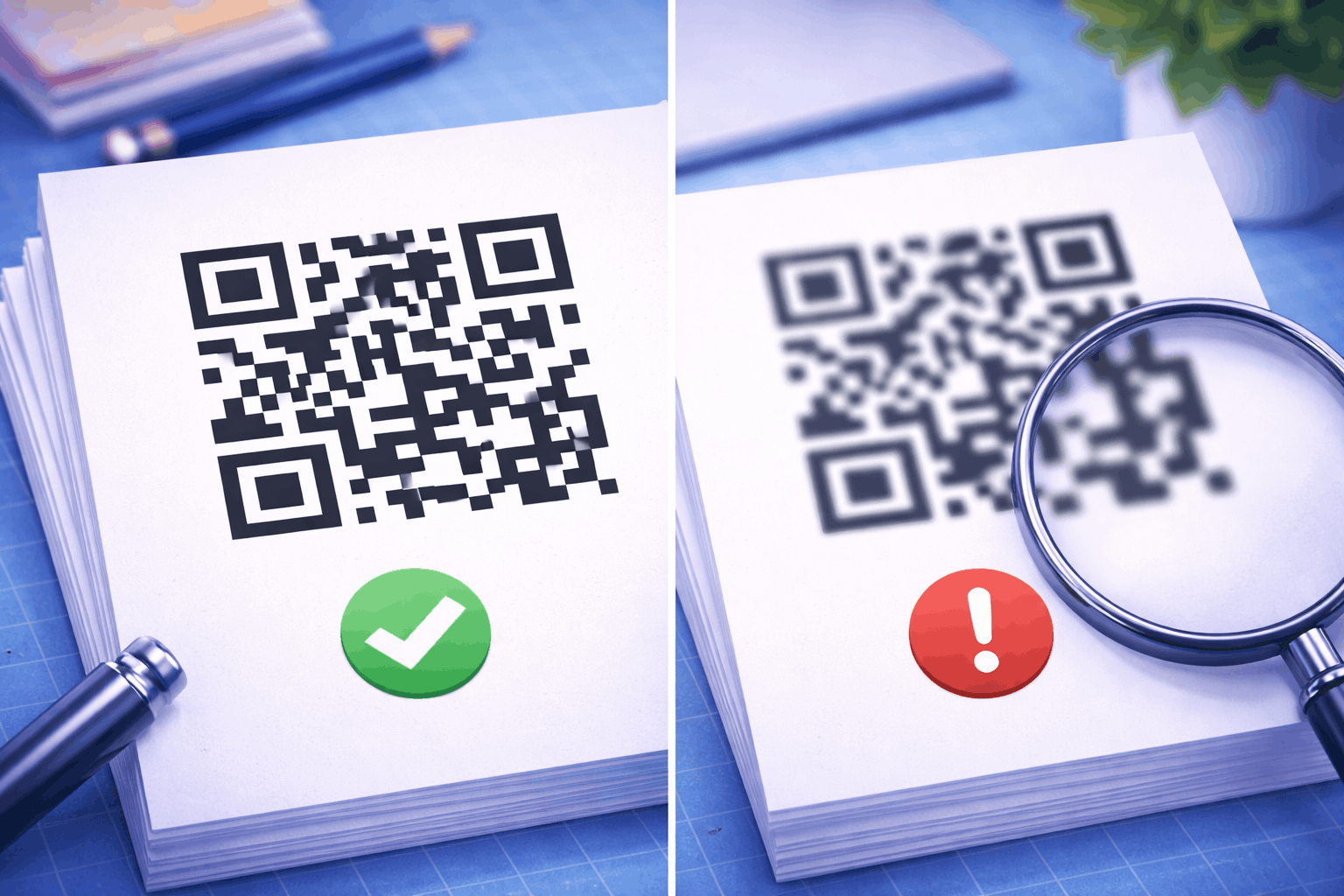

QR codes have four error correction levels: L recovers about 7% of the code, M about 15%, Q about 25% and H about 30%. A higher level survives more damage but makes the code denser for the same data.
Quick Summary
QR codes have four error correction levels. L recovers about 7% of the code, M about 15%, Q about 25% and H about 30%, so a code at a higher level still scans after more damage.
The price is size. More recovery data leaves less room for your content, so the same link needs a denser code at H than at L. You do not have to choose: the free QR code generator sets Q for plain codes and H when your design adds a logo or heavy styling.
Table of Contents
- What is QR code error correction?
- How error correction works inside a QR code
- The four levels at a glance
- The same code at L, M, Q and H
- When should you use each level?
- How the Enqode generator picks a level
- Limits of error correction
- FAQ
What Is QR Code Error Correction?
Error correction is spare data stored inside every QR code so a phone can rebuild the parts it cannot read. It is the reason a scratched, creased or partly covered code usually still scans.
The amount of spare data is fixed when the code is made, and the QR standard offers four amounts, named L, M, Q and H. Once the code is printed, its level cannot change. If you want a refresher on how the grid of squares holds data in the first place, read how QR codes work.
How Error Correction Works Inside a QR Code
The encoder adds recovery codewords next to your data, and the scanner uses them to repair codewords that come out wrong. Your data is split into bytes called codewords, and the recovery codewords are calculated with Reed-Solomon coding, the same family of maths that lets a scratched CD still play.
When a phone reads the code, it compares the two sets. Any codeword that was smudged, torn, faded or covered can be worked out again from the recovery data, up to the limit the level allows. Beyond that limit, the scan fails.
The Four Levels at a Glance
Each level trades data space for damage tolerance. The table shows how much each recovers and how much data the largest QR code can hold at that level.
| Level | Recovers about | Most data in the largest code (version 40) | Best for |
|---|---|---|---|
| L (Low) | 7% of codewords | 2,953 bytes | Clean indoor print and screens |
| M (Medium) | 15% of codewords | 2,331 bytes | General use |
| Q (Quartile) | 25% of codewords | 1,663 bytes | Outdoor use and wear |
| H (High) | 30% of codewords | 1,273 bytes | Logos and heavy styling |
The percentages are shares of the codewords that can be restored. They are not a promise that you can cover 30% of the printed square with anything you like, because where the damage lands matters as much as how much there is. The capacity column shows the cost: version 40 holds 2,953 bytes at L but only 1,273 at H.
The Same Code at L, M, Q and H
A higher level makes the same content need a bigger grid. We encoded one 50 character link at each level and drew all four with the same module size, so the only change between the images is the error correction level.


The link was https://enqodeqr.com/blogs/how-to-create-a-qr-code. At L it fits in a 29 by 29 grid, and at H it needs 41 by 41. QR codes come in fixed sizes called versions, each four modules wider than the last, and the encoder picks the smallest version that holds the data plus its recovery codewords. With a different amount of data, two neighbouring levels can land on the same version, so the step is not always visible.
That growth is the real cost of a higher level. If the printed code stays the same width, each module at H is smaller than at L, so it needs a sharper print and a steadier scan. If the modules stay the same size, the code at H takes up more room. Either way, more error correction raises the smallest size you can safely print the code at.
The amount of data matters just as much. A long URL pushes the version up at every level, so the shorter your content, the smaller and easier to scan the code will be.
When Should You Use Each Level?
Pick the lowest level that still covers the damage the code will face. Denso Wave, the company that invented the QR code, says level M is the one most often selected, and suggests Q or H where codes get dirty and L for clean settings with a lot of data.
L: clean indoor print and screens
Level L gives the smallest code for a given amount of data. It suits codes that stay clean, flat and well lit, such as a page in a printed report or a code shown on a screen. With only about 7% to spare, it has little margin for a crease, a smudge or glare.
M: general use
M is the middle ground, with roughly twice the recovery of L for a modest increase in size. It suits everyday print that sees light handling, such as business cards, indoor posters and packaging that stays dry.
Q: outdoor use and wear
Q can recover about a quarter of the codewords. Choose it when the code will face weather, frequent handling or a surface that scuffs: outdoor signs, shipping labels, stickers, table tents and menus.
H: logos and heavy styling
H recovers about 30%, the most the standard offers. Use it when part of the code is covered on purpose, as with a logo in the middle, or when the design makes modules harder for a camera to read, such as round dots or a colour gradient. It also makes the largest code for your data.
How the Enqode Generator Picks a Level
The Enqode generator sets the level from your design, and it only uses Q or H. You never pick a level by hand, so every code starts with about a quarter of its codewords spare.
Q is the default. A code with solid colours, no logo and the standard patterns and eye shapes is drawn at Q. That gives a code on a sign, a sticker or a menu some margin when it gets scuffed.
The generator switches to H when your design includes any of these:
- A logo. The logo sits over the centre and the modules beneath it are not drawn, so error correction has to rebuild them.
- The Dots pattern. Separated round dots carry less ink than full squares and need strong contrast to read.
- A gradient. A colour fade can leave parts of the code with less contrast against the background.
- The Leaf or Dot Grid eye. These two custom shapes replace the standard corner squares.
The other six eye shapes keep the code at Q: Square, Rounded, Dots, Square + Dot, Rounded + Square and Dot + Square. The eye called Dots is a different setting from the Dots pattern, and only the pattern moves the code to H.
Because H holds less data than Q, the level also sets how much content fits. A code at Q can hold up to 1,663 bytes and a code at H up to 1,273. If you add a logo or another H style after entering long text, the generator shows how many bytes your content takes against the new limit, so you can shorten it or drop the style.
Limits of Error Correction
Error correction repairs damaged data, but it cannot rescue a code the camera cannot find or see. Three things stop a scan at any level.
The three large squares in the corners, the finder patterns, are how the scanner locates the code before it reads any data, so heavy damage there can stop a scan even at H. Low contrast and a missing quiet zone, the empty margin around the code, cause the same trouble. And a code printed too small for its density will fail long before its recovery data runs out.
For a code that scans first time, keep the content short, use dark modules on a light background, leave a clear margin around the code and test it on a couple of phones before a large print run. Our guide on printing QR codes without losing quality covers file formats and paper.
FAQ
Conclusion
Error correction is what lets a QR code survive a scuff, a crease or a logo. Each step from L to H adds recovery data and makes the code denser, so the right level depends on where the code will be used. In Enqode QR that choice is made for you, with Q for plain codes and H for styled ones.