A multi-URL QR code is a type of QR code that can open different links from a single scan based on rules such as user choice, location, device, or time. Instead of linking to just one destination, it allows multiple URLs to be managed through one QR code. This guide explains how multi-URL QR codes work, their benefits, common use cases, and how to create them effectively.
What Is a Multi-URL QR Code
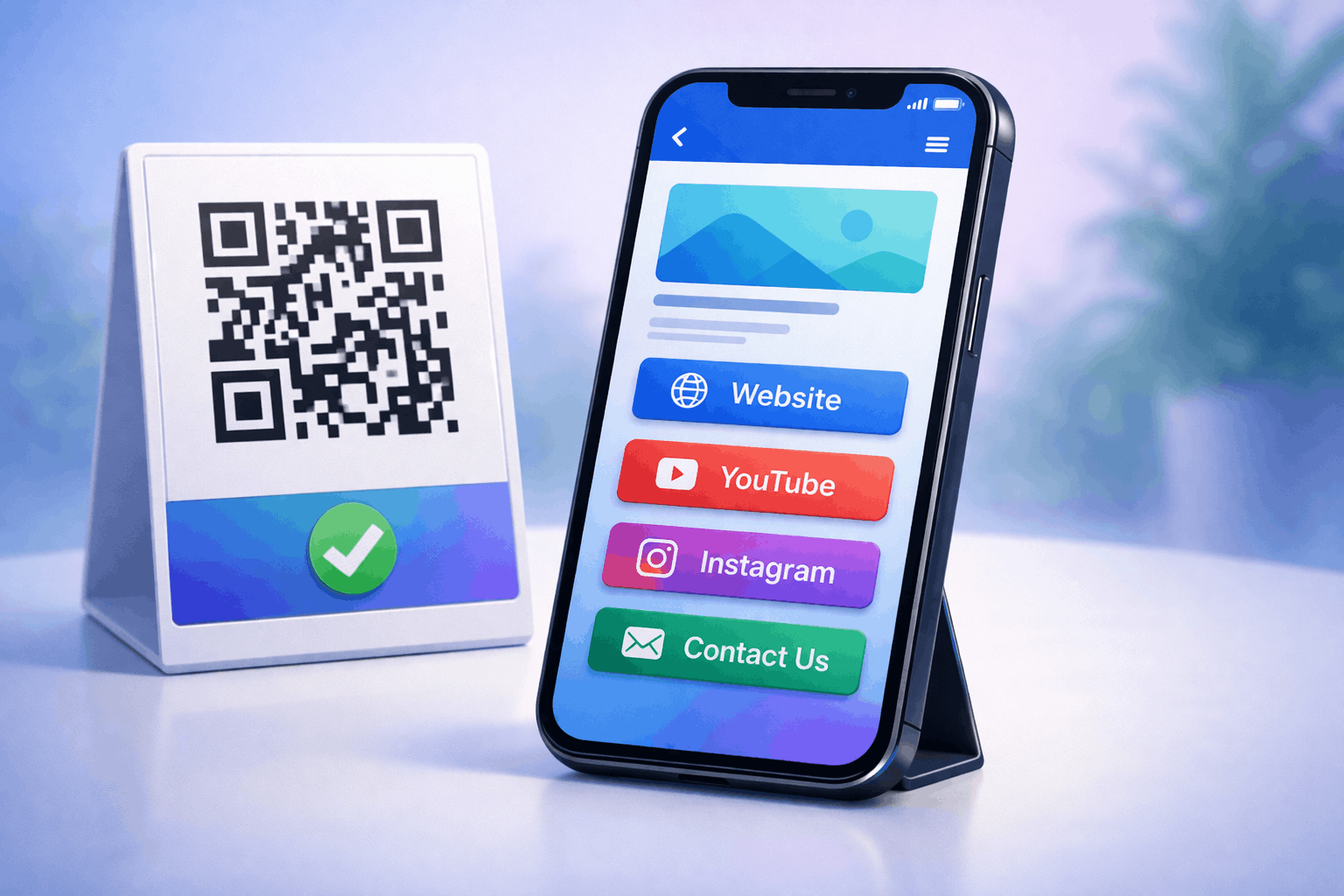
A multi-URL QR code is a QR code that can redirect users to more than one web destination. Depending on how it is configured, the same QR code can open different links for different users.
This flexibility makes multi-URL QR codes useful for campaigns, businesses, and scenarios where one static link is not enough. Instead of printing multiple QR codes, a single code can handle multiple destinations.
Multi-URL QR codes are commonly used in marketing, events, product packaging, and global campaigns.
How Does a Multi-URL QR Code Work
A multi-URL QR code works by routing users through a central redirect system. When someone scans the QR code, rules determine which URL should open.
These rules can be based on factors such as device type, geographic location, language preference, or user selection from a list of links.
Because the logic happens after the scan, multi-URL QR codes are typically dynamic. This makes them more flexible than traditional single-destination QR codes.
Static vs Dynamic Multi-URL QR Codes
Static multi-URL QR codes store all link information directly inside the QR code. Once created, the links cannot be changed.
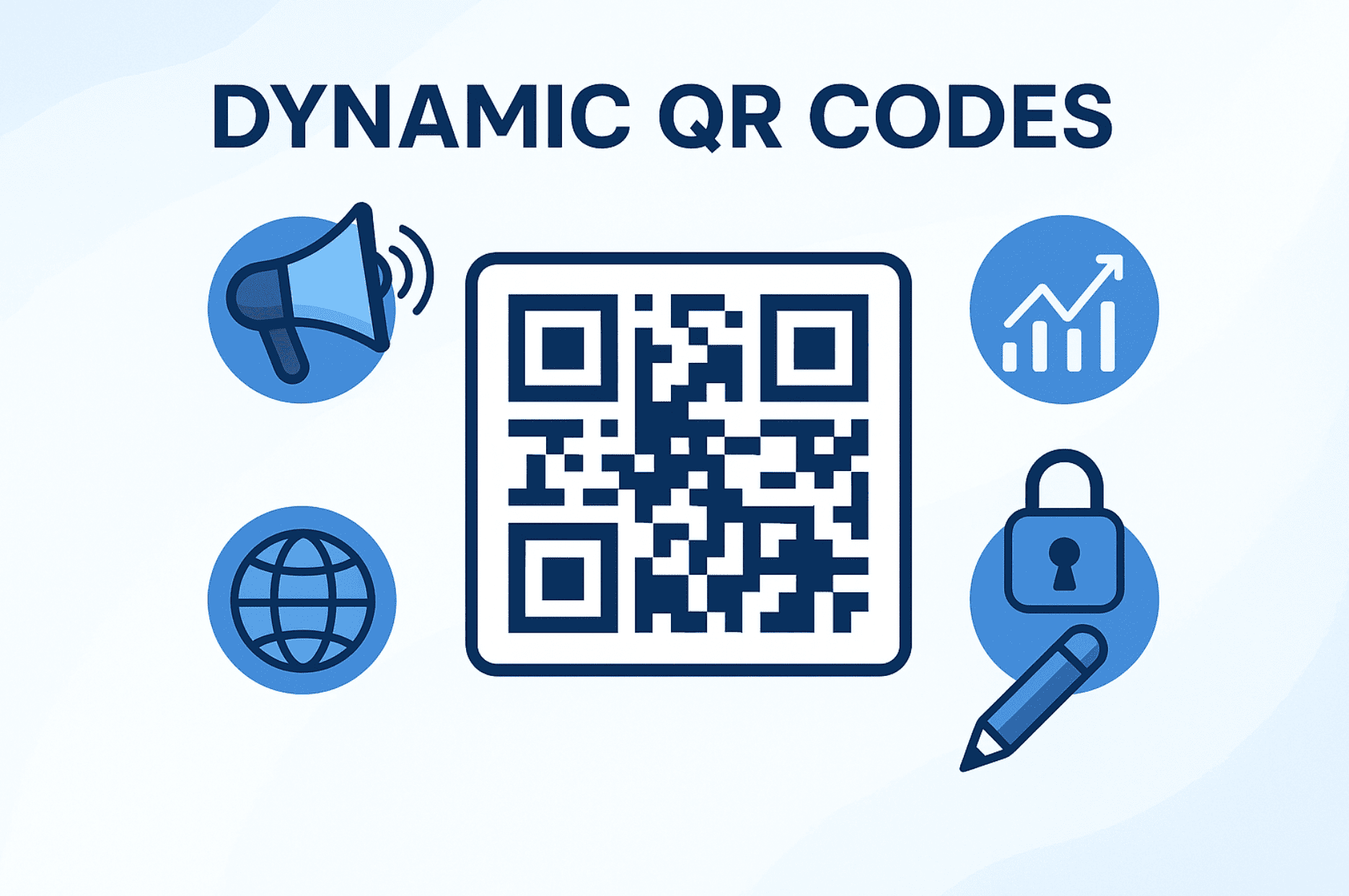
Dynamic multi-URL QR codes allow you to manage, update, or reorder links even after the QR code has been shared or printed. This makes them ideal for long-term or evolving campaigns.
Understanding this difference is important when choosing the right setup. A deeper comparison is available in Types of QR Codes Static vs Dynamic What’s the Difference.
How to Create a Multi-URL QR Code Step by Step
Creating a multi-URL QR code follows a simple three-step process and is similar to creating a social media QR code.
Choose your QR code Type: Select the multi-URL option from the available QR Code Types so the QR code can display multiple links when scanned.
Enter your details and Customize: Add all the URLs you want to include, such as a website, landing page, product page, or campaign link. You can organize the links clearly and customize the QR code design while ensuring it remains easy to scan.
Download and Share: Generate the QR code, download it in your preferred format, and test it across multiple devices before sharing it digitally or using it in print.
Tools like the Multi-URL QR Code Generator on Enqode QR follow this same flow, making it easy to manage multiple links within a single QR code.
Key Benefits of Using Multi-URL QR Codes
One major benefit of multi-URL QR codes is flexibility. A single QR code can serve multiple purposes without needing reprints.
They also improve user experience by directing users to the most relevant content based on context. This reduces friction and increases engagement.
For businesses, multi-URL QR codes simplify campaign management and allow better control over destinations.
Practical Use Cases for Multi-URL QR Codes
Multi-URL QR codes are commonly used in marketing campaigns where different audiences need different landing pages.
They work well for international campaigns by directing users to region-specific websites or languages. Events often use them to link to schedules, registrations, or feedback forms.
They are also effective for product packaging, where one QR code can lead to manuals, videos, or support pages. These scenarios align well with QR Code Generator for Business use cases.
Common Mistakes When Using Multi-URL QR Codes
One common mistake is adding too many links, which can overwhelm users. It is better to keep link choices clear and focused.
Another mistake is failing to test redirection rules across devices and locations. This can result in incorrect links opening.
Some users rely on static QR codes when links are likely to change. In such cases, dynamic multi-URL QR codes are a better option.
Frequently Asked Questions
- What is the difference between a Multi-URL QR code and a regular QR code?
A regular QR code links to one destination, while a multi-URL QR code can redirect users to different links based on rules or selection.
- Are multi-URL QR codes dynamic?
Most multi-URL QR codes are dynamic because they rely on redirection logic that can be updated over time.
- Can I track scans on a multi-URL QR code?
Yes, dynamic multi-URL QR codes typically support scan tracking and analytics.
- Where should I use a multi-URL QR code?
They are ideal for marketing campaigns, global promotions, events, and any scenario where multiple destinations are needed.
Conclusion
Multi-URL QR codes offer a powerful way to manage multiple destinations through a single QR code. By understanding how they work, choosing the right type, and following best practices, businesses and marketers can create flexible, scalable, and user-friendly QR experiences. When used correctly, multi-URL QR codes reduce complexity while increasing control and engagement.