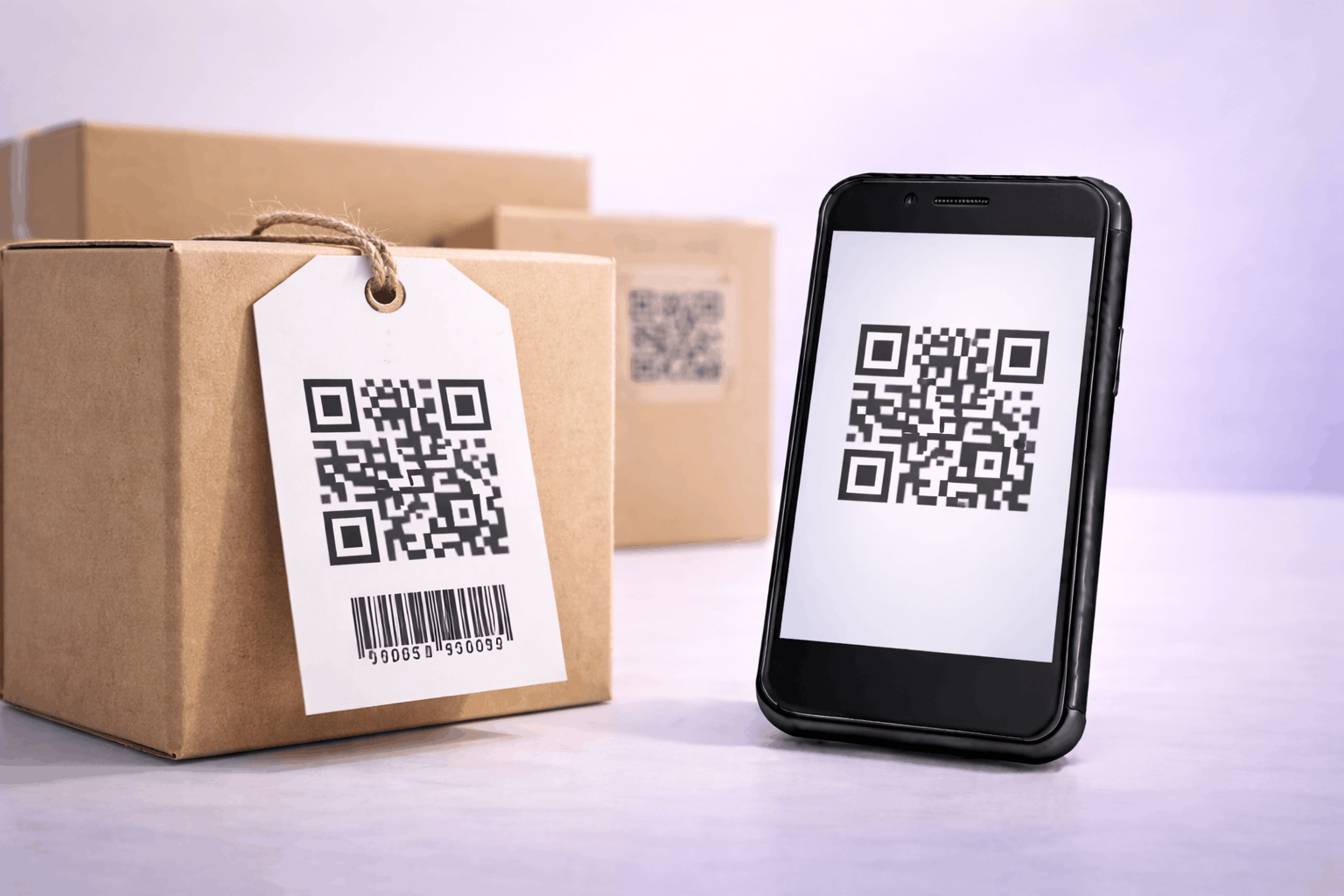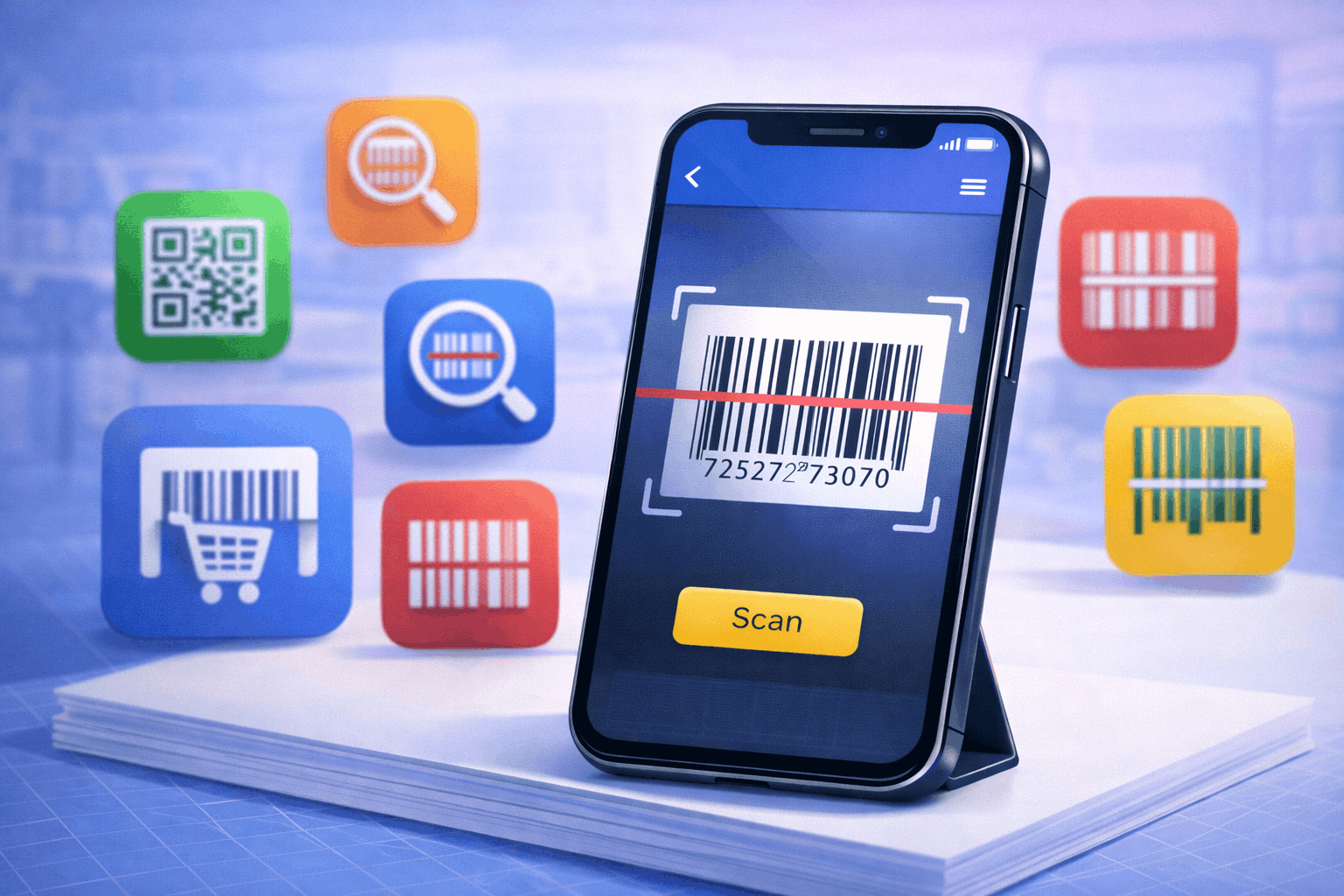
Most modern smartphones can scan barcodes and QR codes using built-in camera features, but dedicated barcode scanner apps still offer advanced functionality like product lookup, scan history, batch scanning, and offline support. This guide explains how barcode scanner apps work and compares the best barcode scanner apps for Android and iOS with detailed pros and cons.
How Barcode Scanner Apps Work
Barcode scanner apps use your phone camera to detect and decode one-dimensional and two-dimensional codes. These apps analyze patterns in the barcode and translate them into readable information such as product numbers, URLs, or text.
Most smartphones today support basic scanning through the camera app or system tools like Google Lens. These native options work well for quick scans but usually lack advanced features such as scan history, offline mode, or product comparisons.
Dedicated barcode scanner apps provide more control and functionality, making them useful for frequent scanning, shopping, inventory checks, or professional use cases. To understand the underlying scanning process, How Do QR Codes Work The Technology Behind the Black and White Squares explains the technical foundation in detail.
Top Cross-Platform Barcode Scanner Apps (Android and iOS)
These apps work reliably on both Android and iOS devices and support barcode as well as QR code scanning.
Google Lens
Pros: Google Lens is built into many Android devices and available on iOS through Google apps. It scans barcodes quickly and provides contextual information such as product details or search results.
Cons: It is designed for general visual search, not dedicated barcode workflows. Features like scan history and offline scanning are limited.
NeoReader QR & Barcode Scanner
Pros: NeoReader supports a wide range of barcode formats and offers fast and accurate scanning. It has a clean interface and works well across platforms.
Cons: Some advanced features may require in-app purchases, and customization options are limited.
ShopSavvy
Pros: ShopSavvy is excellent for price comparison and product lookup. It scans barcodes and shows pricing from multiple retailers.
Cons: It is heavily shopping focused and not ideal for users who only want simple barcode scanning.
Kaspersky QR Scanner
Pros: This app emphasizes security and checks scanned links for malicious content. It is useful for users concerned about unsafe QR codes.
Cons: It focuses more on QR code security than barcode specific workflows and lacks advanced scanning features.
Best Barcode Scanner Apps for Android
These apps are optimized specifically for Android devices.
Barcode Scanner (ZXing Team)
Pros: This app is lightweight, open source, and highly reliable. It supports many barcode formats and works offline.
Cons: The interface is basic and lacks modern design elements or advanced features.
QR & Barcode Reader (TeaCapps)
Pros: It offers fast scanning, a clean interface, and scan history. It supports both barcodes and QR codes effectively.
Cons: Ads may appear in the free version, and some features are locked behind upgrades.
QR Code Reader & Barcode Scanner (Gamma Play)
Pros: This app is user friendly and supports batch scanning and history tracking. It works well for everyday scanning needs.
Cons: Performance may vary on older devices, and ads can be intrusive for some users.
Best Barcode Scanner Apps for iOS
These apps are tailored for iPhone and iPad users.
QR Reader for iPhone (Scan)
Pros: This app integrates well with iOS and provides fast, accurate scanning. It includes scan history and sharing options.
Cons: Some features require a paid version, and customization options are limited.
QR Code Reader (TinyLab)
Pros: TinyLab offers a simple interface and reliable scanning performance. It supports multiple barcode formats and works well for casual users.
Cons: Advanced features are minimal, and it lacks detailed product lookup.
QuickMark
Pros: QuickMark supports both QR codes and traditional barcodes. It offers batch scanning and export features.
Cons: The interface feels outdated, and updates are less frequent compared to newer apps.
How to Choose the Right Barcode Scanner App
Choosing the right barcode scanner app depends on your needs. If you scan occasionally, native camera features or Google Lens may be enough.
For frequent scanning, inventory tasks, or shopping comparisons, dedicated apps with scan history and offline support are better. Security conscious users should prefer apps that verify scanned links.
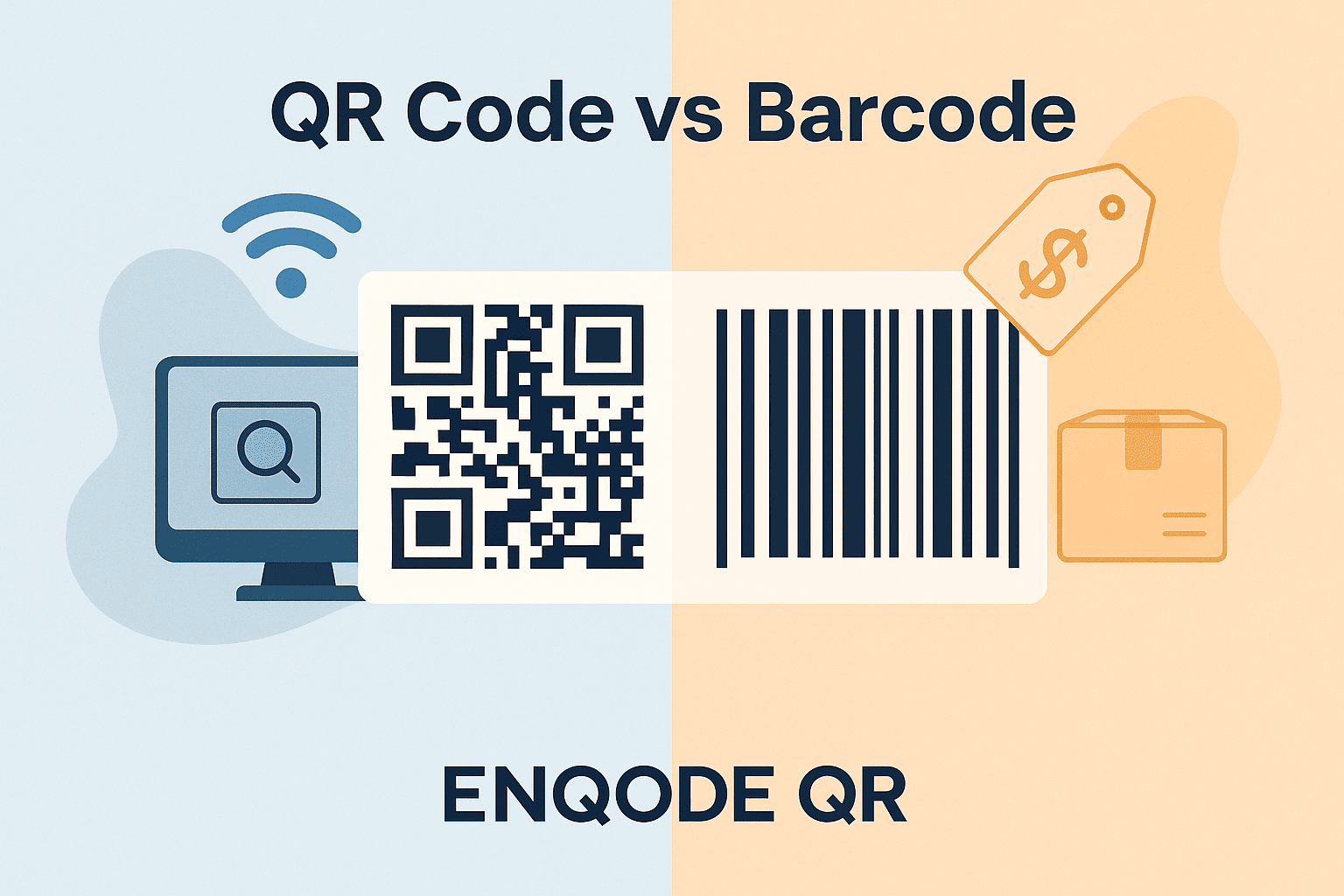
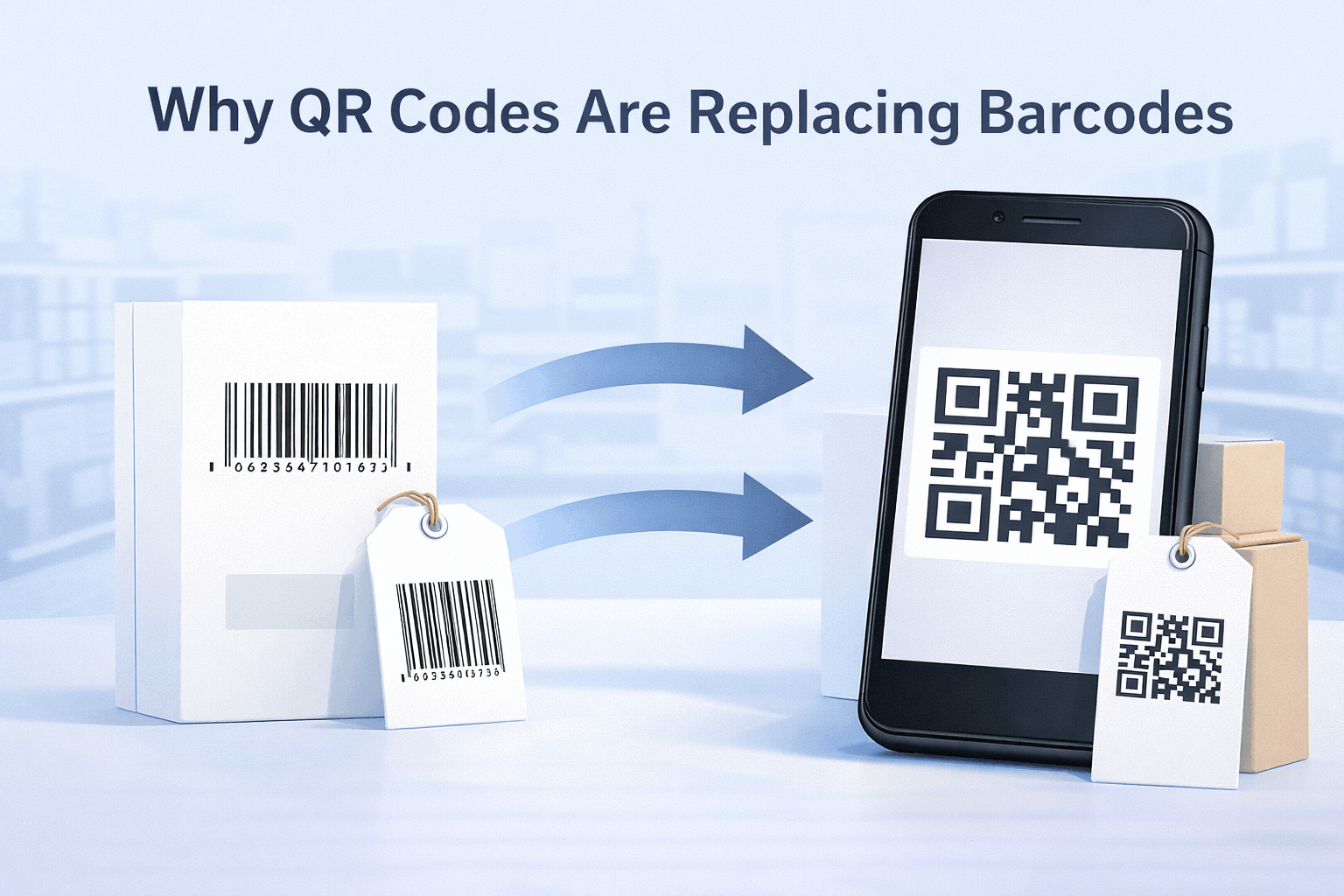
Understanding the difference between barcode and QR scanning also helps. QR Code vs Barcode What's the Difference explains which technology fits different use cases.
Frequently Asked Questions
- Do I need a barcode scanner app if my phone already scans codes?
Not always. Built-in scanning works for basic use, but apps provide additional features like history and offline scanning.
- Are barcode scanner apps safe?
Most reputable apps are safe, but users should review permissions and avoid unknown developers. For safety tips, see Are QR Codes Safe Security Risks and Best Practices.
- Can barcode scanner apps scan QR codes as well?
Yes, most modern barcode scanner apps support both barcodes and QR codes.
- Which barcode scanner app is best for shopping?
Apps like ShopSavvy are best for shopping because they provide price comparisons and product details.
Conclusion
Barcode scanner apps extend the capabilities of native smartphone scanning by offering advanced features, better organization, and specialized workflows. Whether you need simple scans, shopping comparisons, or offline functionality, choosing the right app depends on how often and why you scan barcodes. Understanding your needs helps you select the most effective tool.