This guide explains how to create a payment QR code that lets users complete payments instantly by scanning a QR code. You’ll learn what a payment QR code is, what you need before creating one, how to generate it step by step, best practices to follow, and common mistakes to avoid.
What Is a Payment QR Code
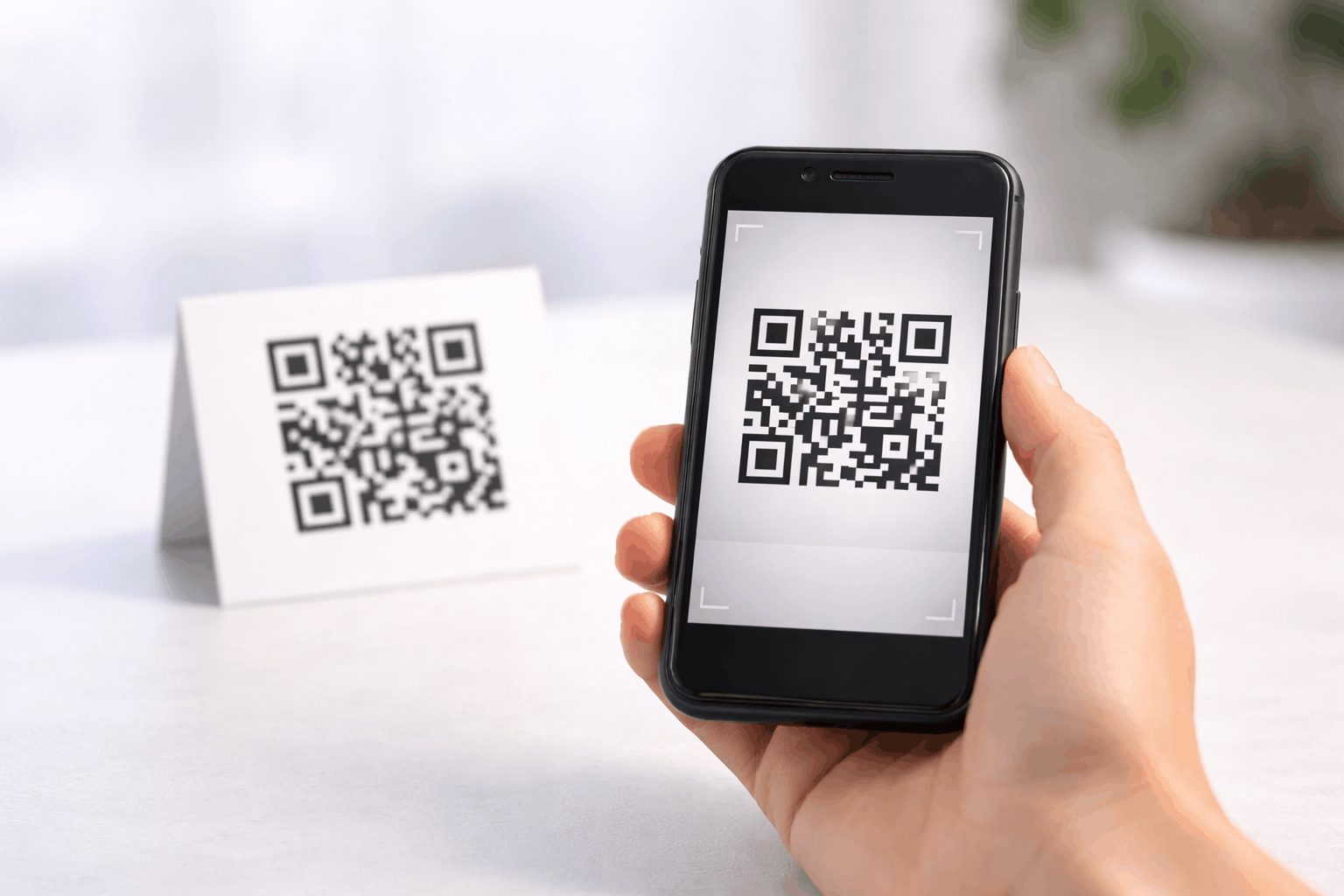
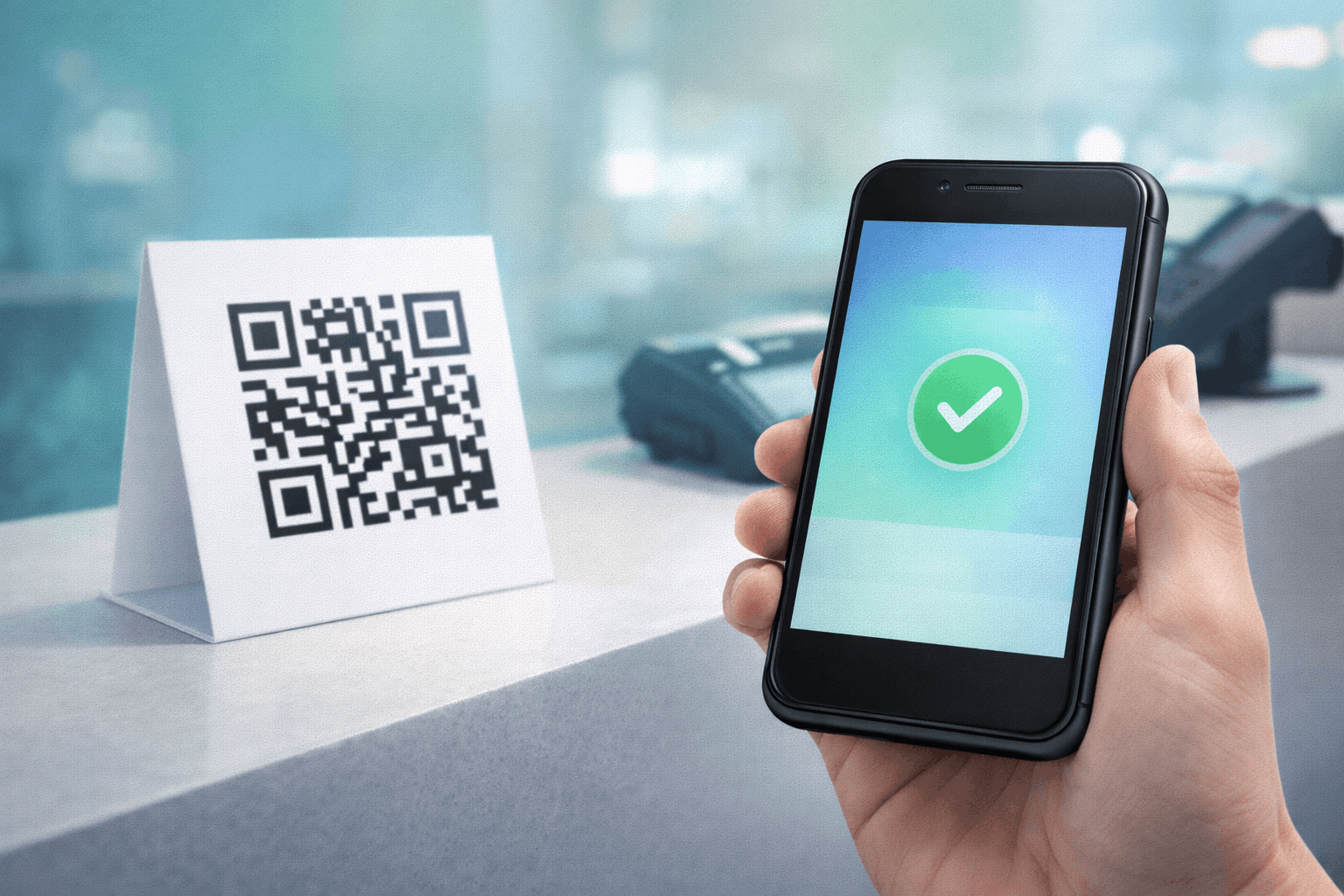
A payment QR code is a type of QR code that allows users to make a payment by scanning it with their smartphone. When scanned, the QR code opens a payment page or payment link where the user can complete the transaction securely.
Payment QR codes are widely used to simplify transactions and reduce the need for cash or manual payment details. They are commonly used by businesses, freelancers, and individuals to accept payments quickly and conveniently.
What You Need Before Creating a Payment QR Code
Before creating a payment QR code, you need a valid payment URL. This could be a link generated by a payment gateway, digital wallet, or online payment platform that leads to a payment or checkout page.
You should also decide where the payment QR code will be used, such as at checkout counters, on invoices, packaging, websites, or printed materials. This helps determine the QR code size, design, and placement for easy scanning.
How to Create a Payment QR Code (Step-by-Step)
Creating a payment QR code follows a simple three-step process and requires a payment link.
- 1
Choose your QR code type: Select the payment option from the available QR Code Types so the QR code is configured for accepting payments.
- 2
Enter payment details & Customize: Add your payment URL and review the payment details to ensure accuracy. You can then customize the QR code design by adjusting color's or adding a logo while keeping scan reliability in mind.
- 3
Download & Share: Generate the QR code, download it in your preferred format, and test it by completing a sample payment before sharing it with customers.
Tools like the Payment QR Code Generator on Enqode QR follow this same flow, making it easy to accept payments through a simple scan.
Why Use a Payment QR Code
Payment QR codes make transactions faster and more convenient by eliminating the need for cash or manual payment entry. Customers can scan and pay within seconds using their smartphones.
They also help reduce errors, speed up checkout, and provide a seamless payment experience across both online and offline channels.
Common Use Cases of Payment QR Codes
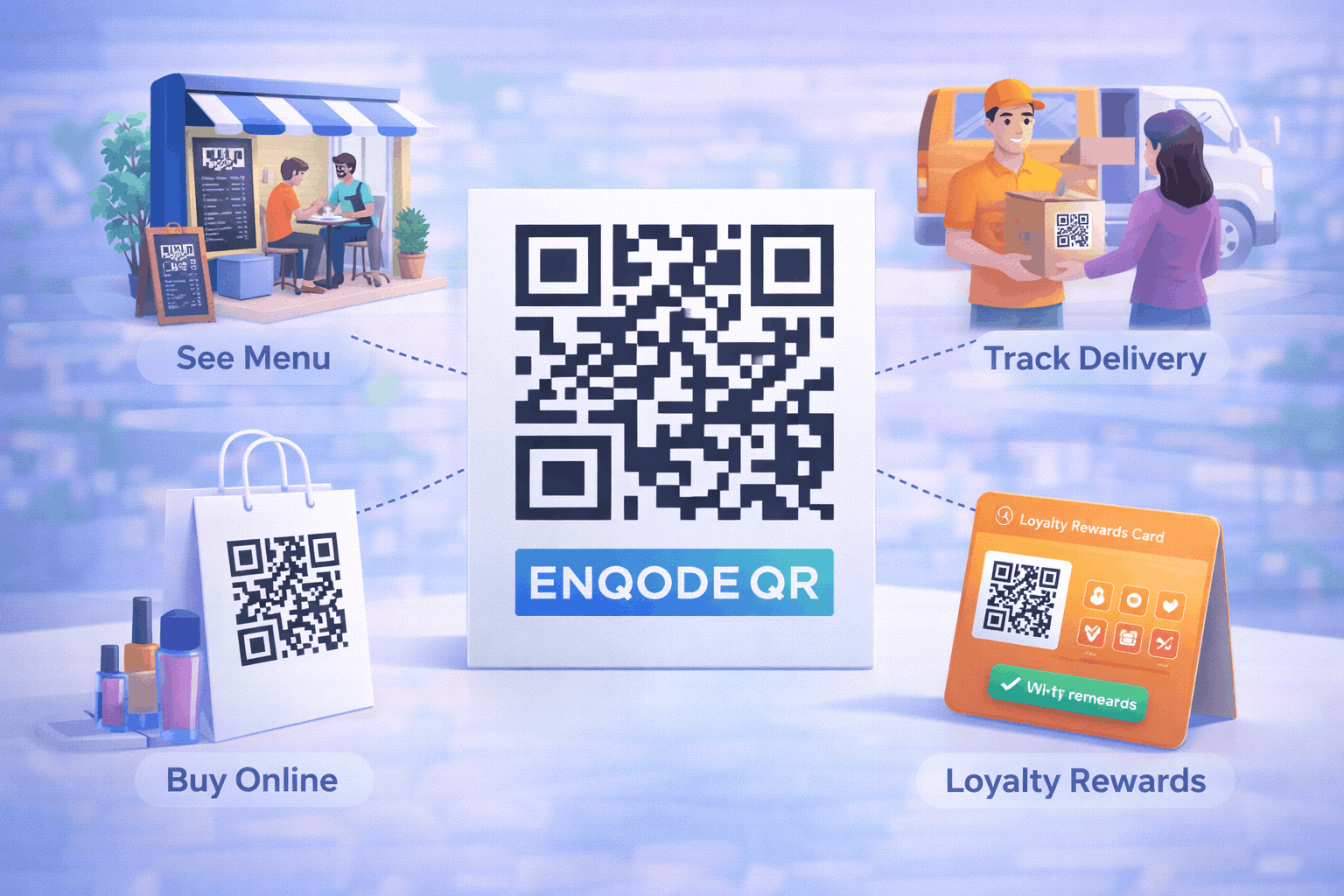
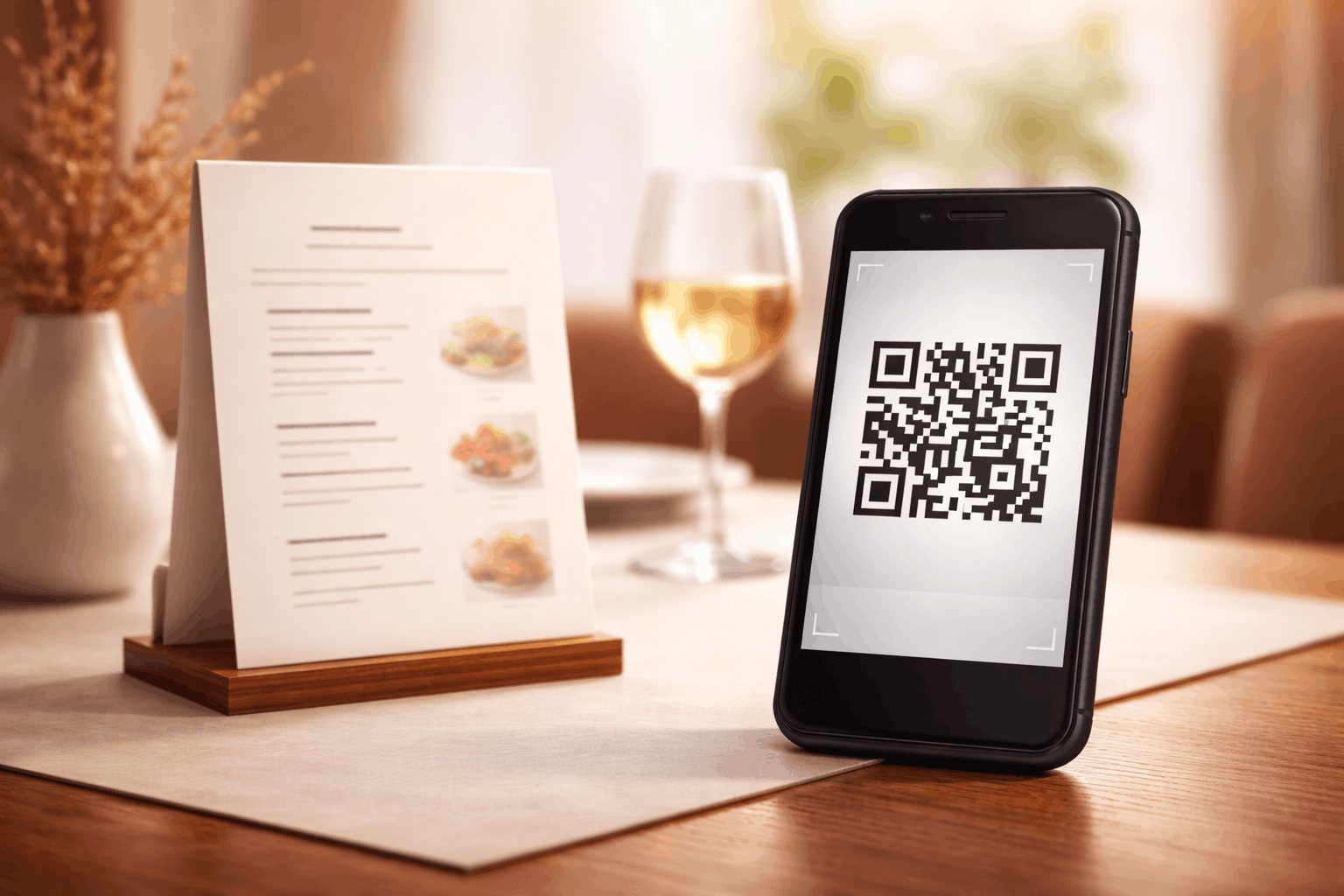
Payment QR codes are commonly used in retail stores, restaurants, cafés, and service businesses to accept payments at counters or tables. Freelancers and professionals use them on invoices and proposals to get paid faster.
They are also useful for events, donations, subscriptions, and online-to-offline payment scenarios.
Best Practices for Creating Payment QR Codes
Always test the payment link before generating and sharing the QR code to ensure it works correctly. Make sure the payment page is secure, mobile-friendly, and loads quickly.
Place the QR code in a visible and accessible location, use strong color contrast, and avoid overly complex designs that may affect scan performance.
Common Mistakes to Avoid
One common mistake is linking to an incorrect or expired payment URL, which can prevent users from completing payments. Another mistake is not testing the QR code after creation.
Placing payment QR codes in poorly lit areas or using low-contrast designs can also reduce scan success and frustrate users.
FAQs About Payment QR Codes
Most modern smartphones can scan QR codes directly using the camera.
Final Thoughts & Next Steps
Payment QR codes offer a fast and efficient way to accept payments without friction. By following best practices and testing before use, you can ensure a smooth payment experience for customers.
To start accepting payments through QR codes, you can use the Payment QR Code Generator on Enqode QR and create a payment QR code in just a few minutes.